Free Comic Maker
Make comics online for free — turn your ideas into AI panels
YarnSaga is a free online comic maker that runs in your browser — nothing to download. Create your characters, write your scenes, generate panels with AI, and share a public link, all on the free plan.
- Free online comic creator — works in your browser, no download
- Turn plain text into AI-generated comic panels
- Shareable public link for every story you publish
Made with YarnSaga
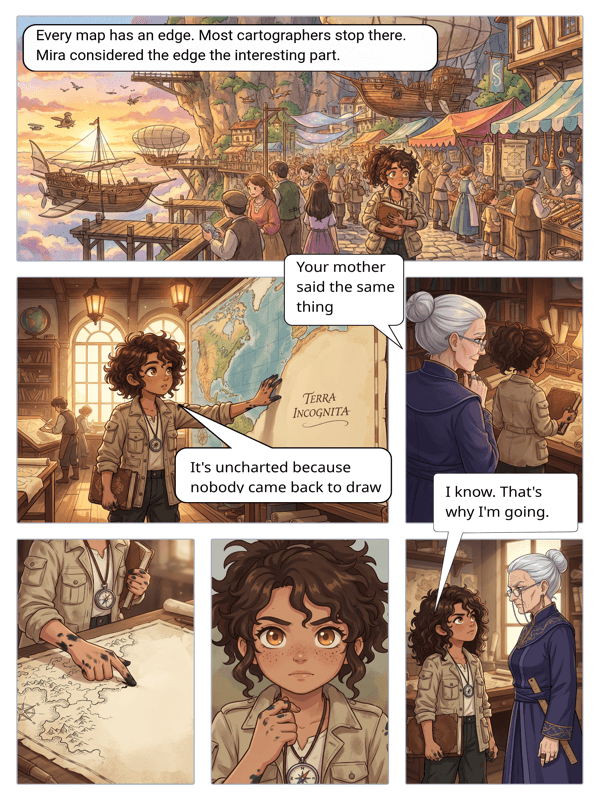
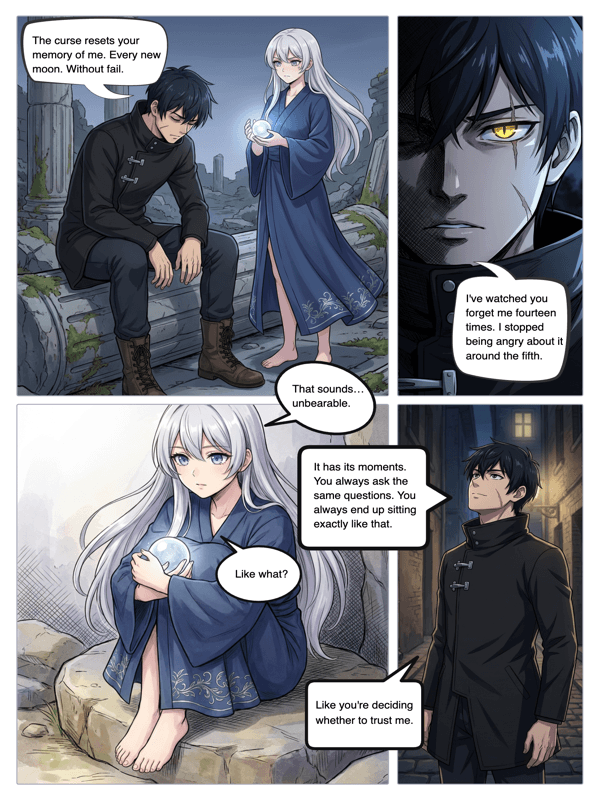
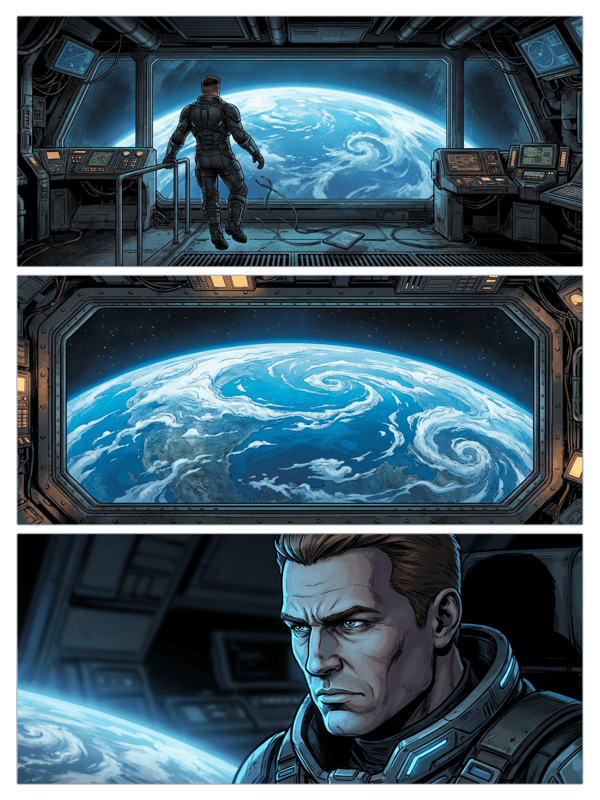
Real output from YarnSaga — characters stay consistent across every panel
How it works
Sign up free
Create your account with Google login. No payment info needed. You get immediate access to the comic editor, character creator, and AI generation.
Build your first comic
Create a character, choose an art style, and start writing panel descriptions. Your free plan includes generation credits to create real comic pages.
Share it
Publish your comic and share the link. Your story is publicly viewable by anyone — readers don't need an account to read what you create.
What you get
Free panel generation
Generate real AI comic panels on the free plan. See what the tool can do before you decide to upgrade.
Full character creator
Build detailed characters with appearance, personality, and visual reference — all available on the free plan.
Speech bubbles included
Add dialogue to any panel with the built-in speech bubble editor. No extra cost, no extra tools.
Public story sharing
Every story you publish gets a shareable link. Free users can share their work publicly.
Multiple art styles
Try different visual styles on the free plan to find the one that fits your story.
Upgrade when you're ready
No pressure to pay. Upgrade to a paid plan only when you need more generation credits or higher-resolution output.
Who uses this
First-time comic creators
Never made a comic before? The free plan is how you learn the tool, find your style, and tell your first story — before spending a dollar.
Students and hobbyists
Make comics for fun, for class projects, or for sharing with friends. Free is enough for casual use.
Creators evaluating tools
Not sure if YarnSaga is right for you? The free plan gives you real access — not a watered-down demo — so you can evaluate it properly.
Common questions
What exactly is free?
The free plan includes account access, the character creator, the comic editor, a set number of AI generation credits per month, speech bubbles, and public story sharing.
Do I need a credit card to sign up?
No. You sign up with Google login. No payment information is required until you choose to upgrade to a paid plan.
What are the limits on the free plan?
Free plan users get a starter pack of credits to try the product. A typical panel costs about 0.3 credits ($1 = ~3 panels). When you run out, you can upgrade by buying more credits at any time.
Can I keep using the free plan forever?
Yes. There is no trial period. The free plan does not expire. You can create and publish comics on the free plan indefinitely.
What do I get if I upgrade?
Paid plans include more monthly generation credits, higher-resolution exports, and priority generation speed.
Is this an online comic creator, or do I need to download anything?
YarnSaga is a fully online comic maker — it runs in your browser. There is nothing to download or install. Sign in with Google and start creating comics right away from any computer.
Can I turn text into a comic for free?
Yes. Describe what happens in each panel in plain text and the AI generates the artwork for you. You can even ask the AI to suggest scenes — so you go from a written idea to finished comic panels without drawing anything, all on the free plan.
Is this a free comic generator and free comic book creator too?
Yes — it is the same tool whether you call it a free comic maker, a free comic generator, or a free comic book creator. Generate single panels, multi-panel strips, or complete multi-page comic books with covers and chapters, all on the free plan with no credit card.
Is there really a free online comic maker with no download?
Yes. YarnSaga is a fully online comic creator that runs in your browser — there is nothing to download or install, and no watermark on your panels. Sign in with Google and start making comics free from any computer.
Ready to make your comic?
Free to start. No drawing skills needed. Your characters stay consistent — automatically.
Start free