Comic Gen
Describe it. Generate it. Your comic panel in under a minute.
Comic gen is exactly what it sounds like: you describe a comic panel, the AI generates it. But there's a problem every comic generator runs into — generate two panels of the same character and they look like two different people. YarnSaga fixes that before generation starts. Define your characters once. Then generate panel after panel and they stay consistent — same face, same costume, same world.
- Generate comic panels from plain English descriptions
- Characters stay consistent across every generated panel
- Results in under 60 seconds per panel
Made with YarnSaga
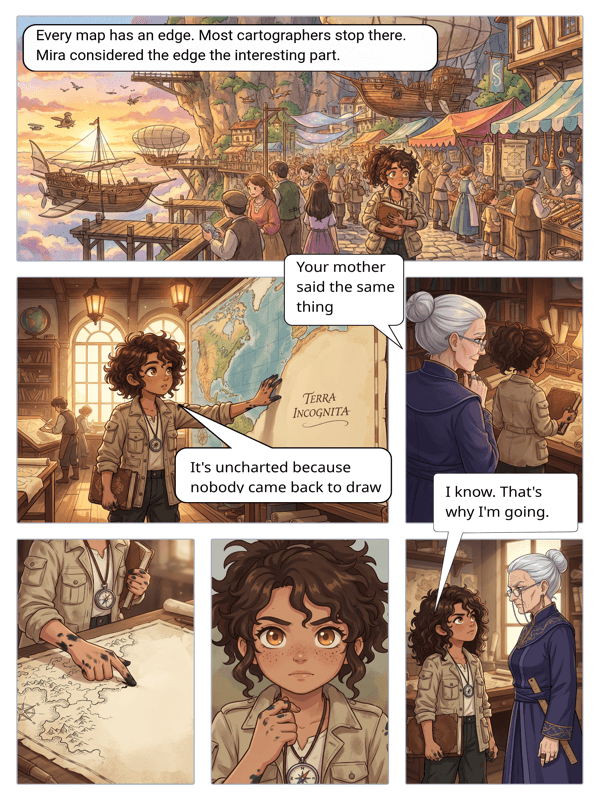
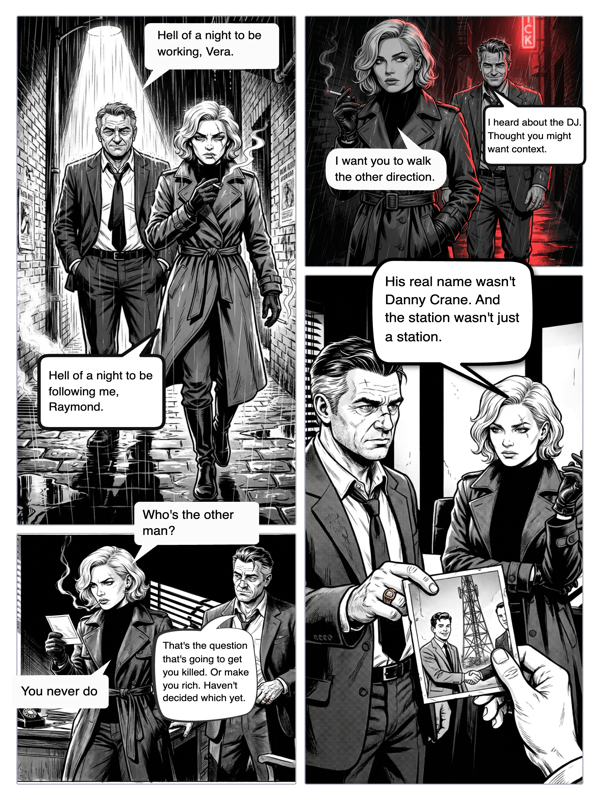
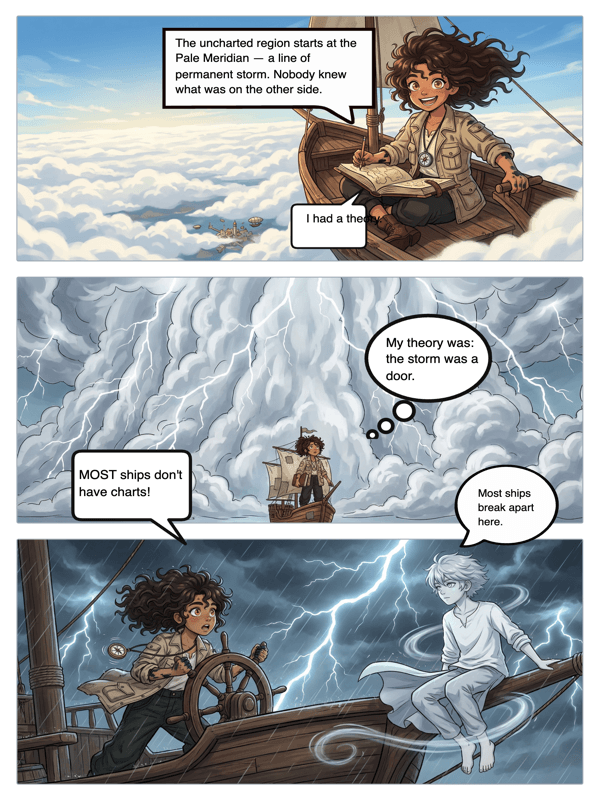
Real output from YarnSaga — characters stay consistent across every panel
How it works
Describe your characters
Before generating panels, tell YarnSaga who's in your story. Each character's description becomes a visual anchor. From this point on, every panel featuring that character uses the same reference — no drift, no randomness.
Describe the panel and generate
Write what you want to see: "Mira stands at the edge of the rooftop, looking down at the city lights below, wind in her hair, cape billowing." Hit generate. The panel appears in under 60 seconds.
Add speech bubbles and publish
Drop in any dialogue with the built-in bubble editor. Stack panels into pages. When you have enough, publish and share — one link, full comic.
What you get
Instant panel generation
Each panel generates in 30–60 seconds. Write the description, hit generate, watch the panel appear. Generate multiple panels at the same time — async generation means you're never waiting one-by-one.
Consistent characters, not random each time
Every other comic gen tool gives you a different-looking character each time you generate. YarnSaga's reference system means generate 50 panels and your protagonist looks the same in all of them.
19 art styles to generate in
Pick the style before you generate: manga, superhero, noir, webtoon, Studio Ghibli, horror, retro comic, chibi, and more. Switch styles between stories — the same character description generates differently in each one.
Plain English — no prompt engineering
Comic gen with YarnSaga requires no knowledge of prompt syntax, seed values, CFG settings, or model-specific keywords. Describe the scene like you'd describe it to a human artist.
AI validates before generating
Before each generation, AI checks the scene description for quality and content. It flags unclear descriptions, suggests improvements, and catches any content that would fail generation — saving you a wasted credit.
Generate props and vehicles too
Characters aren't the only things that need to stay consistent. Define props — a specific ship, a weapon, a car — and they appear the same way every time they're included in a scene.
Who uses this
First-time comic creators
You want to try making a comic. You don't want to learn Midjourney prompt syntax or Photoshop panel layout. YarnSaga is plain English to finished panel — as simple as comic gen gets.
Writers who think in scenes
If you can write a scene direction, you can generate a comic panel. YarnSaga's plain English interface is built for writers, not designers or AI enthusiasts.
Rapid prototypers and story visualizers
Generate a rough visual version of your story quickly — to pitch it, to share with collaborators, or to figure out what your comic actually looks like before committing to a full production.
Common questions
How fast does comic gen happen?
Each panel generates in 30–60 seconds depending on the complexity of the scene and server load. You can queue multiple panels and they generate in parallel — so a 4-panel page can be done in under 2 minutes.
Do I need to know anything about AI prompting?
No. YarnSaga is built for people who want to make comics, not people who want to learn AI. Describe your scene in plain English — the same way you'd describe it to a friend — and the AI handles the rest.
Why do other comic gen tools produce inconsistent characters?
Most image generators have no memory between generations. Every time you generate, the model starts fresh — so even with the same description, you get a slightly different character. YarnSaga avoids this by creating a visual reference sheet first, which anchors every subsequent generation.
Is there a limit to how many panels I can generate?
Generation is credit-based. Each panel costs about 0.3 credits. Credits are valid for six months — buy them once, use them at your own pace.
Can I generate comics for commercial use?
Yes. Comics you create with YarnSaga are yours to use commercially — publish, sell, or license as you see fit.
Ready to make your comic?
Credit packs from $6, no subscription. No drawing skills needed. Your characters stay consistent — automatically.
Start creating