Comic Strip Generator
Generate comic strips with consistent characters — no drawing required
Turn any idea into a multi-panel comic strip. Describe your characters once, then write what happens in each panel — YarnSaga handles the art. Every panel matches, every time.
- Characters stay identical across all panels
- Choose from 2-panel strips to full 8-panel pages
- Multiple art styles: anime, cinematic, illustrated, watercolor
Made with YarnSaga
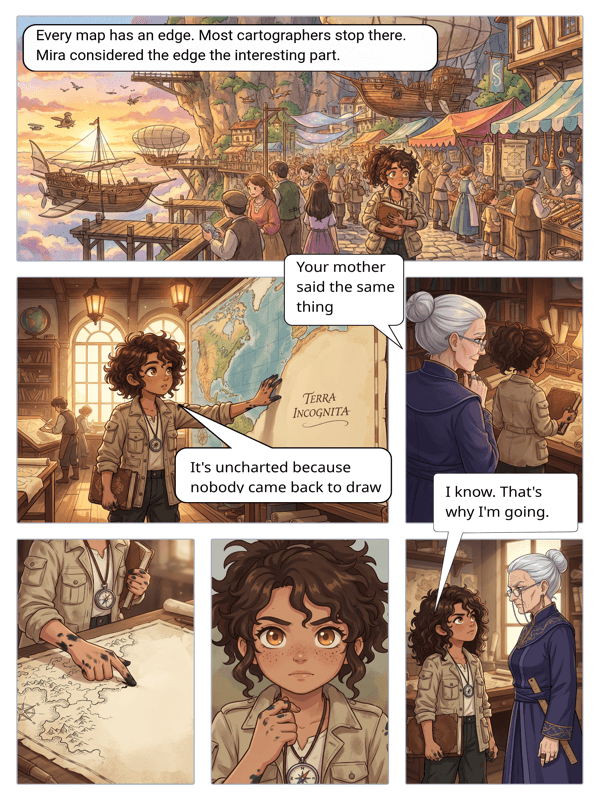
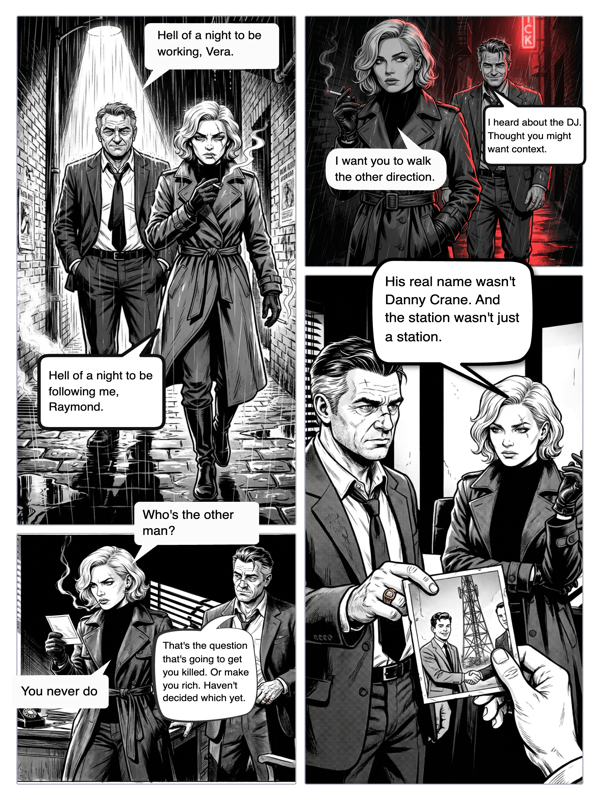
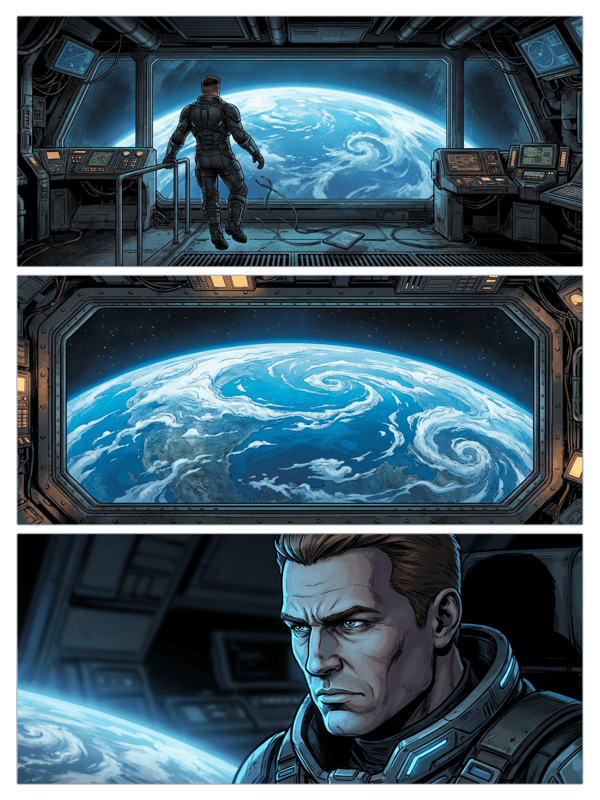
Real output from YarnSaga — characters stay consistent across every panel
How it works
Define your characters
Upload a photo or describe your character in detail. YarnSaga locks in their appearance — face, outfit, proportions — so they look the same in every panel.
Pick your panel layout
Choose how many panels your strip needs. 2-panel for a quick gag, 4-panel for a classic strip structure, or a full page for more complex storytelling.
Write the scenes, get the art
Type what happens in each panel. The AI generates artwork that matches your description, your characters, and your chosen art style — consistently.
What you get
Character lock-in
Define a character once. They look the same in panel 1 and panel 100.
Panel layout control
Set the number of panels, their size and arrangement to fit your story pacing.
19 art styles
Switch between anime, manga, cinematic, illustrated, watercolor and more per project.
Speech bubbles
Add dialogue directly inside speech bubbles on any panel — no external editor needed.
Export & share
Download your strip as a high-res image or share a public link in one click.
No drawing skills
If you can write a sentence, you can make a comic strip.
Who uses this
Storytellers with no art skills
You have the idea and the dialogue — YarnSaga provides the visuals. Write it, see it.
Educators and teachers
Create comic strips that explain concepts visually. Students engage more with illustrated narratives than plain text.
Content creators
Ship comic strips for social media without hiring an illustrator. Consistent output, your style.
Common questions
How many panels can a comic strip have?
YarnSaga supports strips with 2 to 8 panels per page. You can also add multiple pages to extend a strip into a longer story.
Will my character look the same in every panel?
Yes. YarnSaga uses character reference images and detailed appearance descriptions to keep characters visually consistent across all panels. This is one of the core problems we solve.
Can I change the art style mid-story?
Art style is set at the project level. Each project has one consistent style, which keeps the visual tone coherent across all panels and pages.
Is the comic strip generator free?
No. YarnSaga has no free plan — generating panels uses credits from a pack you buy once: from $6 (about 20 panels), valid for six months, no subscription.
Can I add dialogue to the panels?
Yes. YarnSaga has built-in speech bubbles you can place directly on any panel. Type your dialogue, position the bubble, and it renders right on the strip.
Ready to make your comic?
Credit packs from $6, no subscription. No drawing skills needed. Your characters stay consistent — automatically.
Start creating