YarnSaga Mobile
YarnSaga, now
in your pocket.
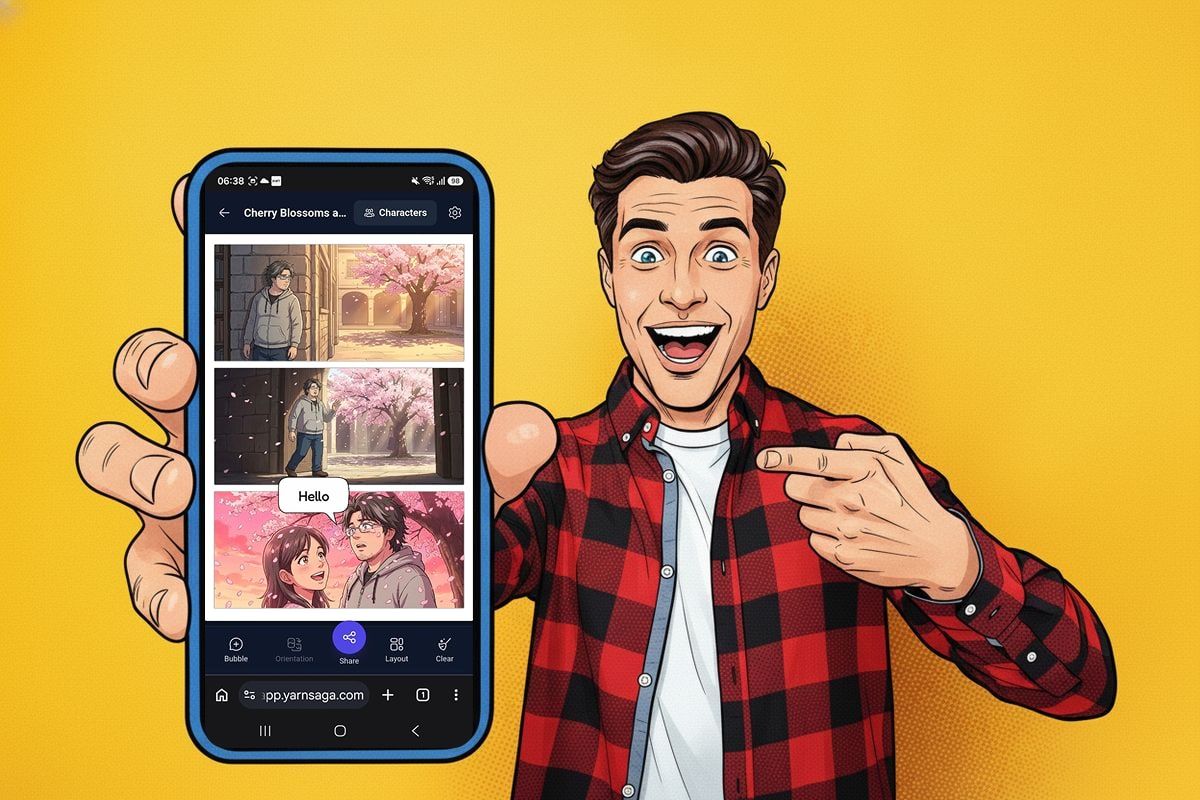
Turn a selfie into a comic-book hero, spin up a quick AI comic, and read or share any of your stories — right from your phone's browser. No app store, no install required to start.
Works in your mobile browser · Install as an app in one tap · Credits sync with desktop
Create anywhere
Turn a selfie into a comic hero or type an idea into a Quick Story — both start and finish on your phone.
Read & share any story
Open any graphic novel, carousel, or Quick Story from your library and share it in a tap, wherever you are.
Install as an app
Add YarnSaga to your home screen as a Progressive Web App — no App Store, no Google Play.
One account, everywhere
Credits and your story library are shared with desktop — pick up on your computer whenever you want the full editor.
Signature mobile feature
Take a selfie.
Become the hero.
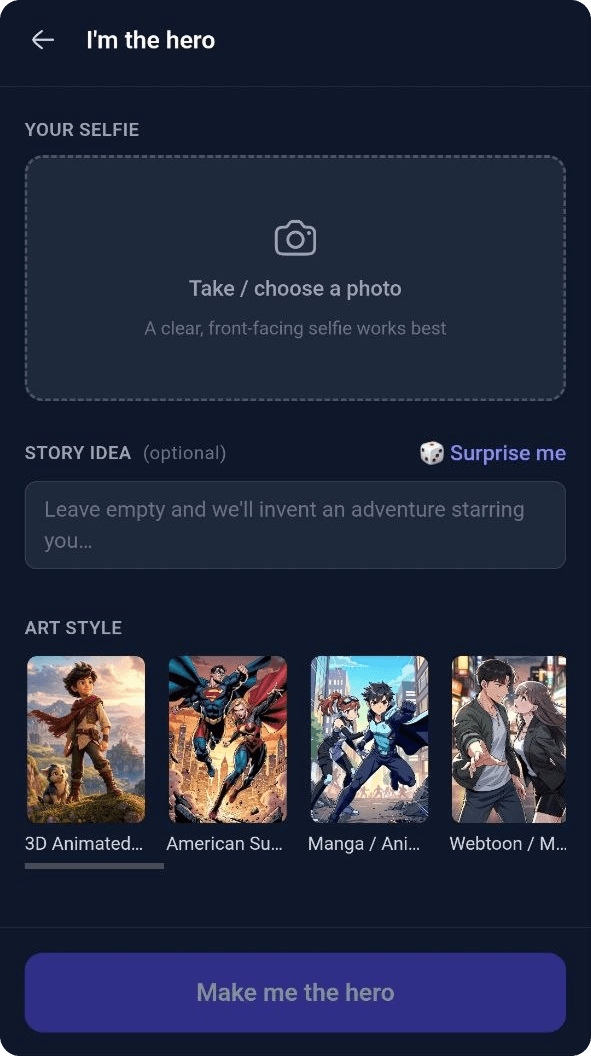
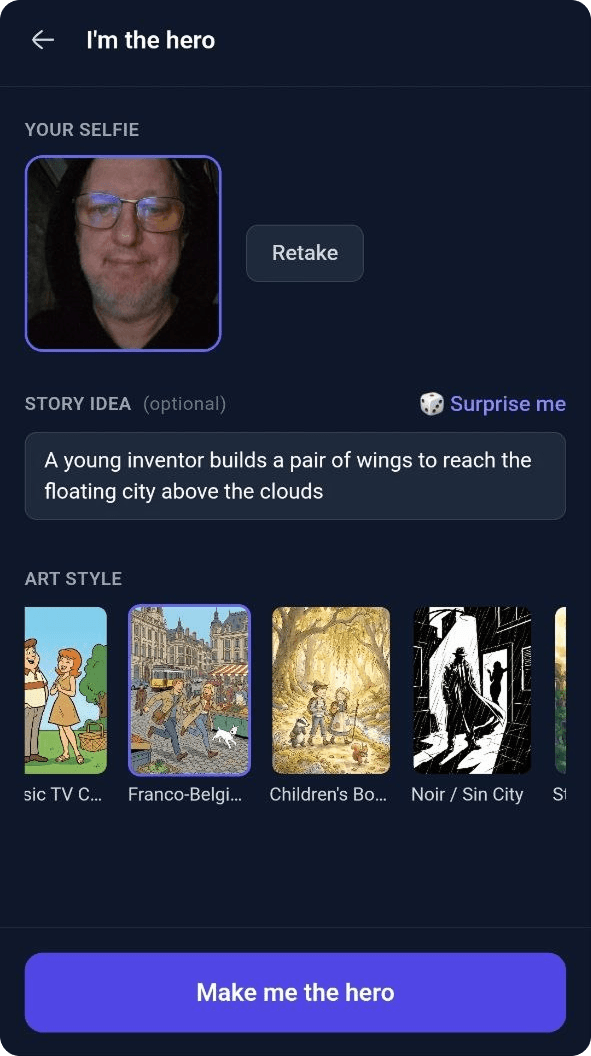
- 1 Snap a selfie with your front camera, or pick one from your photos.
- 2 Optionally describe a story idea — or tap 🎲 for a random premise.
- 3 Pick an art style from the same library used on desktop.
- 4 Tap "Make me the hero" and watch your avatar and a 3-panel comic build live.
No prompt writing, no waiting at a desk. Snap a photo on the way to the bus stop and by the time you're seated, you're the star of a 3-panel comic.
Quick Story
Got an idea?
Type it. Watch it draw.
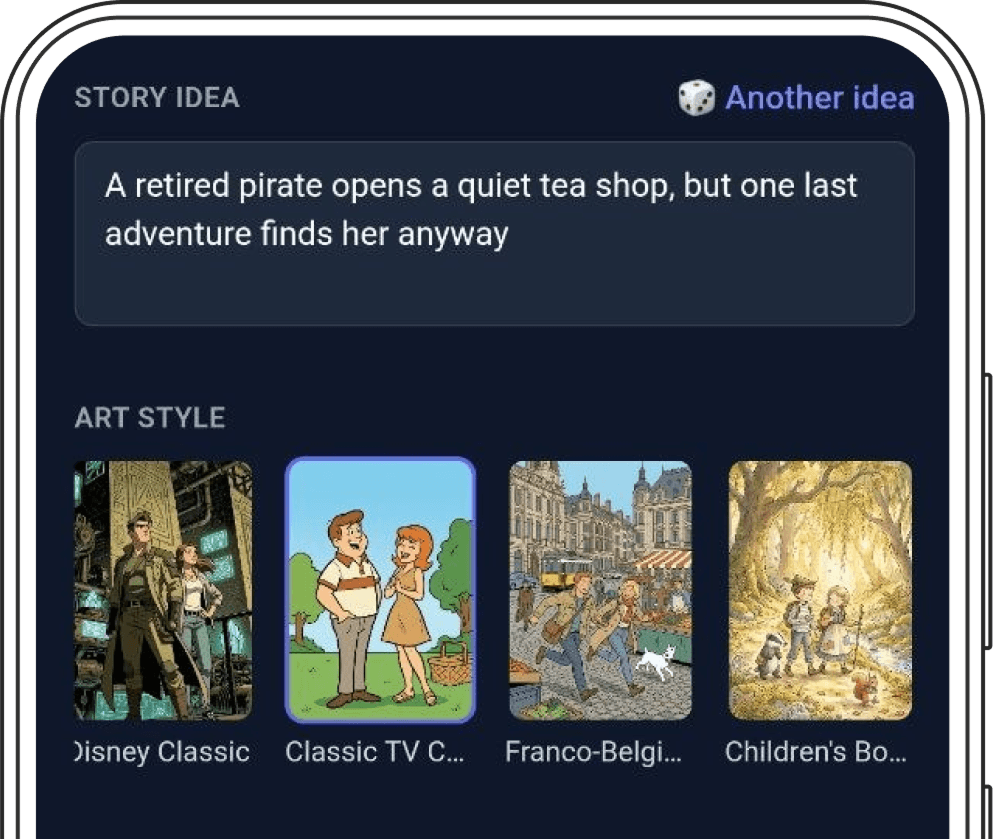
Describe your story idea, pick a style from the same 20+ art-style library available on desktop, and tap create. YarnSaga writes and illustrates a short comic in real time — panels appear on your screen the moment each one finishes rendering, so you're never staring at a blank spinner.
Out of ideas? The 🎲 button generates a random premise for you. Out of credits mid-build? You're routed straight to the credit packs, never left with a broken story.
Your library, everywhere
Every story you've made,
one tap away.
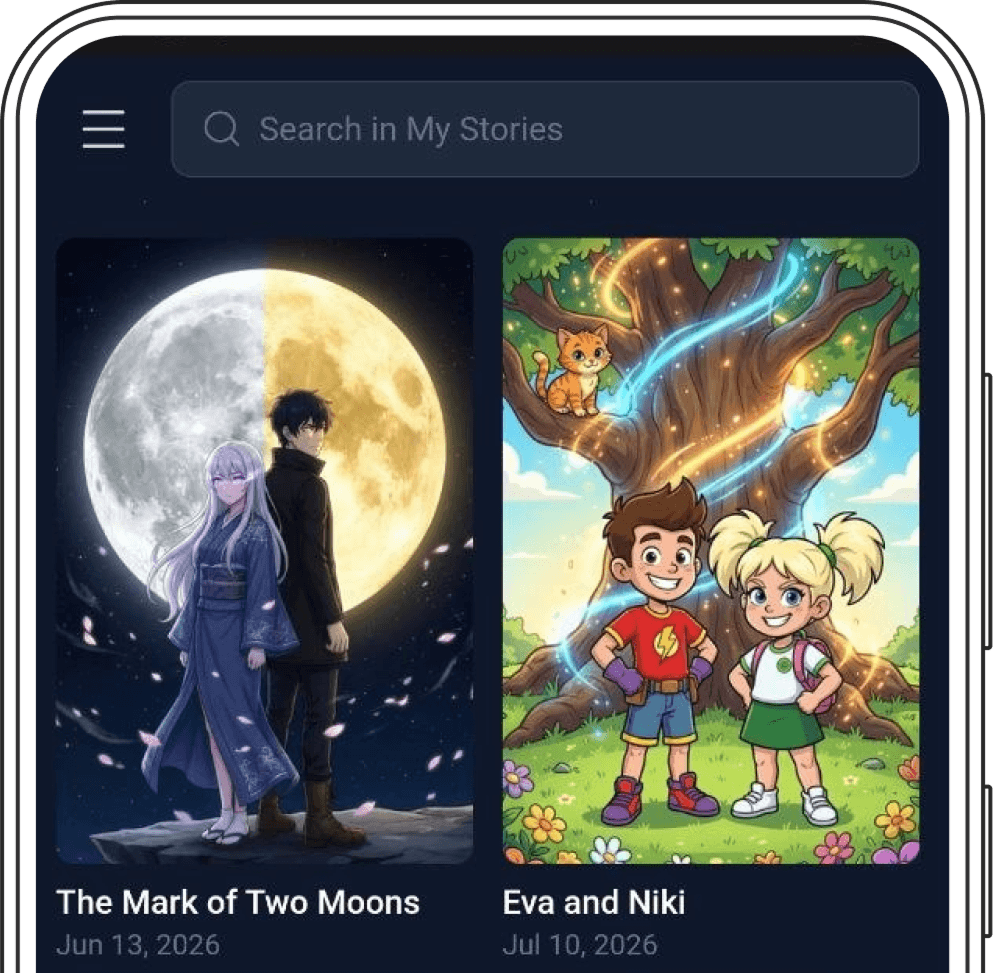
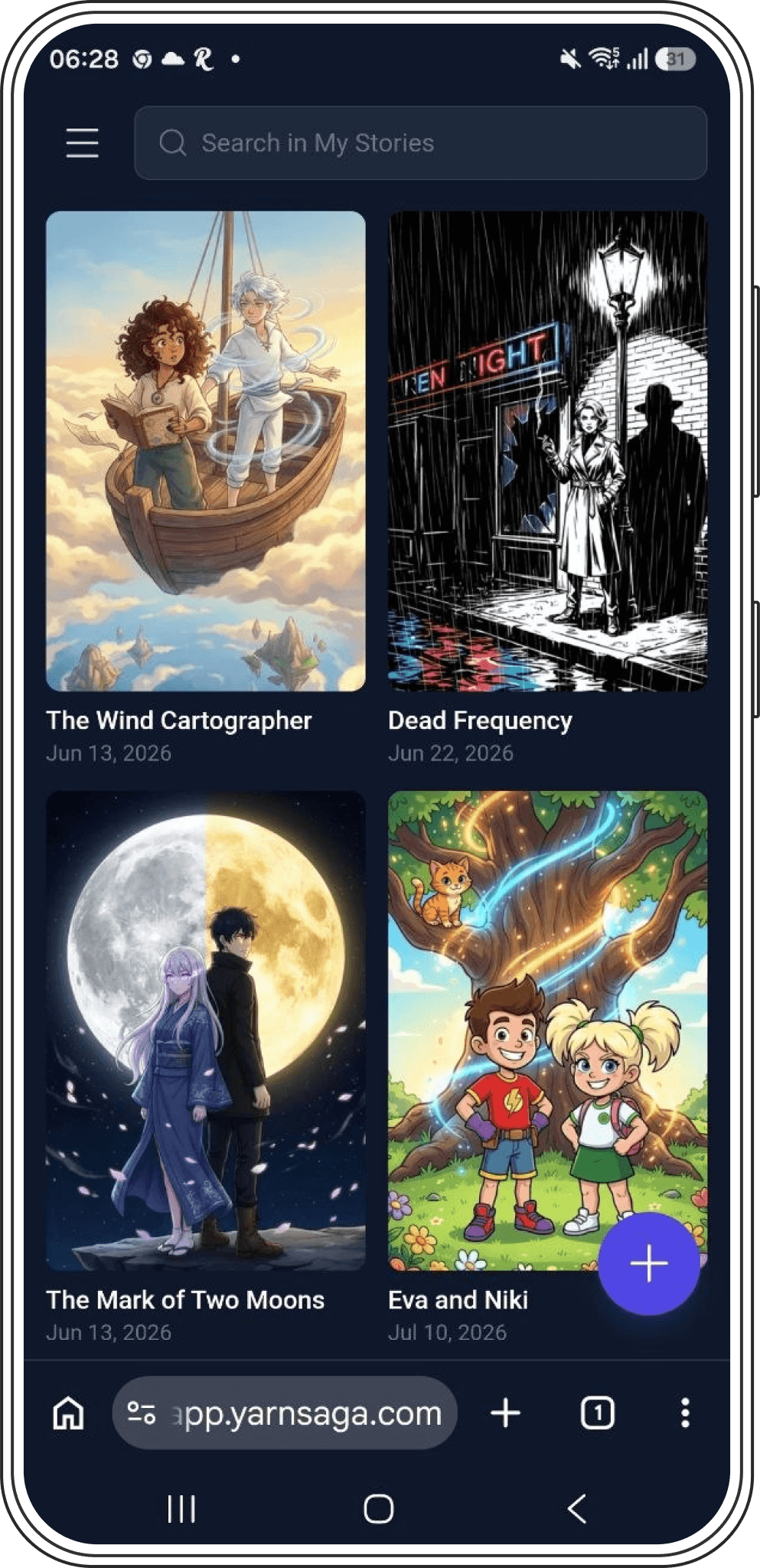
- —A two-column grid of every story you've made, with live thumbnails for Quick Stories
- —Search box to filter your library by title as you type
- —A floating "+" button always ready to start a new story
- —Hamburger menu: credits balance (valid 6 months), Profile, Buy Credits, Install App, Log out
- —New accounts land straight in story creation — no empty screen to figure out
Edit on the go
A real editor,
sized for your thumb.
Quick Story comics are fully editable right on your phone — add speech bubbles, tweak the scene, change the art style, and share it out, all from the same page you created it on.
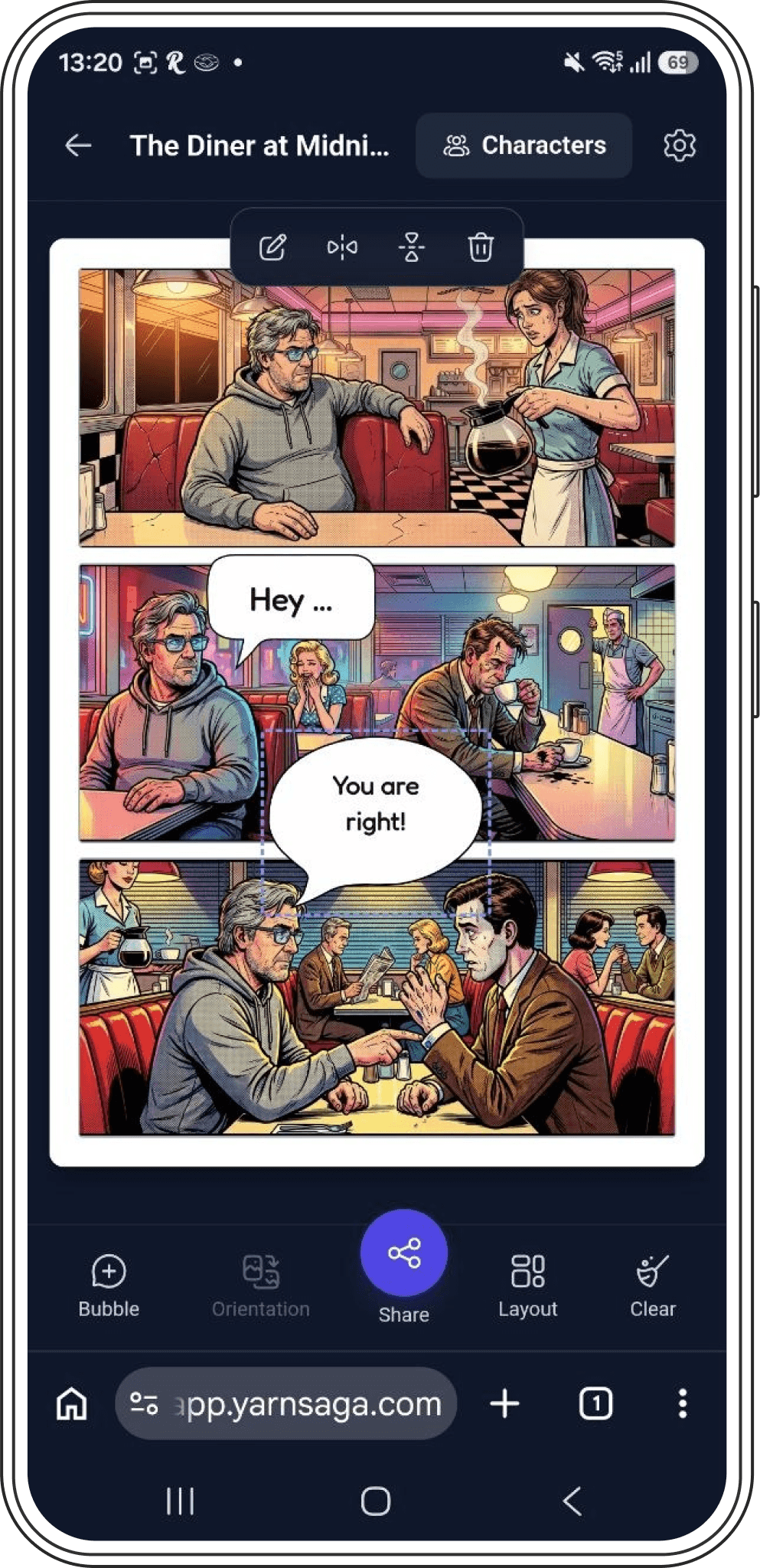
Speech bubble stickers
Drag to place, pinch to resize, flip horizontal or vertical — three curated bubble shapes sized for a thumb.
Pinch-to-zoom canvas
Pinch anywhere on the page to zoom in on a panel, or on a selected bubble to resize just that bubble.
Scene editor with chips
Tap a character chip to drop them into a scene, then regenerate the panel — the same chip-based writer used on desktop.
Native share
One tap opens your phone's native share sheet, or copies a link if sharing images isn't supported.
Style & layout, before art
Switch art style or panel layout freely until the first panel is generated — then it locks in for consistency.
Remove watermark
Drop the YarnSaga watermark from a story for a small one-time credit cost, right from story settings.
Read anywhere
Full graphic novels & carousels,
open on your phone.
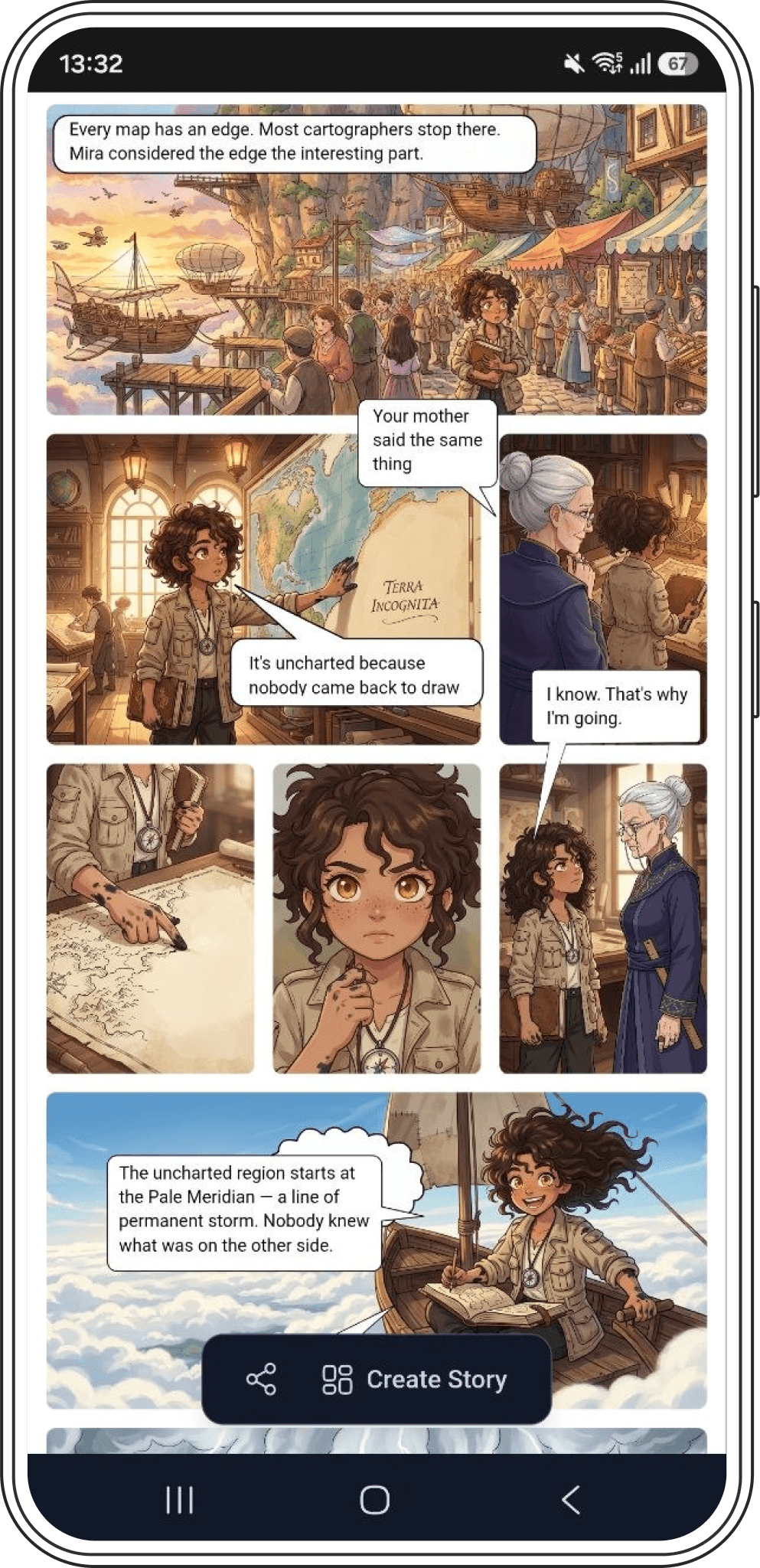
Building a full multi-page graphic novel or an Instagram carousel takes YarnSaga's full canvas editor — that stays on desktop, where panel layout, dialogue, and props have room to work. But you can open, read, and share any of those stories from your phone at any time.
Tap a story from your library on mobile and it opens instantly, page by page, with a clear note that lets you know you're viewing — not editing — and a link back to your computer when you're ready to keep working on it.
One tap, no app store
Add it to your
home screen.
YarnSaga Mobile installs as a Progressive Web App — a real app icon on your home screen, opening full-screen with no browser bar, and no App Store or Google Play download required.
- —Android / Chrome: tap "Install app" in the menu and confirm — done in two taps.
- —iPhone / Safari: tap Share, then "Add to Home Screen" — iOS doesn't allow the one-tap prompt, so we walk you through it.
Questions
Still wondering?
Get started
Your next comic is
one selfie away.
No download, no desk required. Open YarnSaga in your phone's browser and start creating.