One-Page Comic Maker
Make a one-page comic — a whole story on a single page
YarnSaga's one-page comic maker turns a short idea into a single finished page of AI panels — beginning, middle and punchline, all on one page. Describe your characters once, write a few beats, and get a shareable one-page comic with consistent characters and speech bubbles. Perfect for a quick gag, a social post, or a self-contained short.
- A complete short story laid out on one comic page
- Consistent characters across every panel, with built-in speech bubbles
- Fast to make and instantly shareable with a public link
Made with YarnSaga
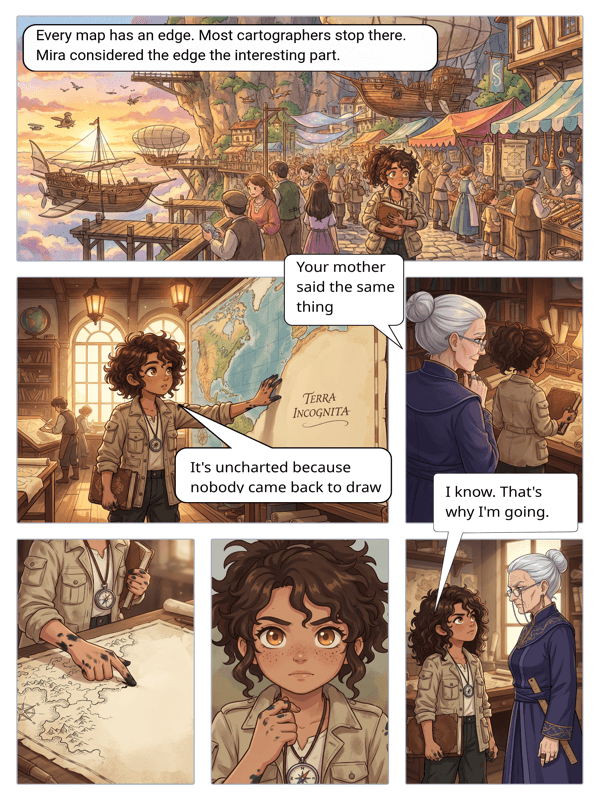
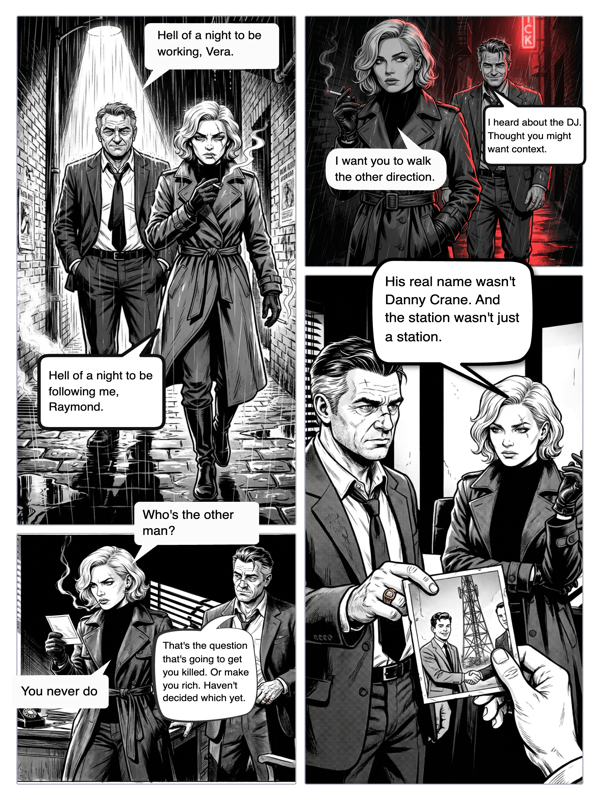
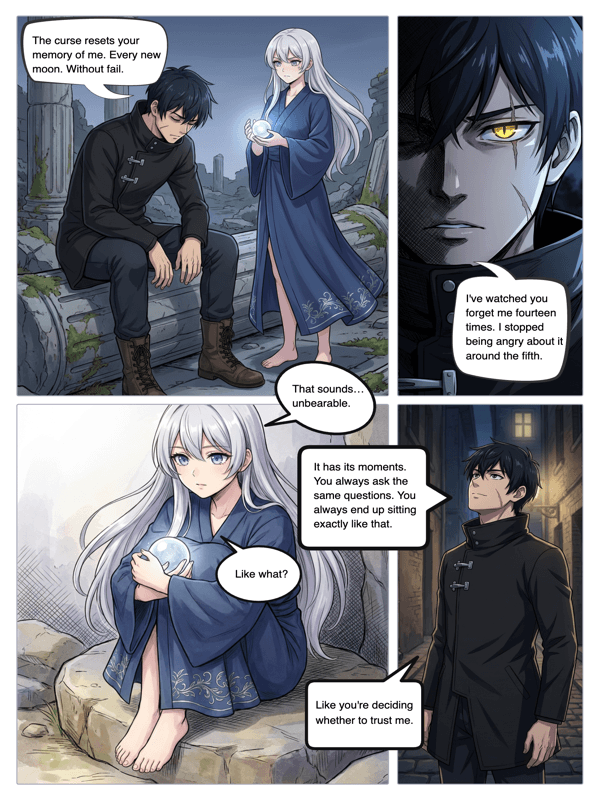
Real output from YarnSaga — characters stay consistent across every panel
How it works
Set up your character
Describe your character or upload a reference photo. YarnSaga locks in their look so they stay consistent across the panels on your page.
Write a few beats
Type what happens across a handful of panels — setup, turn, payoff. The AI generates the artwork for a single, self-contained page.
Add bubbles and share
Drop speech bubbles onto the panels, then publish. Your one-page comic gets a shareable link anyone can open — no account needed to read it.
What you get
Single-page format
A focused layout designed for one self-contained page — ideal for a gag, a short scene, or a social share.
Character consistency
Your character looks the same in every panel on the page, automatically.
Built-in speech bubbles
Add dialogue and captions right on the panels — no separate lettering tool.
Fast to finish
A short story on one page means you go from idea to a finished, shareable comic quickly.
Multiple art styles
Pick anime, manga, cinematic, illustrated and more for the tone of your one-pager.
Instant sharing
Publish and share a public link, or export the page as an image for social media.
Who uses this
Social creators
Ship a one-page comic gag or short for your feed without hiring an illustrator.
Storytellers testing an idea
Prototype a concept as a single page before committing to a longer comic.
Educators
Explain one idea in a single illustrated page students can read at a glance.
Common questions
What is a one-page comic?
A one-page comic tells a complete short story on a single page — usually a few panels with a setup and a payoff. YarnSaga generates the panels, keeps your character consistent, and lays them out on one shareable page.
How many panels fit on one page?
A single page typically holds a handful of panels — enough for a short gag or self-contained scene. You choose how many beats your story needs.
Will my character look the same across the panels?
Yes. YarnSaga locks your character's appearance from a description or reference photo, so they stay consistent across every panel on the page.
Can I add dialogue?
Yes. Drop speech bubbles, thought bubbles and captions directly onto the panels with the built-in bubble editor, then publish.
Is the one-page comic maker free?
No. YarnSaga has no free plan — generating panels uses credits from a pack you buy once: from $6 (about 20 panels), valid for six months, no subscription.
Can I turn a one-page comic into a longer story?
Yes. Start with a single page, then add more pages in the editor to grow it into a multi-page comic or graphic novel.
Ready to make your comic?
Credit packs from $6, no subscription. No drawing skills needed. Your characters stay consistent — automatically.
Start creating