Photo to Comic Converter
Upload a photo — get a comic character that stays consistent forever
Most 'photo to comic' tools give you a filter. One image, styled to look like a cartoon, done. YarnSaga does something fundamentally different: it analyzes the photo, extracts the person's physical features, and generates a full character reference sheet in your chosen comic art style. That character then appears consistently across every panel of your story — same face, same build, same features — no matter how many scenes you create.
- Upload any photo — AI extracts features and generates a character sheet
- Works in all 19 art styles: manga, superhero, noir, Studio Ghibli, and more
- Character appears consistently across every panel — not just one styled image
Made with YarnSaga
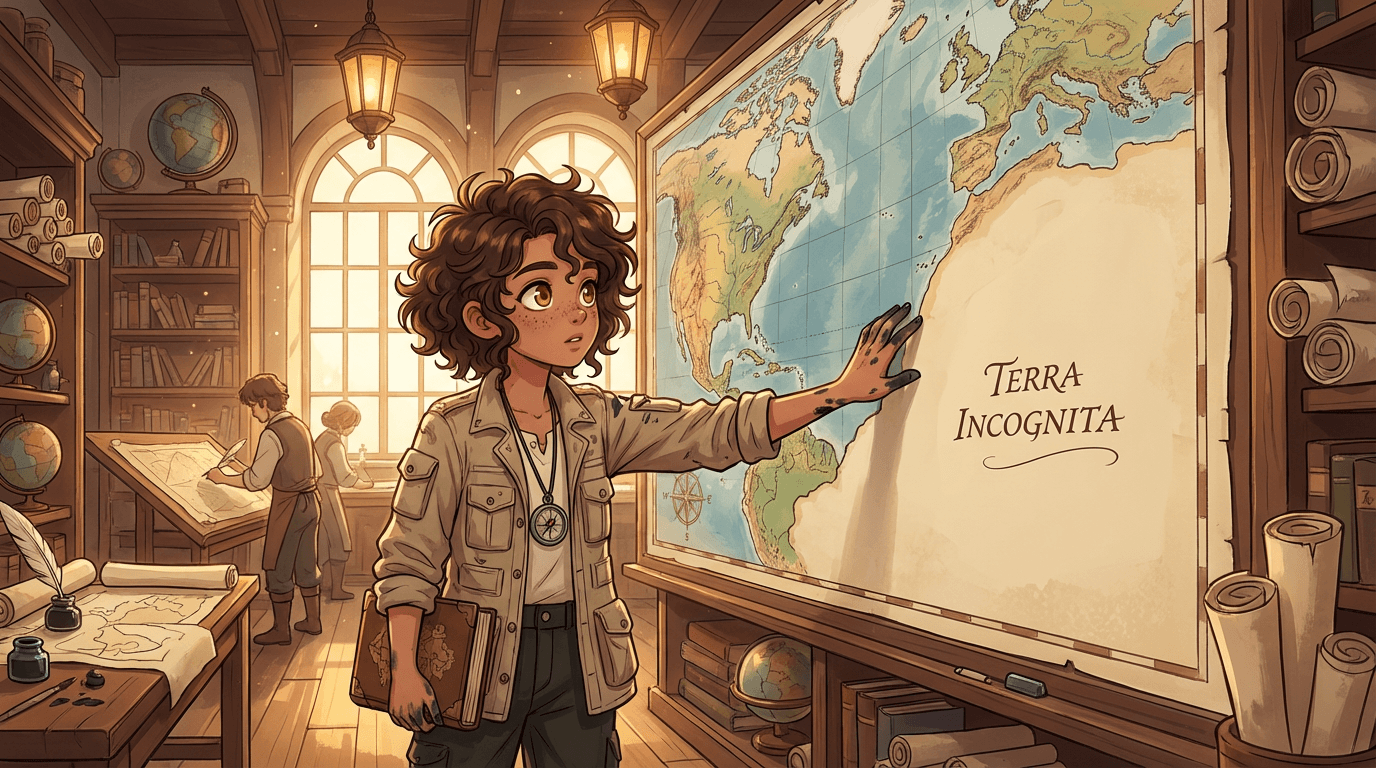
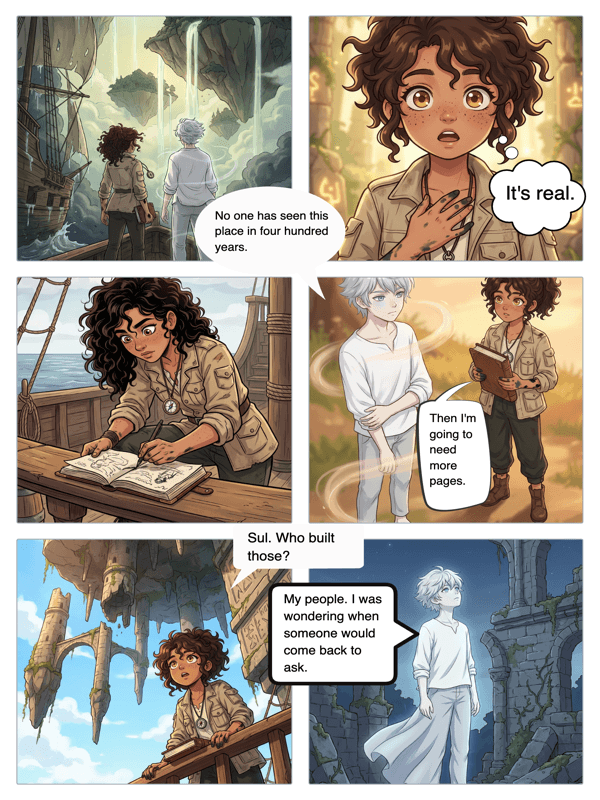
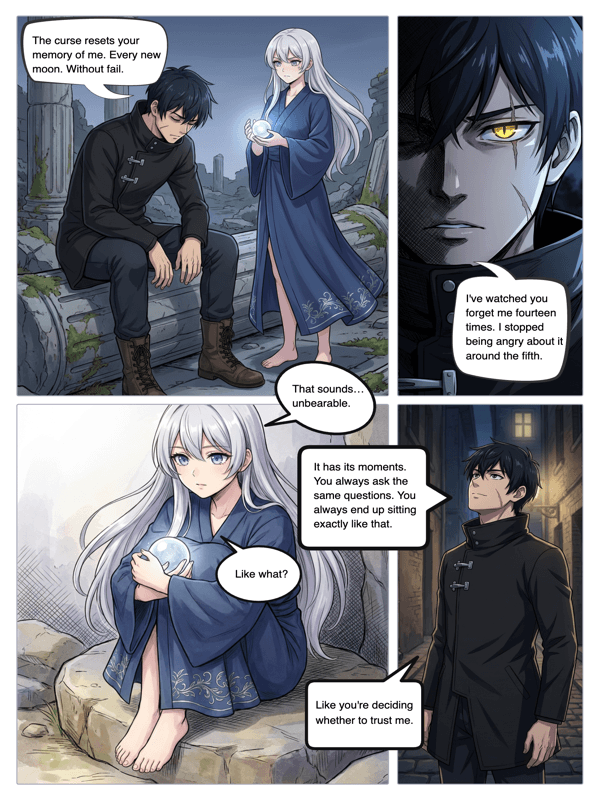
Real output from YarnSaga — characters stay consistent across every panel
How it works
Upload your photo
Upload a photo of any person — yourself, a friend, a fictional character you've sketched, a reference image. A clear face shot works best. The AI analyzes physical features: face shape, hair, skin tone, distinguishing details.
Choose your art style
Select from 21 comic art styles. Manga and anime. Superhero classic. Noir black-and-white. Studio Ghibli. Arcane cinematic. The AI generates a character sheet in that style — front, side, and back views — based on the photo.
Use the character in your story
Your photo-based character is now part of your story's cast. Write panels that include them. The AI generates each illustration using the character sheet as an anchor — they look the same every time.
What you get
AI photo analysis
YarnSaga uses Claude AI vision to analyze uploaded photos and extract the key physical characteristics: face shape, hair color and texture, skin tone, eye shape, notable features. These are used to generate an accurate character sheet.
Full character sheet — not just one image
The output is a triple-view reference sheet (front, side, back) in your chosen art style. This is the foundation for consistent character generation across every panel of your comic — not a one-off styled photo.
Works across all 19 art styles
Convert the same photo into a manga character, then into a noir detective, then into a Studio Ghibli protagonist. Each style produces a distinct interpretation of the same person.
Consistent across every panel
Unlike a photo filter that produces one styled image, YarnSaga's character reference system means the converted character appears consistently in every scene you generate — different poses, different backgrounds, same person.
Build stories around real people
Make yourself the protagonist. Turn friends into side characters for a personalized gift. Adapt a true story with real people illustrated in comic form. The photo-to-character pipeline handles the accuracy.
Auto-fills character details
After analyzing the photo, YarnSaga auto-fills the character description fields — hair, eyes, build, skin tone — so you can review and adjust before generating. No manual description required.
Who uses this
People making personalized comics as gifts
Turn someone's photo into a comic book character and build a story around them. A birthday gift, an anniversary present, a kids' story with real people. Unique, illustrated, and fully personalized.
Writers adapting true stories
If your graphic novel is based on real events and real people, upload reference photos and generate illustrated versions that stay true to the source. Memoir, biography, documentary comic.
Creators who start from reference photos
You found the perfect reference for your character on Pinterest. Upload it. Let the AI interpret the face, style, and build — then generate a consistent character sheet you can use across your entire story.
Common questions
What kind of photo works best?
A clear, well-lit face shot works best — front-facing or slightly angled, good lighting, minimal obstructions. The AI can work with profile shots and group photos, but a solo portrait gives the most accurate result.
Does it look exactly like the person in the photo?
It captures key features — face shape, hair, skin tone, distinguishing details — and renders them in the chosen art style. The result is a stylized interpretation of the person, not a photorealistic copy. How accurate it looks depends on the art style: semi-realistic styles are closer to the photo; manga and chibi styles are more stylized interpretations.
Can I use a photo of a fictional character?
Yes. Fan art, concept art, character screenshots from games or shows — any image with a clear character can be used as a reference. The AI extracts the visual profile and renders it in your chosen comic style.
Is my photo stored or shared?
Photos you upload are used solely to generate the character sheet and are not shared publicly. Your story and characters are private unless you choose to publish them.
Can I convert multiple people from different photos into characters in the same story?
Yes. Each character can be created from a different source photo. Build an entire cast from individual reference photos — each person becomes their own consistent illustrated character in your story.
Ready to make your comic?
Credit packs from $6, no subscription. No drawing skills needed. Your characters stay consistent — automatically.
Start creating