Text to Comic
Turn your text into a comic — write the scene, get the panel
Describe what happens in plain English and YarnSaga draws it. Type a scene, the AI generates the panel — with your characters looking the same every time. From a written idea to a finished comic page, no drawing skills required.
- Write scenes in plain text — AI turns them into finished panels
- Your characters stay identical from the first panel to the last
- Build a whole story page by page from your writing
Made with YarnSaga
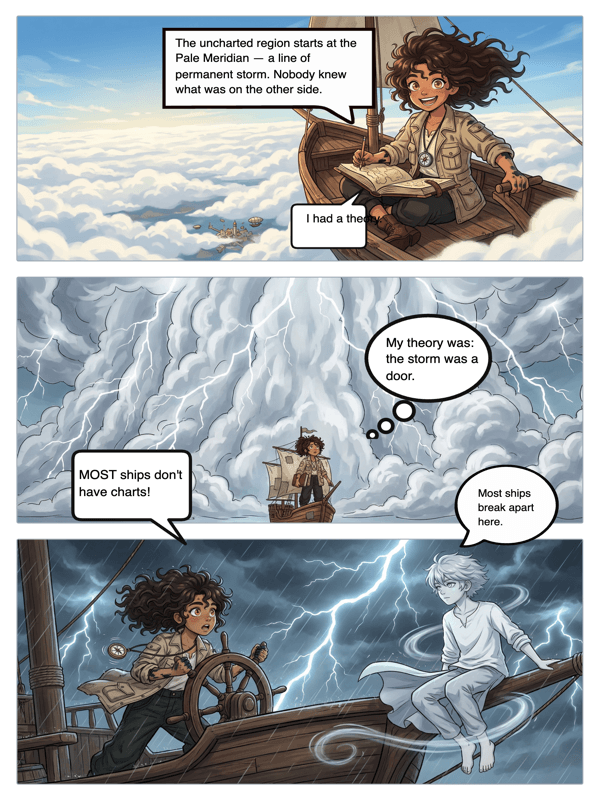
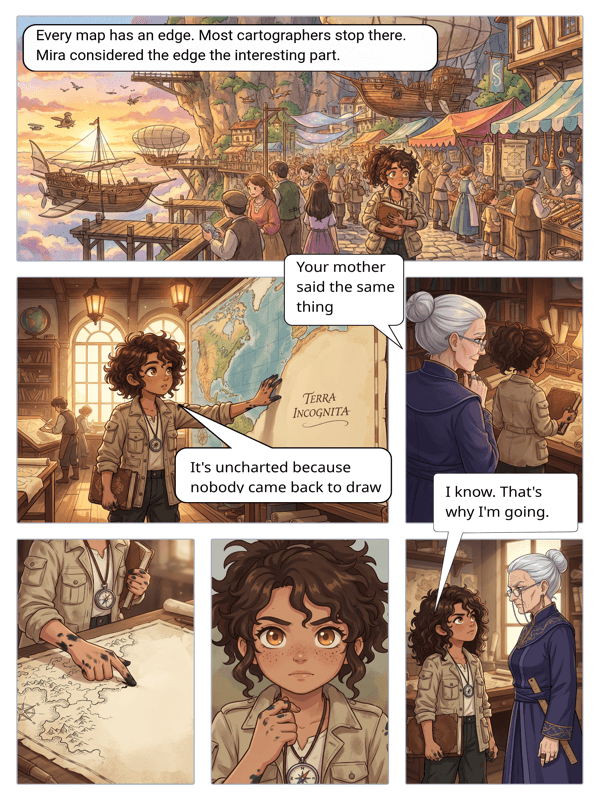
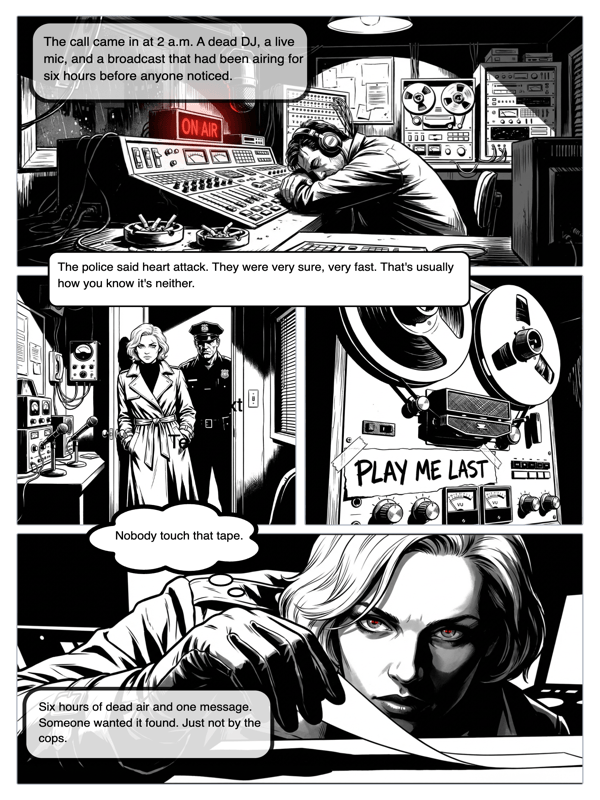
Real output from YarnSaga — characters stay consistent across every panel
How it works
Write your characters
Describe each character once — appearance, outfit, vibe — or upload a reference photo. YarnSaga locks that look in so every panel matches.
Type the scene
For each panel, write what is happening in plain language: "Mara stands on the rooftop at dusk, rain starting to fall." The AI reads it and generates the art.
Review and refine
Like it? Keep it. Want a change? Edit the text and regenerate. Add speech bubbles, then publish a shareable link.
What you get
Plain-text prompting
No prompt-engineering syntax. Write the way you would describe a scene to a friend — the AI handles the rest.
Character consistency
Mention a character by name and YarnSaga attaches their locked reference automatically, so they do not drift between panels.
AI scene suggestions
Stuck on what happens next? Ask the AI to suggest the next scene based on your story so far.
Dialogue kept separate
Write dialogue apart from scene descriptions, so character speech never bleeds into the art prompt.
20 art styles
Pick anime, manga, webtoon, cinematic, watercolor, noir and more — applied consistently to every panel.
Publish & share
Turn your text-built comic into a public, readable link in one click.
Who uses this
Writers and authors
You already have the words. YarnSaga gives them pictures — turn chapters or scripts into illustrated panels.
Roleplayers and worldbuilders
Turn your campaign logs or character backstories into comic scenes without commissioning an artist.
Anyone who cannot draw
If you can type a sentence, you can make a comic. The text is the only skill required.
Common questions
How does turning text into a comic actually work?
You write a short description of each panel in plain language. YarnSaga sends that text — plus your locked character references and chosen art style — to its image AI, which generates a finished panel that matches what you wrote. You review it and either keep it or tweak the text and regenerate.
Will my characters look the same across panels?
Yes. When you create a character, YarnSaga saves reference images of them. Every time you mention that character in a panel's text, those references are attached to the prompt automatically — so the same face, hair, and outfit carry across the whole comic.
Can I paste a whole story at once?
You build page by page rather than dumping an entire novel in one go, but you can move fast: write scene after scene, generate each panel, and assemble pages in order. The AI can also suggest the next scene to keep momentum.
Do I need to know how to write image prompts?
No. There is no special syntax. Describe the moment the way you would tell someone what is happening — who is there, where, and what they are doing — and the AI interprets it.
Is it free?
No. YarnSaga has no free plan — generating panels uses credits from a pack you buy once: from $6 (about 20 panels), valid for six months, no subscription.
Ready to make your comic?
Credit packs from $6, no subscription. No drawing skills needed. Your characters stay consistent — automatically.
Start creating