AI Comic Generator From Text
Turn your text into comic panels — write it, the AI draws it
Write what happens in plain language and YarnSaga generates the comic. Describe a scene — "she steps off the train into the rain, coat pulled tight" — and the AI produces an illustrated panel that matches your text, with your characters kept consistent across the whole comic. From a single line to a full multi-page story, your writing becomes the artwork.
- Write scenes in plain text and get illustrated comic panels back
- Characters stay consistent across every panel, automatically
- From one line to a full multi-page comic — your words drive the art
Made with YarnSaga
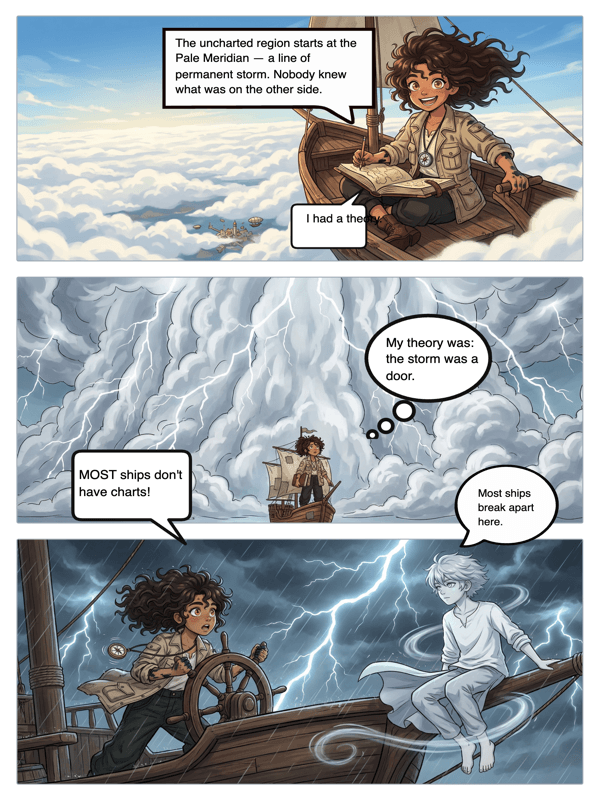
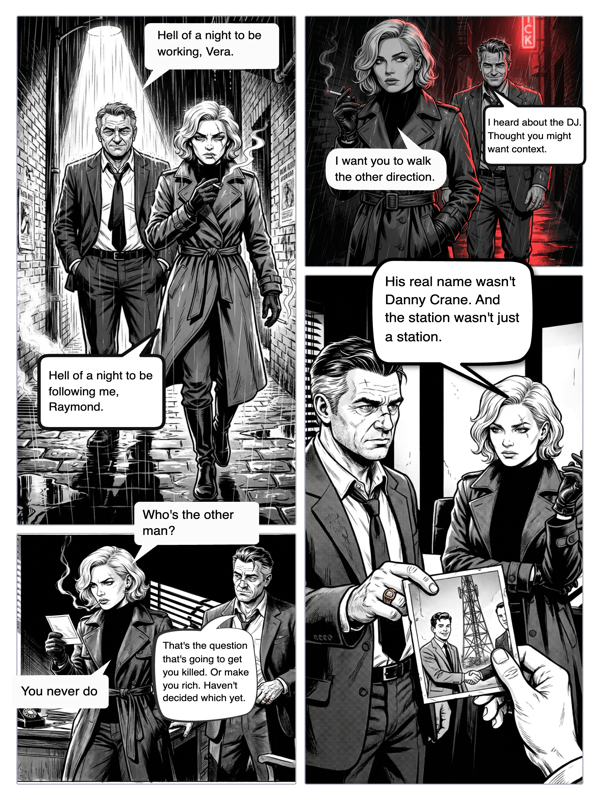
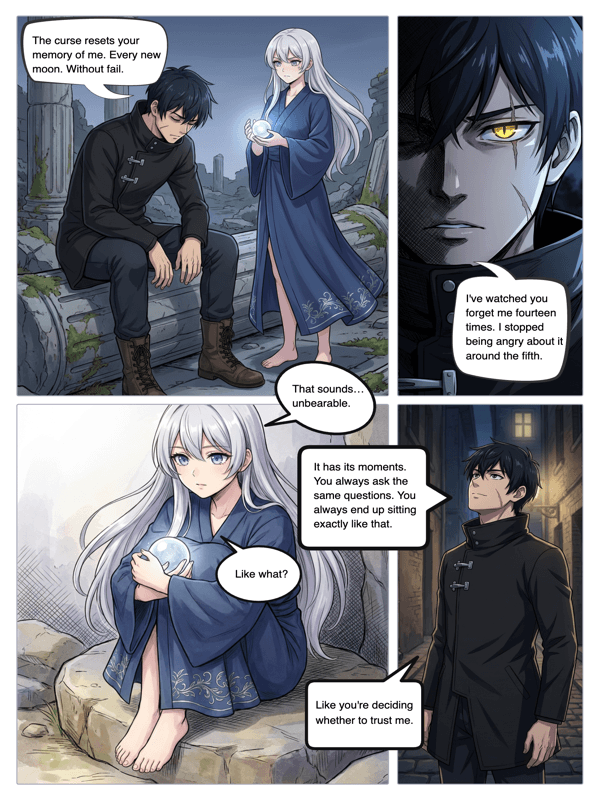
Real output from YarnSaga — characters stay consistent across every panel
How it works
Create your character
Describe your character in text or upload a reference photo. The AI locks in their appearance so they render consistently from your descriptions.
Write each scene
Type what happens in each panel in natural language. The more specific your text — action, setting, mood — the closer the generated panel matches.
Generate and refine
The AI turns your text into panels in under a minute each. Rewrite any scene's description and regenerate just that panel until it's right.
What you get
Text-to-panel generation
Write a scene in plain language and the AI produces a full illustrated panel that matches what you wrote.
Character consistency engine
Your characters look the same across every panel generated from your text — the hardest problem in AI comics, solved.
Scene-by-scene control
Each panel comes from its own text description, so you direct the story beat by beat.
Regenerate from a rewrite
Not quite right? Edit the text for that panel and regenerate it without touching the rest of the comic.
Any art style
Render your text as anime, manga, cinematic, illustrated and more — you pick the visual language.
Add dialogue
Layer speech bubbles and captions onto the generated panels with the built-in bubble editor.
Who uses this
Writers who want visuals
You already write scenes — now turn that writing directly into a comic without hiring an artist.
Storytellers with no art skills
If you can describe it in words, YarnSaga can draw it. Your text is the only input you need.
Screenwriters and world-builders
Turn scripts and story beats into visual panels to previsualize scenes and characters.
Common questions
How does the AI turn my text into a comic?
You write each scene in plain language, and YarnSaga generates an illustrated panel from that description plus your character references. The clearer and more specific your text, the closer the panel matches what you pictured.
How is this different from a plain text-to-image tool?
A text-to-image tool gives you one isolated picture per prompt. YarnSaga generates a comic: sequential panels from your scene descriptions, with the same characters kept consistent across all of them.
Do my characters stay consistent between panels?
Yes. You define each character once — by description or photo — and the AI keeps their face and outfit the same in every panel it generates from your text.
What if a generated panel isn't right?
Rewrite the text for that panel and regenerate just that one. You can iterate on individual panels without affecting the rest of the comic.
How much text do I need to write?
As little as one line per panel. A short sentence describing the action, setting and mood is enough for the AI to generate a panel; more detail gives you more control.
Is it free?
No. YarnSaga has no free plan — generating panels uses credits from a pack you buy once: from $6 (about 20 panels), valid for six months, no subscription.
Ready to make your comic?
Credit packs from $6, no subscription. No drawing skills needed. Your characters stay consistent — automatically.
Start creating