AI Webtoon Generator
Generate webtoon episodes with AI — same characters, episode after episode
Webtoons are built on serialization. Readers come back week after week for the same characters, the same world, the same art style. That consistency is exactly what YarnSaga provides: define your cast once, generate panel after panel in the webtoon/manhwa style, and publish episodes that look like they came from the same artist — because they did.
- Webtoon and Manhwa art styles built for vertical scroll format
- Characters stay identical across every episode you publish
- Episode structure with multi-page chapters and shareable links
Made with YarnSaga
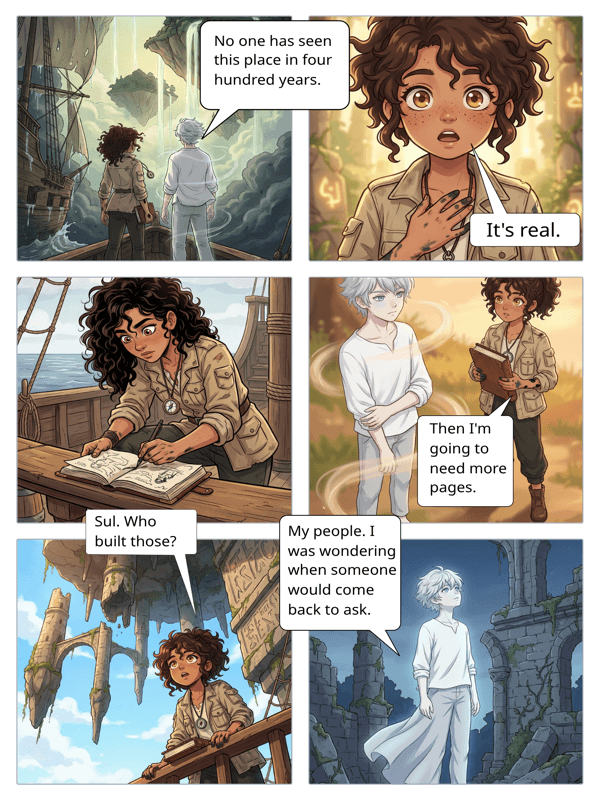
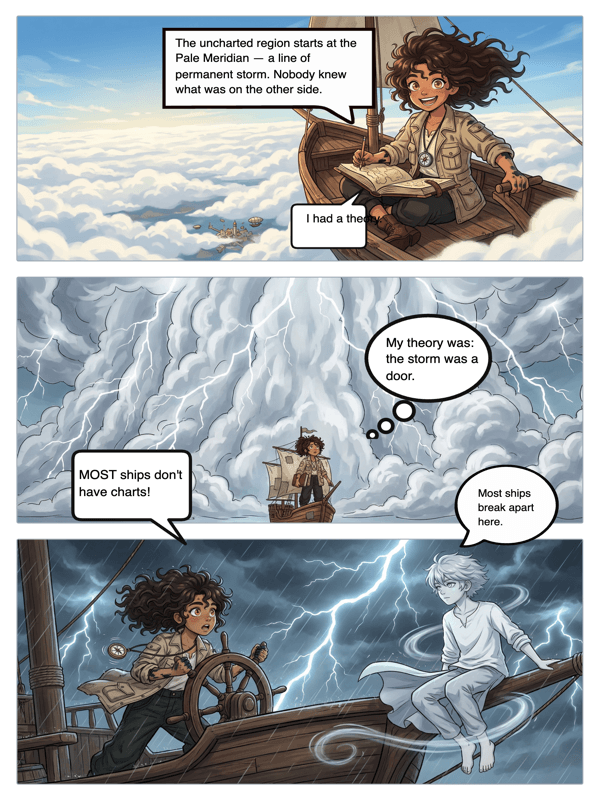
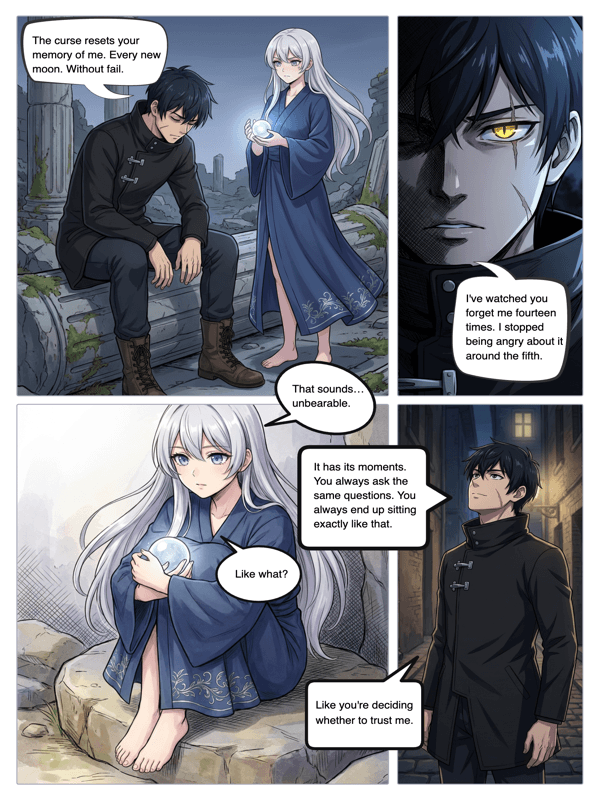
Real output from YarnSaga — characters stay consistent across every panel
How it works
Create your webtoon cast
Describe each character in your webtoon. Physical appearance, outfit, personality traits. YarnSaga generates a character reference sheet for each one. This is what keeps your characters looking the same in episode 1 and episode 30.
Generate panels in webtoon style
Write scene descriptions for each panel. Choose the Webtoon/Manhwa art style — clean lines, soft shading, expressive faces built for vertical reading. The AI generates each panel with your characters placed exactly as described.
Add dialogue and publish your episode
Place speech bubbles, write your dialogue, add any narration. When the episode is ready, publish it and share the link. For uploading to LINE Webtoon or Tapas, export pages and upload manually.
What you get
Webtoon and Manhwa art styles
YarnSaga's Webtoon/Manhwa style produces the clean, expressive art that readers expect from the format — soft cel-shading, large emotive eyes, and a visual rhythm designed for vertical scrolling on mobile.
Episode-to-episode character consistency
The hardest part of running a webtoon is keeping characters looking the same week after week. YarnSaga's reference system solves this at the foundation — the same character sheet drives every panel generation.
Multi-page episode structure
Build each episode as multiple pages, each with multiple panels. Organize your story into a proper serialized structure the way professional webtoon creators do.
Speech bubbles and dialogue
Add webtoon-style speech bubbles directly to panels. Edit dialogue without regenerating art. Manage multi-character conversations across a page.
Photo-to-character for real-person webtoons
Running a webtoon based on real people — a true story, a biographical series, or a fictionalized account of real events? Upload photos and generate character sheets that capture their appearance.
Publish and share episodes
Each published story gets a public URL. Share episodes on social media, in Discord communities, or with your existing audience. For LINE Webtoon Canvas or Tapas, export and upload directly.
Who uses this
Aspiring webtoon creators
You've been reading webtoons for years and you have a story. You don't have an artist, a studio, or $5,000 for commissions. YarnSaga is how you start publishing anyway.
Writers prototyping a webtoon pitch
Before approaching artists or studios, use YarnSaga to build a visual prototype — 2–3 complete episodes that show exactly what the webtoon looks like. A visual pitch is worth ten written ones.
Indie creators building an audience
Publish consistently. Week after week, episode after episode, same characters and art style. Build an audience before you have a budget for a professional artist.
Common questions
Can I use YarnSaga to upload to LINE Webtoon or Tapas?
Yes, with a manual step. Generate your episode in YarnSaga, export the page images, and upload them to LINE Webtoon Canvas or Tapas. YarnSaga doesn't publish directly to those platforms, but it generates the artwork you upload.
Does YarnSaga support the vertical scroll format webtoons use?
YarnSaga generates individual panel images in standard comic proportions. For the continuous vertical scroll format specific to webtoons, you'd arrange exported panels in a vertical layout tool before uploading. Native vertical-scroll export is on the roadmap.
How many panels can a webtoon episode have?
There is no panel limit. Each page can have 1–12 panels depending on the layout. Add as many pages as an episode needs.
Can I keep the same characters across multiple episodes?
Yes — this is the core feature. Characters are defined once and persist across every story and every episode you create. Your cast looks the same in episode 1 and episode 50.
What art style should I use for a webtoon?
YarnSaga's dedicated Webtoon/Manhwa style is the closest match to the look readers expect on LINE Webtoon and Tapas. For different tones — darker fantasy, romance, action — you can also use the manga, semi-realistic, or arcane cinematic styles.
Ready to make your comic?
Credit packs from $6, no subscription. No drawing skills needed. Your characters stay consistent — automatically.
Start creating