Anime Speech Bubble Generator
Add speech bubbles to your anime panels — drag, type, done
A free anime speech bubble generator built straight into the canvas. Drop rounded speech balloons, cloud thought bubbles, jagged shout/SFX boxes and narration captions onto your anime art, type the dialogue, aim the tail at the speaker, and it renders right on the panel. No Photoshop, no separate lettering app, no exporting. Works whether you generated the anime panel in YarnSaga or uploaded your own.
- Speech balloons, thought bubbles, shout/SFX boxes and narration captions built in
- Drag to position, resize the text, and point the tail at any character
- Works on AI-generated anime panels or your own uploaded anime, manga or fan art
Made with YarnSaga
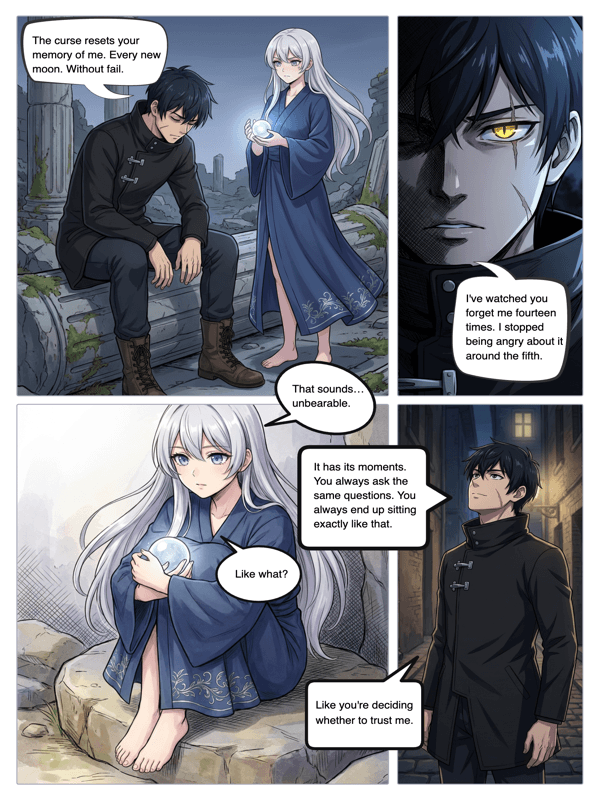
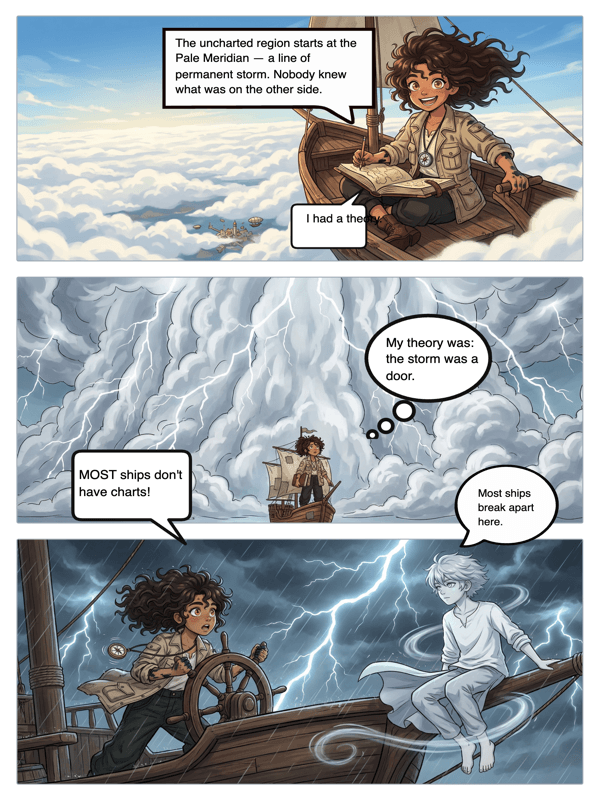
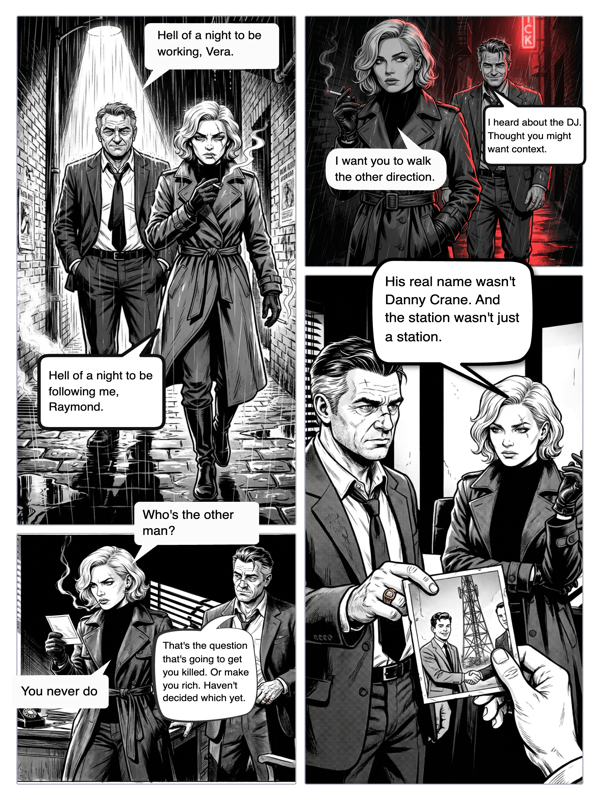
Real output from YarnSaga — characters stay consistent across every panel
How it works
Open your anime panel
Use a panel you generated in an anime art style in YarnSaga, or upload your own anime artwork to the canvas editor.
Add a bubble
Pick a bubble style — round speech balloon, spiky shout box, cloud thought bubble, or a caption box — and drop it on the panel.
Type and position
Type the line, drag the bubble where you want it, and aim the tail at the character speaking. Resize the text to fit the panel. Done.
What you get
Bubble types for anime
Round speech balloons for dialogue, jagged shout boxes for action beats, cloud thought bubbles for inner monologue, and caption boxes for narration.
Tail control
Point the tail at whoever is talking, move it, flip it, or hide it entirely for narration and voice-over.
Readable lettering
Comic-style fonts sized for legibility, so dialogue and shouts read cleanly at any panel size.
Works with any anime art
Add bubbles to YarnSaga's AI anime panels or to anime screenshots and fan art you upload yourself.
Layered and editable
Bubbles sit on their own layer over the art — reposition or rewrite them anytime without touching the panel.
Export ready
Bubbles bake into the exported image and the published page — no separate file to merge.
Who uses this
Anime and manga creators
Letter your panels in the same place you make them — no round trip to a design app between drawing and dialogue.
Fandom and meme creators
Add a punchline balloon to any anime screenshot or fan panel for a quick, shareable edit.
Webtoon and doujin authors
Drop dialogue onto vertical-scroll anime panels and publish the episode with a shareable link.
Common questions
What kinds of speech bubbles can I add to an anime panel?
YarnSaga includes rounded speech balloons for dialogue, spiky "shout" boxes for action and yelling, cloud-shaped thought bubbles for inner monologue, and rectangular caption boxes for narration. You pick the type, drop it on the panel, and type your text.
Can I point the bubble's tail at a specific character?
Yes. Each speech balloon has a tail you can drag and aim at whoever is speaking. You can reposition or hide it — for example, removing the tail on a narration caption or an off-panel voice.
Can I add bubbles to my own anime images, not just AI ones?
Yes. You can upload your own anime artwork, a screenshot, or fan art to the canvas and add bubbles to it, exactly the way you would on an AI-generated panel.
Do the bubbles stay editable?
Yes. Bubbles live on their own layer over the art, so you can move them, resize the text, or rewrite the dialogue at any time without affecting the panel underneath.
Is the anime speech bubble tool free?
Yes. Adding speech bubbles is part of the free plan — there is no extra cost, no watermark, and no separate lettering tool to buy.
What is the difference between this and the manga speech bubble generator?
They share the same balloon editor — the difference is the art around it. Use this page if you are working in a colored anime style, and see the manga speech bubble generator for black-and-white manga lettering conventions. The bubbles, tails and caption boxes work identically on both.
Ready to make your comic?
Free to start. No drawing skills needed. Your characters stay consistent — automatically.
Start free