Canva Alternative
A Canva AI comic generator alternative built for consistent characters
Canva is a brilliant design tool — but it is built around templates and single images, not keeping one character on-model across a whole comic. YarnSaga is purpose-built for sequential storytelling, so your character looks the same in panel 1 and panel 50.
- Characters stay identical across every panel — not just one image
- Built for multi-panel stories, not template layouts
- Write scenes in plain text and generate matching art
Made with YarnSaga
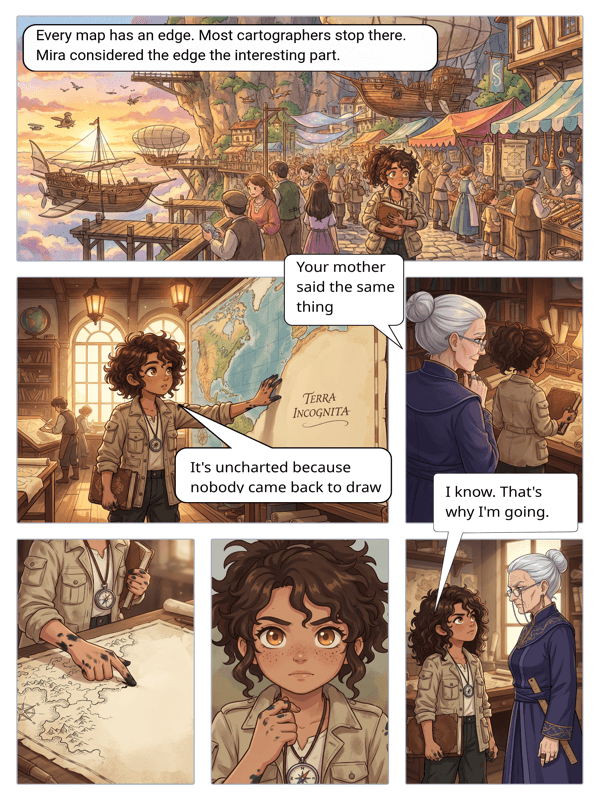
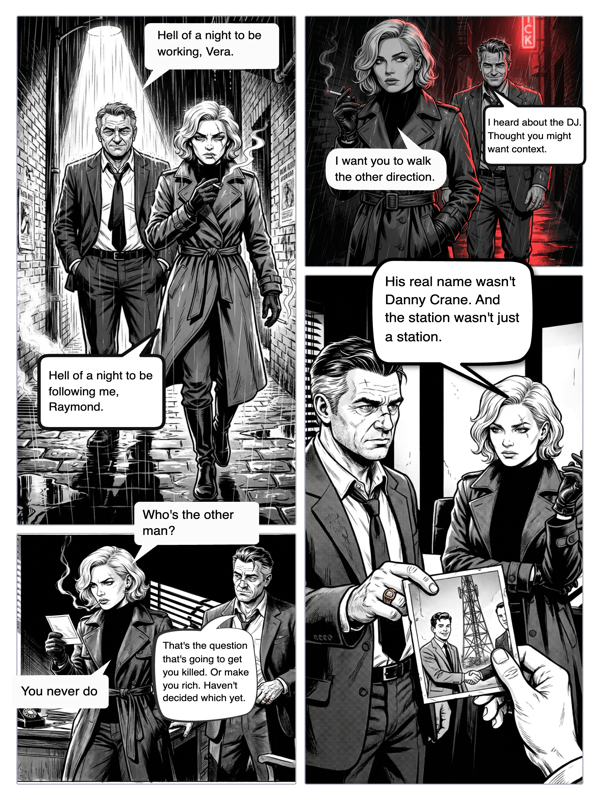
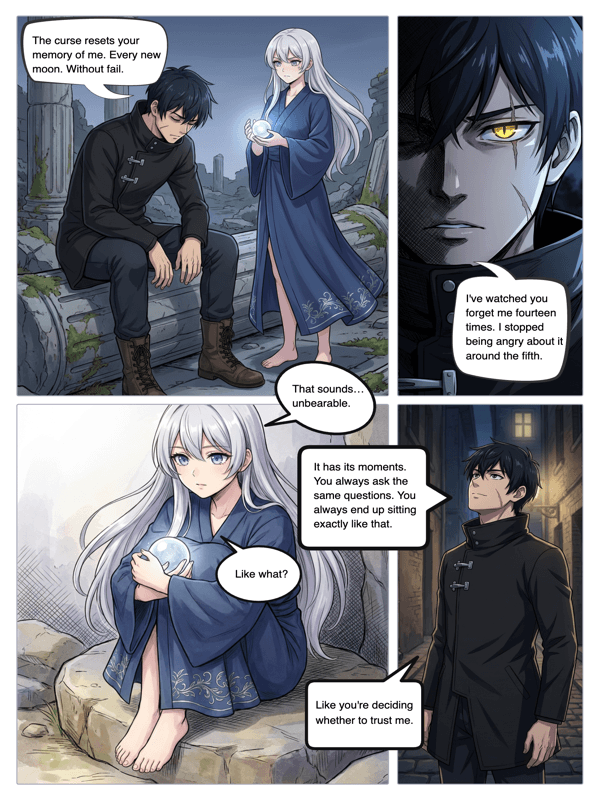
Real output from YarnSaga — characters stay consistent across every panel
How it works
Create your character
Describe or upload a character and YarnSaga locks the look with reference images — the piece generic image generation does not pin down.
Write your panels
Type each scene in plain language. The AI generates panels that match your characters and your chosen art style.
Letter and publish
Add speech bubbles on the canvas and publish a shareable, readable comic — no template wrangling.
What you get
Character consistency
The core difference: YarnSaga reuses locked character references on every panel, so faces and outfits do not change between images.
Story-first workflow
Pages, panels, dialogue and narrative flow are first-class — not a comic-shaped template on a design canvas.
Text to panel
Describe a scene and get the art. No manual placement of clip-art elements.
Built-in lettering
Speech balloons, thought bubbles and captions are part of the editor.
20 cohesive art styles
Each project uses one consistent style across all panels for a unified look.
Honest pricing
Pay-as-you-go credit packs from $6 — no subscription, nothing renews.
Who uses this
Canva users hitting consistency limits
If you love Canva but your character keeps changing face between panels, this is the piece you are missing.
Serial comic and webtoon creators
Ongoing series need a recurring cast that stays on-model — YarnSaga is built for exactly that.
Storytellers, not designers
If your strength is the story rather than layout design, a story-first tool fits better than a design canvas.
Common questions
Does Canva have an AI comic generator?
Canva offers AI image generation and comic templates you assemble manually. It is excellent for design and layout. The gap for comics is character consistency — Canva's image generation does not lock a single character's appearance across multiple panels, so the same character can look different from image to image.
How is YarnSaga different from Canva for comics?
YarnSaga is purpose-built for sequential comics. You create a character once, the AI locks reference images of them, and those references are reused on every panel — so your cast stays consistent. The workflow is story-first (pages, panels, dialogue) rather than template-first.
Is YarnSaga free like Canva's free tier?
No. YarnSaga has no free plan — generating panels uses credits from a pack you buy once: from $6 (about 20 panels), valid for six months, no subscription.
Can I add speech bubbles like in Canva?
Yes. YarnSaga has a built-in lettering editor with speech balloons, thought bubbles, and caption boxes you drag onto panels — no separate design step.
Should I use Canva or YarnSaga?
Use Canva for general design, social graphics, and one-off illustrations. Use YarnSaga when you are making an actual comic or graphic novel and need the same characters to stay consistent across many panels. Many creators use both.
Ready to make your comic?
Credit packs from $6, no subscription. No drawing skills needed. Your characters stay consistent — automatically.
Start creating