Comic Generator Online
Generate comics online — open a browser, start creating
YarnSaga is a fully browser-based comic generator. No download, no install, no software to update. Open the editor in any browser, create your characters, describe your scenes, and generate illustrated comic panels instantly — from any device.
- Runs entirely in browser — nothing to install
- Works on Mac, Windows, iPad, and Chromebook
- AI generation in the cloud — no powerful hardware needed
Made with YarnSaga
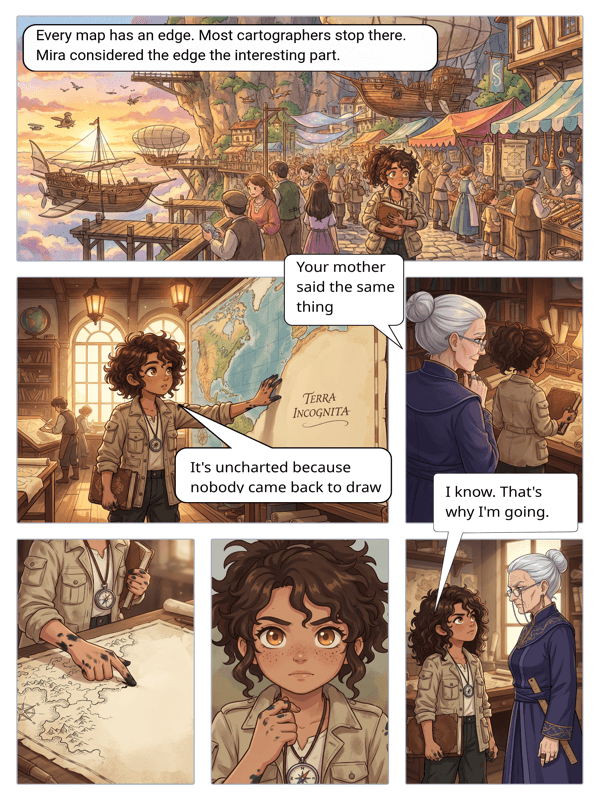
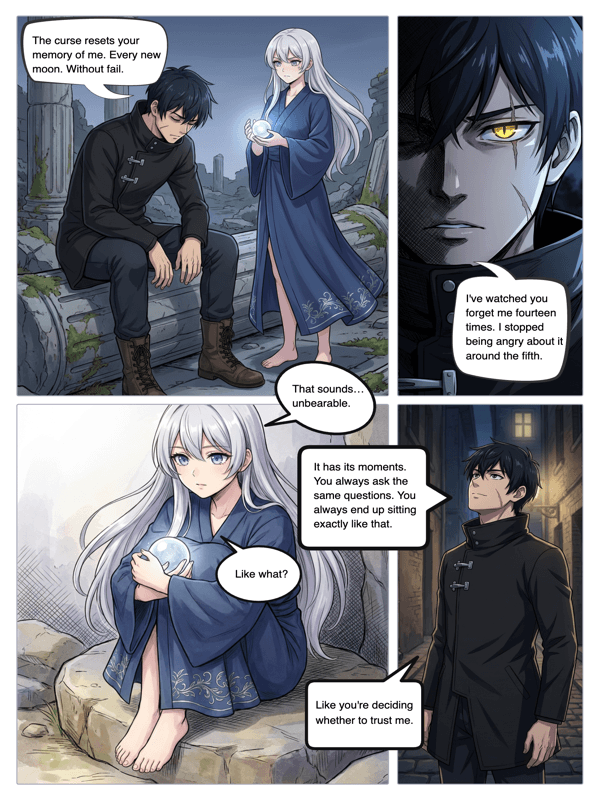
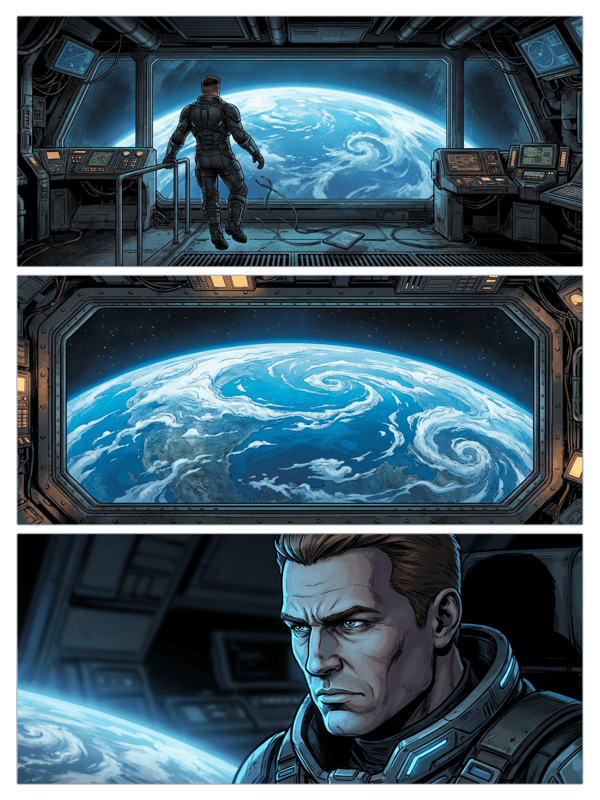
Real output from YarnSaga — characters stay consistent across every panel
How it works
Open YarnSaga in any browser
Go to app.yarnsaga.com in Chrome, Safari, Firefox, or Edge. Sign in with Google. You're in the comic generator immediately — no setup, no configuration, no waiting.
Generate your comic panels online
Create characters, write scene descriptions, and generate panels — all inside the browser. AI generation happens in the cloud; your device only needs a stable internet connection.
Save, share, and come back later
Your work saves to your account automatically. Close the browser, open it on a different device, and your comic is right where you left it. Share published comics with a link.
What you get
Fully browser-based
The complete YarnSaga comic generator runs in your browser — character creator, panel editor, AI generation, speech bubbles, and publishing. No desktop app needed.
Cloud-powered generation
AI panel generation happens on our servers, not your device. Any computer or tablet with a browser and internet connection can generate full comic panels.
Auto-save to your account
Every edit, every generated panel, every character saves automatically to your account. No manual save, no lost work, no risk of closing the tab and losing progress.
Cross-device access
Your comics and characters are stored in the cloud, not on your device. Start on a laptop, continue on an iPad, share from a phone. The generator follows your account.
No version management
Browser-based means you always have the latest version. No update prompts, no version conflicts, no reinstalling. Open the browser — it's current.
Share without file transfers
Publish your comic and share the link. No exporting files, no email attachments, no file hosting. Your online comic is already accessible to anyone with the URL.
Who uses this
Creators on managed or restricted devices
Can't install software at school or work? YarnSaga works in any browser with no installation. No IT permissions needed.
Multi-device and mobile-first users
Move between devices without friction. Your comic project is in your account, not on a specific machine.
People who want to start immediately
No setup barrier. Open a browser, sign in with Google, and you're generating panels. Nothing between you and your comic.
Common questions
Does YarnSaga work on a Chromebook?
Yes. YarnSaga works on any device with a modern browser and internet connection. Chromebooks, tablets, school laptops — if it has Chrome, it works.
Do I need a fast computer to generate comics online?
No. AI generation runs on YarnSaga's servers in the cloud. Your device only needs to display the results. A basic laptop or tablet handles the generator without performance issues.
Can I use YarnSaga without internet?
YarnSaga requires an internet connection for AI panel generation, which runs in the cloud. The editor interface loads from the web, so an active connection is needed for the full experience.
Is my work saved if my browser crashes?
Yes. YarnSaga auto-saves your work continuously. If your browser crashes or you accidentally close the tab, your content is saved in your account and will be there when you reopen.
Which browsers does the comic generator work in?
YarnSaga works in Chrome, Safari, Firefox, and Edge. Chrome and Safari give the best performance. We recommend keeping your browser up to date for the smoothest experience.
Ready to make your comic?
Credit packs from $6, no subscription. No drawing skills needed. Your characters stay consistent — automatically.
Start creating