Online Comic Strip Maker
Make comic strips online — no software to download, ever
YarnSaga runs entirely in your browser. Open the editor, create your characters, write your scenes, generate panels with AI — all without installing anything. Works on Mac, Windows, or any device.
- Browser-based — nothing to install or update
- Works on Mac, Windows, iPad, and Chromebook
- Your work is saved automatically to the cloud
Made with YarnSaga
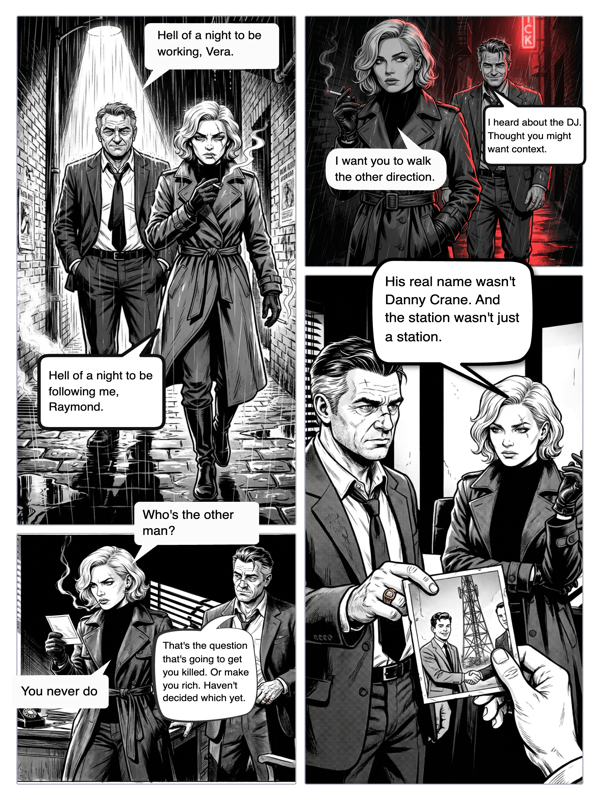
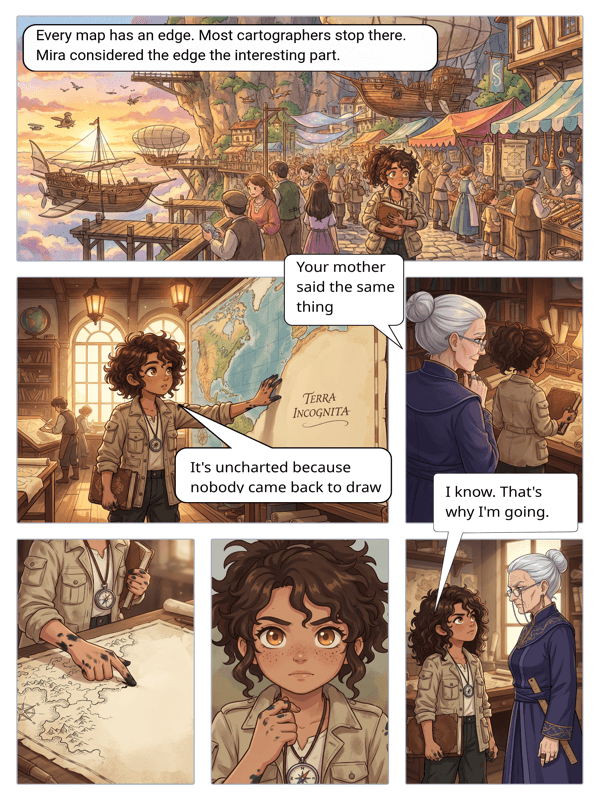
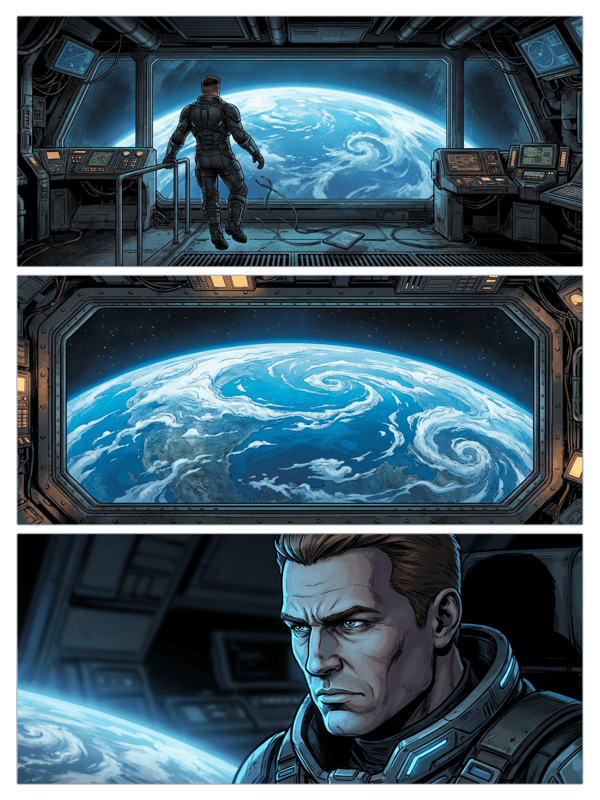
Real output from YarnSaga — characters stay consistent across every panel
How it works
Open YarnSaga in your browser
Go to app.yarnsaga.com from any browser. Chrome, Safari, Firefox — all work. Sign in with Google and you're in the editor immediately.
Create your strip in the browser
The full editor — character creator, panel layout, AI generation, speech bubbles — runs directly in the browser. No plugins, no extensions, no downloads.
Your work saves automatically
Everything you create is saved to your account in real time. Close the tab, reopen it later, and your comic is right where you left it.
What you get
Fully browser-based editor
The entire YarnSaga comic editor runs in-browser. No desktop app, no plugin, no local storage needed.
Cloud storage
Your characters, comics, and generated panels are saved to your account. Access them from any device, anywhere.
Cross-device compatible
Start a comic on your laptop and continue on your tablet. Your project follows your account, not your device.
AI generation in-browser
Panel generation happens in the cloud and delivers results directly in the browser. No GPU or local processing needed.
One-click sharing
Share your comic strip with a public link — no file download or attachment needed. Just copy and send the URL.
Always up to date
Because it's web-based, you always have the latest version of YarnSaga. No update prompts, no version mismatches.
Who uses this
School and work environments
Managed devices often block software installs. YarnSaga works in any browser — no admin permissions required.
Multi-device creators
Move between devices without losing progress. Your comic is in the cloud, not tied to one machine.
Casual creators who want no friction
No setup, no configuration. Open a browser, start creating.
Common questions
Does YarnSaga work on iPad or tablet?
YarnSaga works in the browser on iPad and Android tablets. The editor is designed for desktop-first use, but browsing, reading, and basic editing work on tablets.
Can I use YarnSaga offline?
YarnSaga requires an internet connection for AI panel generation, as processing happens in the cloud. The editor and your saved content are not available offline.
Which browsers are supported?
YarnSaga works in all modern browsers: Chrome, Safari, Firefox, and Edge. We recommend Chrome or Safari for the best experience.
Is my work backed up automatically?
Yes. Your characters, panels, and story content save automatically as you work. There is no manual save needed and no risk of losing work when you close the browser.
Do readers need to install anything to read my comic?
No. Anyone can read a published YarnSaga comic in their browser without an account or any installation.
Ready to make your comic?
Credit packs from $6, no subscription. No drawing skills needed. Your characters stay consistent — automatically.
Start creating