Comic Panel Generator
Generate comic panels from text — one at a time or in sequence
YarnSaga generates individual comic panels from your scene descriptions. Write what you want to see, choose your art style, and the AI produces an illustrated panel with your characters in frame — consistent every time you generate.
- Generate single panels or full pages of panels
- Same character face and outfit in every generated panel
- Regenerate any panel without affecting others
Made with YarnSaga
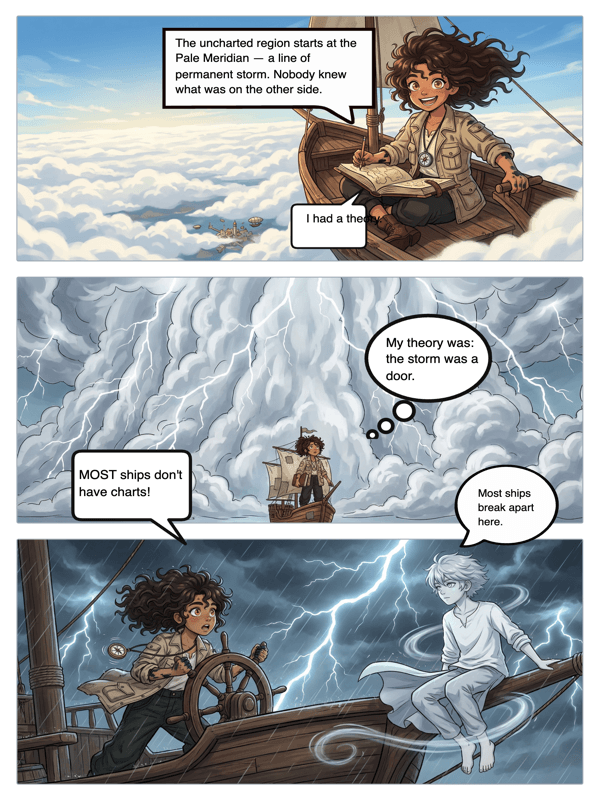
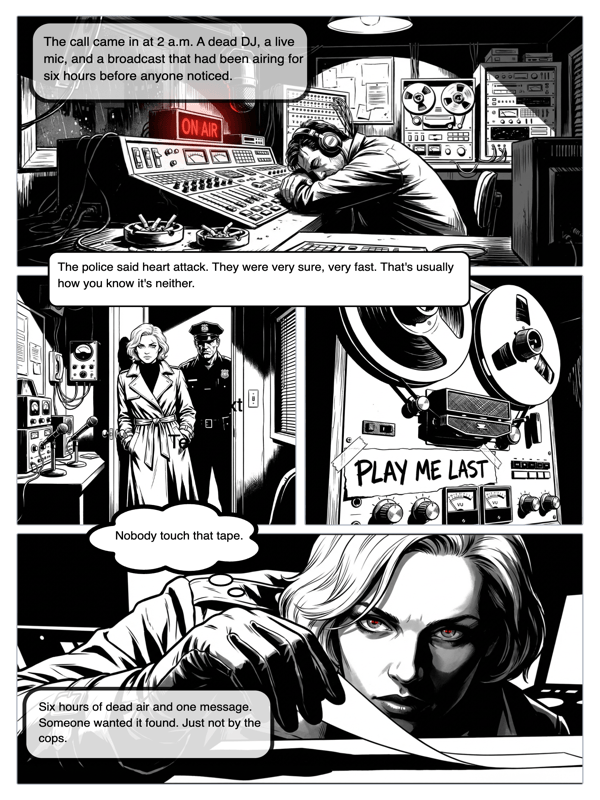
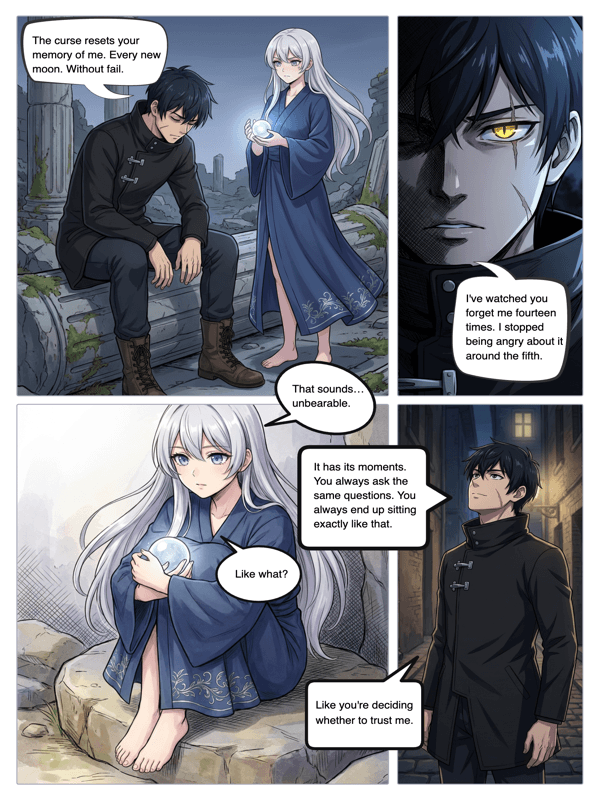
Real output from YarnSaga — characters stay consistent across every panel
How it works
Create your character once
Describe your character's appearance in the character creator — or upload a reference photo. The panel generator uses this as the visual anchor every time this character appears in a panel.
Write your panel description
Describe exactly what you want in the panel: who is in it, what they're doing, the setting, the angle, the mood. One or two sentences is usually enough for a clear panel.
Generate and refine
Click generate and see your panel. If it needs adjustment, rewrite one or two details in your description and regenerate. Iterate until the panel matches your vision.
What you get
Panel-by-panel generation
Generate individual panels at will. Build a page from separate panel generations, or generate a full page at once — whichever fits your workflow.
Scene description to artwork
Write a scene description in plain language. The AI interprets it and generates an illustrated panel that matches your described action, setting, and mood.
Character consistency per panel
Every panel featuring your character references their saved visual profile. Panel 1 and panel 40 feature the same character — not a character who kind of looks similar.
Angle and composition control
Describe the panel angle: extreme close-up, over-the-shoulder, bird's eye view, low angle. The AI follows your composition instruction.
Art style application
Each panel is generated in your project's art style — manga, cinematic, illustrated, or others. Style applies consistently to every generated panel.
Regenerate without losing work
Regenerate any single panel independently. Your other panels stay exactly as they are.
Who uses this
Comic creators building page by page
Generate panels one at a time as you build your comic. A focused single-panel workflow lets you get each beat exactly right before moving on.
Storyboard artists and visual planners
Use panel generation to storyboard a scene before committing to a final version. Generate rough panels fast to visualize the sequence.
Writers testing visual interpretations
Not sure how a scene will read visually? Generate a panel for it and find out. Iterate until the visual version of the scene matches your written intent.
Common questions
Can I generate a panel with multiple characters in it?
Yes. Assign multiple characters to a scene and describe the interaction between them. The AI generates a panel featuring all of them based on your scene description.
What makes a good panel description?
Specific details produce better panels. Include: who is in the panel, what they are doing, where the scene is set, what the lighting is like, and what angle or composition you want. Two or three sentences with concrete detail outperforms vague one-liners.
How is this different from just using Midjourney?
Character consistency. Midjourney generates one image at a time and has no memory. If you generate the same character twice, they will look different. YarnSaga's panel generator references your character's saved profile on every generation.
Can I use generated panels in other tools?
Yes. You can download any generated panel as an image file and use it in external tools — presentations, social posts, other design software.
Is there a limit to how many panels I can generate?
Your only limit is your credit balance. A typical panel costs about 0.3 credits ($1 = ~3 panels). Buy a credit pack — credits are valid for six months — and generate as many panels as you want.
Ready to make your comic?
Credit packs from $6, no subscription. No drawing skills needed. Your characters stay consistent — automatically.
Start creating