Manga Maker
Make your own manga online — panels, pages and characters
YarnSaga is an online manga maker for creating your own manga from start to finish. Design your characters, generate black-and-white panels that stay consistent across the chapter, letter them with speech bubbles and narration boxes, arrange them into pages, and publish. Everything you need to make manga in one place — no drawing required.
- Create your own manga online — panels, pages and characters in one tool
- Consistent characters across every panel and page
- Speech bubbles, narration boxes and publishing built in
Art styles: Manga (Black & White), Manga / Anime (colour)
Made with YarnSaga
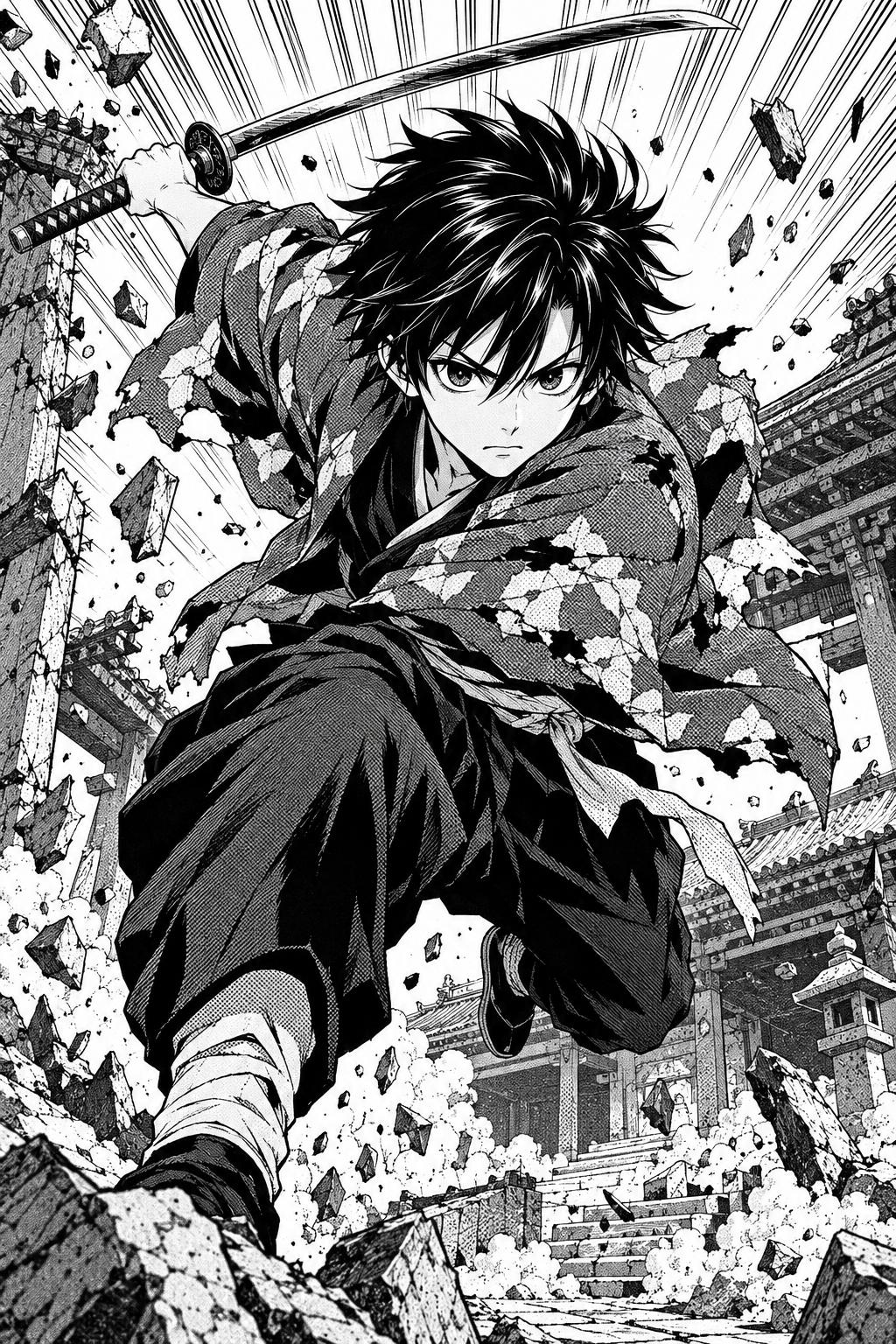
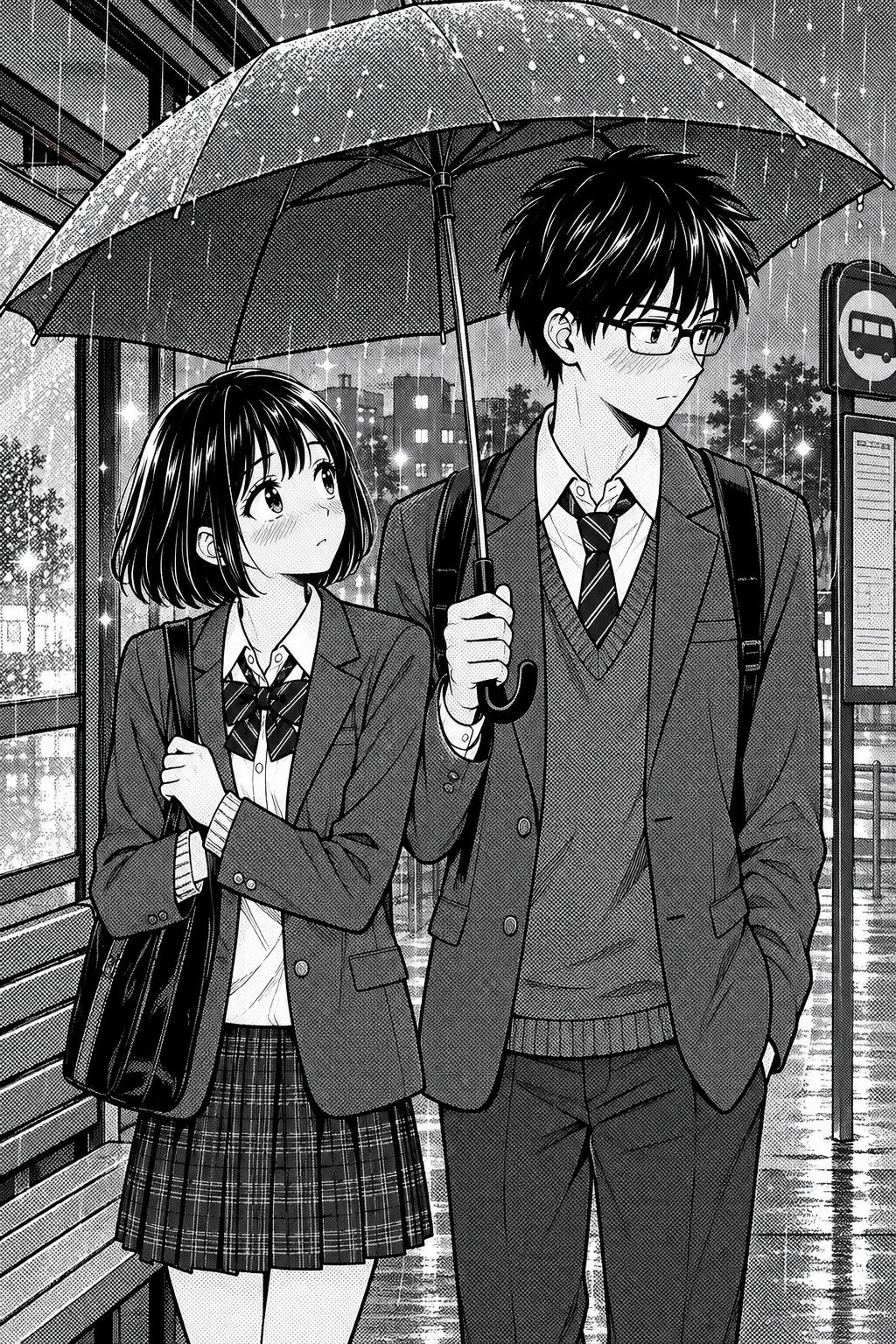
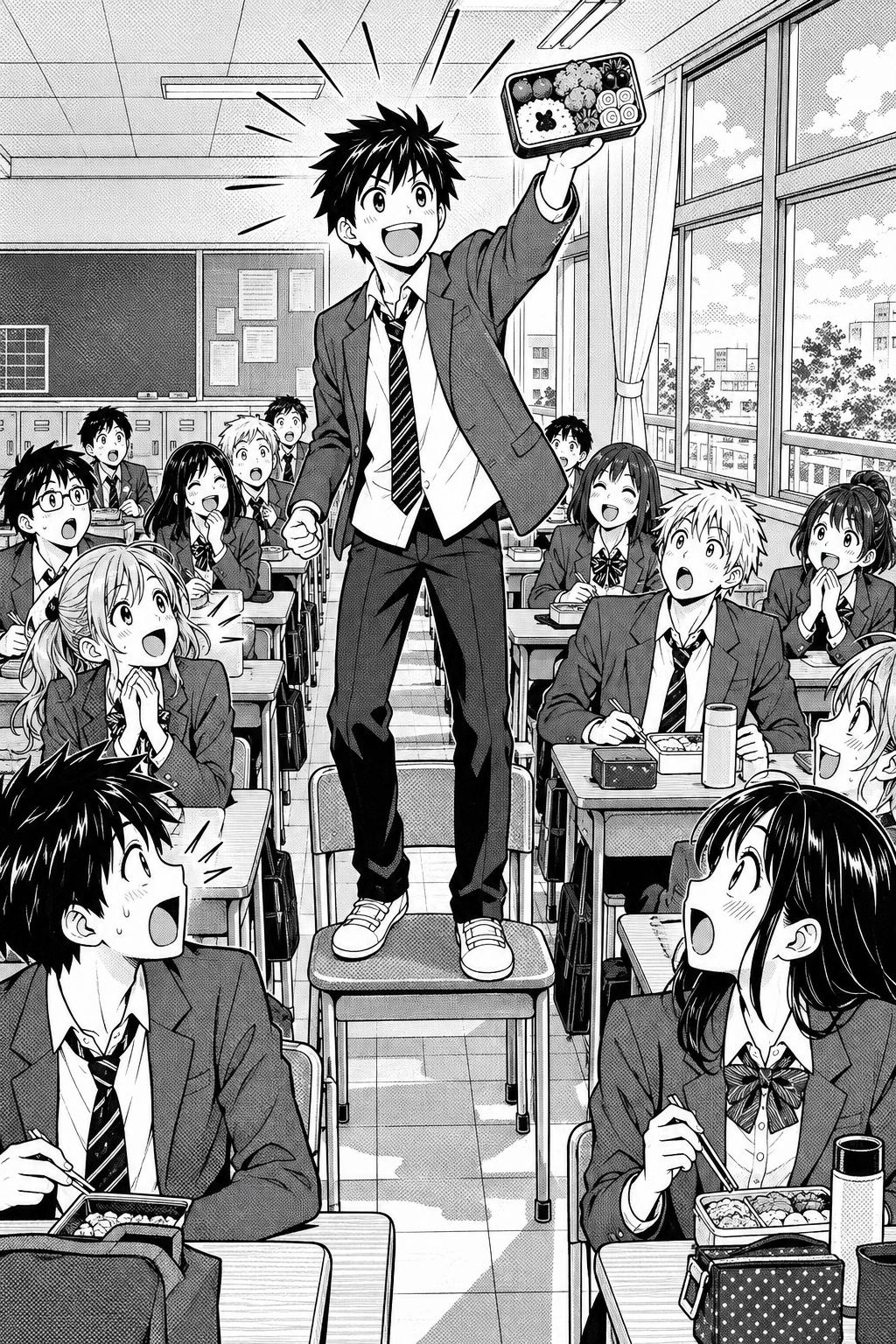
Real output from YarnSaga — characters stay consistent across every panel
How it works
Design your characters
Describe your characters or upload reference photos. YarnSaga locks in their manga look so they stay consistent throughout.
Make your pages
Write each scene, generate black-and-white manga panels, and arrange them into pages. Add more pages to build a chapter.
Letter and publish
Add speech bubbles and narration boxes, then publish your manga to a shareable link or export the pages.
What you get
End-to-end manga making
Characters, panels, pages, lettering and publishing — everything to make manga in one place.
Black-and-white manga style
The Manga (Black & White) style: crisp ink linework, dot screentone shading and speed lines, the look of a printed manga volume.
Character consistency
Your cast looks the same across every panel and page, automatically.
Bubbles and narration
Add speech balloons, thought bubbles and narration boxes with the built-in editor.
Pages and chapters
Arrange panels into manga pages and add pages to build a full chapter.
Publish and share
Publish your manga to a public reader link, or export pages as images.
Who uses this
Aspiring manga creators
Make your own manga from characters to published pages without drawing skills.
Writers with a manga story
Turn your script or idea into finished manga pages, panel by panel.
Fan and doujin creators
Produce manga shorts and chapters and share them with a link.
Common questions
Can I make my own manga without drawing?
Yes. YarnSaga generates the manga art from your descriptions and keeps your characters consistent. You write the story, direct the panels, and letter the dialogue.
Are the panels black-and-white?
Your choice. Pick the Manga (Black & White) style for traditional ink-and-screentone panels like a printed manga, or Manga / Anime for flat colour. For full-color vertical comics, see the manhwa maker or webtoon maker.
Will my characters stay consistent?
Yes. Define each character once and YarnSaga keeps their appearance the same across every panel and page.
Can I add speech bubbles and narration?
Yes. Add speech balloons, thought bubbles and narration boxes to any panel with the built-in editor.
Can I build a full manga chapter?
Yes. Arrange panels into pages and add pages to build a complete chapter, then publish or export it.
Is the manga maker free?
No. YarnSaga has no free plan — generating panels uses credits from a pack you buy once: from $6 (about 20 panels), valid for six months, no subscription.
Ready to make your comic?
Credit packs from $6, no subscription. No drawing skills needed. Your characters stay consistent — automatically.
Start creating