Manga Panel Generator
Generate manga panels from a description — one scene at a time
YarnSaga's manga panel generator turns a scene description into a single manga-style panel — dynamic framing, expressive characters, screentone-inspired shading. Generate one panel at a time, keep your character consistent across all of them, add speech bubbles and narration boxes, and arrange the panels into a full manga page.
- Generate individual manga panels from a scene description
- Keep the same character consistent across every panel
- Add speech bubbles and narration boxes, then arrange panels into a page
Made with YarnSaga
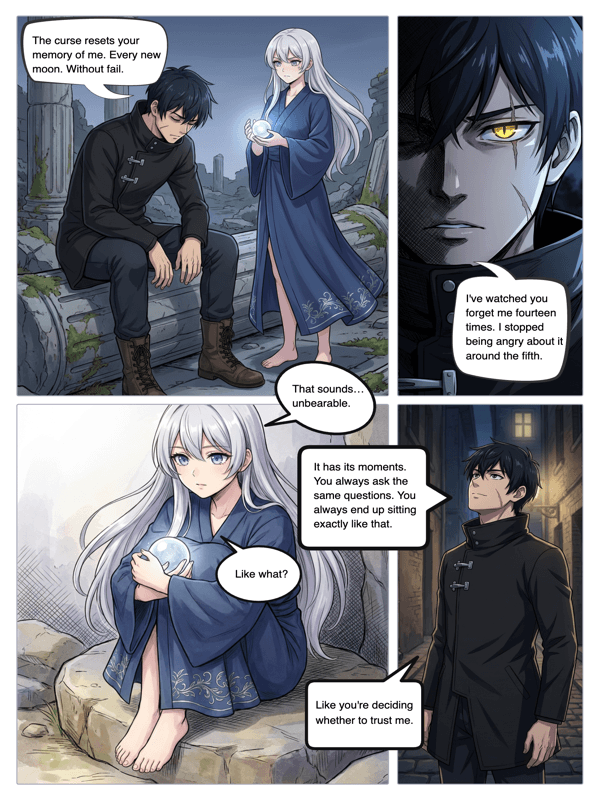
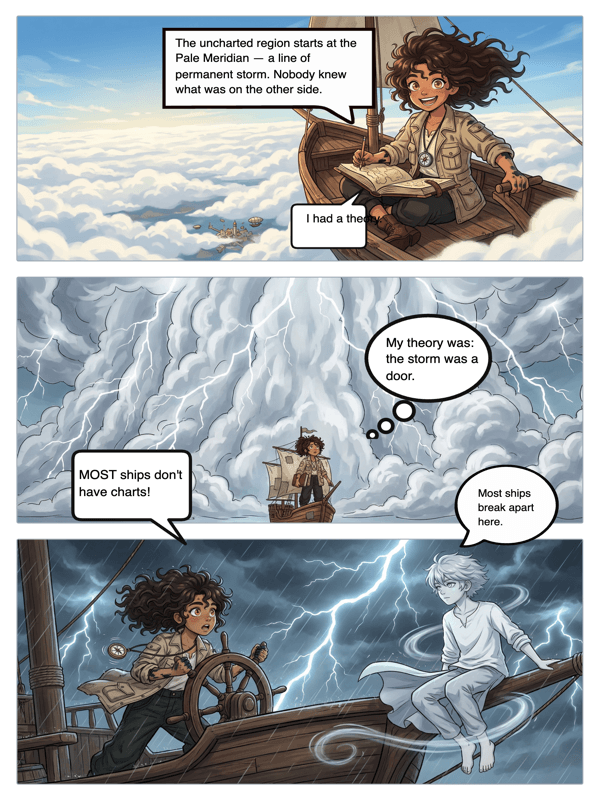
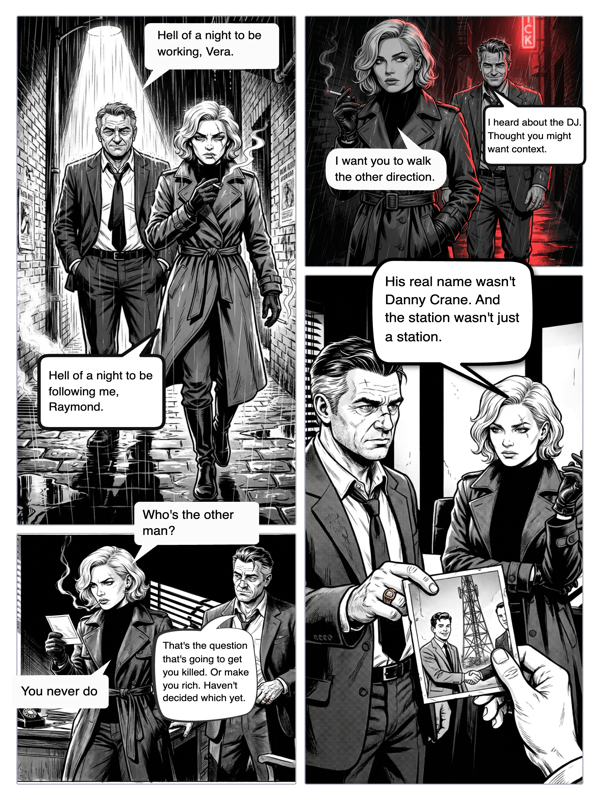
Real output from YarnSaga — characters stay consistent across every panel
How it works
Create your character
Describe your character or upload a reference photo. YarnSaga locks in their look so they stay on-model in every panel you generate.
Describe the panel
Write what happens in the panel — the action, angle and mood. The AI generates a manga-style panel that matches your description.
Letter and arrange
Add speech bubbles and narration boxes, then place the panel on your page alongside the others to build a full manga layout.
What you get
Panel-by-panel generation
Generate one manga panel at a time so you direct the pacing and framing of each beat.
Manga aesthetic
Dynamic angles, expressive characters and screentone-inspired shading in a Japanese-comic style.
Character consistency
Your character stays the same across every panel you generate — face, hair and outfit locked in.
Bubbles and narration
Add speech balloons, thought bubbles and narration boxes to each panel with the built-in editor.
Build a full page
Arrange your panels into a manga page layout and add more pages to grow the story.
Regenerate any panel
Rewrite a panel's description and regenerate just that one without touching the rest.
Who uses this
Manga creators
Generate panels beat by beat and assemble them into pages, keeping full control of framing.
Storyboarders
Block out scenes as individual manga panels before committing to a full page.
Fan and doujin artists
Produce manga-style panels for a short or series without drawing each one by hand.
Common questions
How does the manga panel generator work?
You describe a scene in plain language and YarnSaga generates a single manga-style panel from it, using your character reference to keep the character consistent. You can generate panel after panel and arrange them into a page.
Can I generate one panel at a time?
Yes. The generator is panel-by-panel by design, so you control the framing and pacing of each beat rather than getting a whole page at once.
Will my character look the same in every panel?
Yes. You define the character once, and the AI keeps their appearance consistent across all the panels you generate.
Can I add speech bubbles to the panels?
Yes. Add speech balloons, thought bubbles and narration boxes to any panel with the built-in bubble editor, then arrange the panels on your page.
Can I build a full manga page from the panels?
Yes. Place your generated panels into a page layout and add more pages to build a complete manga chapter.
Is the manga panel generator free?
No. YarnSaga has no free plan — generating panels uses credits from a pack you buy once: from $6 (about 20 panels), valid for six months, no subscription.
Ready to make your comic?
Credit packs from $6, no subscription. No drawing skills needed. Your characters stay consistent — automatically.
Start creating