Text Bubble Generator
Type your text into a bubble on any panel — drag, type, done
A free text bubble generator built right into the canvas. Drop a speech balloon, thought bubble, shout box or caption, then type your text straight inside it — the lettering fits itself, and you aim the tail at the speaker. No Photoshop, no separate lettering app, no exporting. Works on comic, manga, cartoon and webtoon panels, and on any image you upload.
- Type dialogue text directly inside speech balloons, thought bubbles and caption boxes
- Text auto-fits the bubble — resize, reposition, and rewrite anytime
- Works on AI-generated panels or your own uploaded comic, manga or cartoon art
Made with YarnSaga
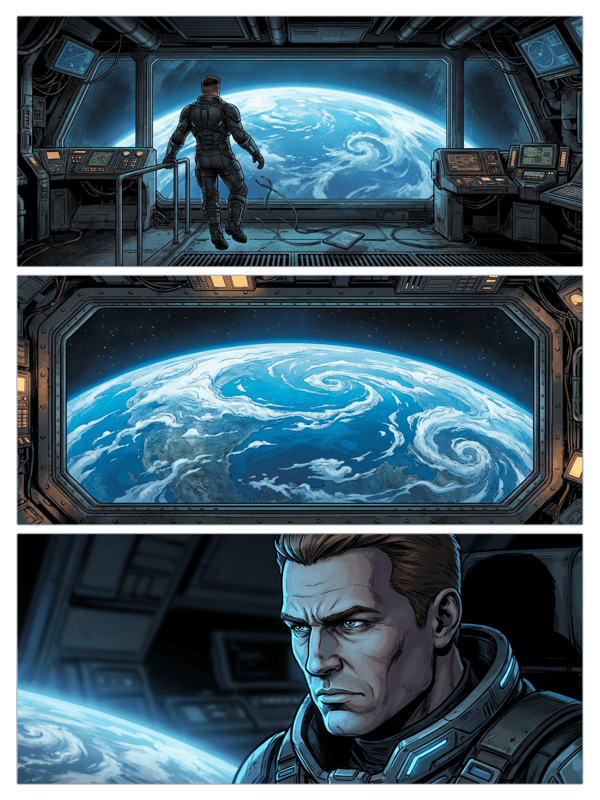
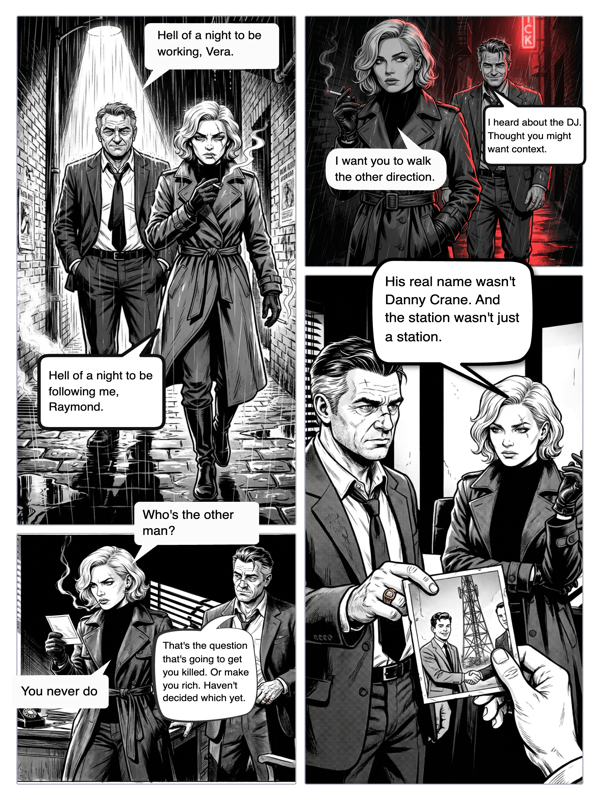
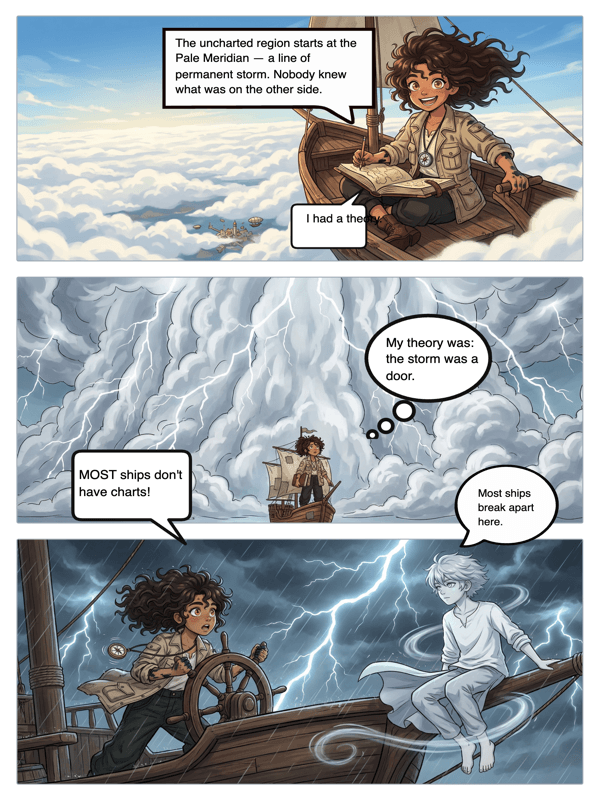
Real output from YarnSaga — characters stay consistent across every panel
How it works
Open your panel
Use a panel you generated in YarnSaga, or upload your own comic, manga or cartoon artwork to the canvas editor.
Drop a text bubble
Pick a bubble style — round speech balloon, spiky shout box, cloud thought bubble, or a caption box — and drop it on the panel.
Type your text
Type your line and it letters straight inside the bubble. Drag the bubble into place, resize the text to fit, and aim the tail at the speaker. Done.
What you get
Text inside the bubble
Type dialogue directly into the balloon — no separate text layer to align, no guessing where the words land.
Auto-fitting lettering
Comic-style fonts size themselves to the bubble so your text reads cleanly and stays inside the shape.
Every bubble type
Round speech balloons, jagged shout boxes, cloud thought bubbles and caption boxes — all take text the same way.
Tail control
Point the tail at whoever is talking, move it, flip it, or hide it for narration and captions.
Layered and editable
Bubbles and their text sit on their own layer — reposition or rewrite anytime without touching the art.
Export ready
Text and bubbles bake into the exported image and the published comic — no separate file to merge.
Who uses this
Comic and manga makers
Letter your panels with real dialogue in the same place you make them — no round trip to a design app.
Meme and social creators
Type a punchline into a bubble on any image for a quick, shareable text-bubble gag.
Educators
Add spoken dialogue and narration text to illustrated scenes to turn pictures into readable stories.
Common questions
How do I add text to a bubble?
Drop a bubble on your panel, then type — the text letters straight inside the balloon. You can resize the text, reposition the bubble, and aim the tail at the speaker. There is no separate text box to align.
What kinds of text bubbles can I make?
YarnSaga includes round speech balloons for dialogue, spiky "shout" boxes for loud lines, cloud thought bubbles for inner monologue, and rectangular caption boxes for narration. Each one takes typed text the same way.
Does the text stay editable after I type it?
Yes. The bubble and its text live on their own layer over the art, so you can rewrite the words, resize the lettering, or move the bubble at any time without affecting the panel underneath.
Can I add text bubbles to my own images?
Yes. Upload any comic, manga, cartoon or photo to the canvas and drop a text bubble on it, exactly the way you would on an AI-generated panel.
Is the text bubble generator free?
Yes. Adding text bubbles is part of the free plan — there is no extra cost, no watermark, and no separate lettering tool to buy.
What is the difference between a text bubble and a caption box?
A text bubble (speech balloon) is the rounded shape with a tail pointing at the speaker — use it for spoken dialogue. A caption box is a rectangular box with no tail, used for narration or scene-setting. Both take typed text the same way, and YarnSaga includes both.
Ready to make your comic?
Free to start. No drawing skills needed. Your characters stay consistent — automatically.
Start free