Webtoon Speech Bubble Generator
Add speech bubbles to your webtoon panels — drag, type, done
A free webtoon speech bubble generator built into the canvas. Drop rounded speech balloons, cloud thought bubbles, shout boxes and caption boxes onto your vertical-scroll webtoon panels, type the dialogue, aim the tail at the speaker, and it renders straight on the art. No Photoshop, no separate lettering app, no exporting.
- Speech balloons, thought bubbles, shout boxes and caption boxes built in
- Drag to position on vertical-scroll panels and point the tail at any character
- Works on AI-generated webtoon panels or your own uploaded episode art
Made with YarnSaga
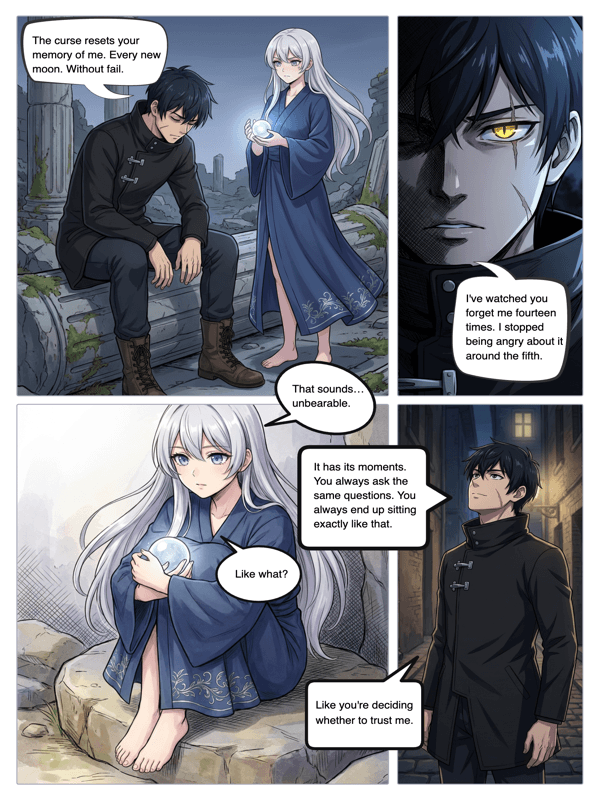
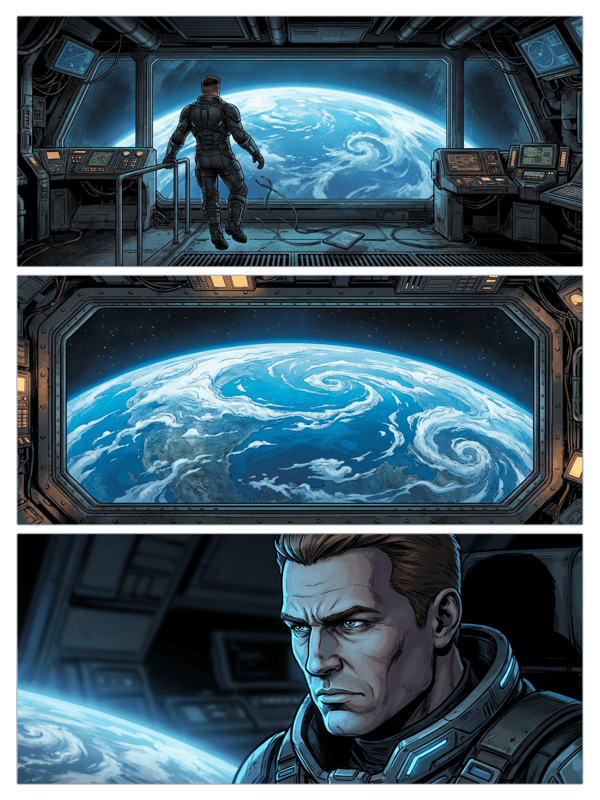
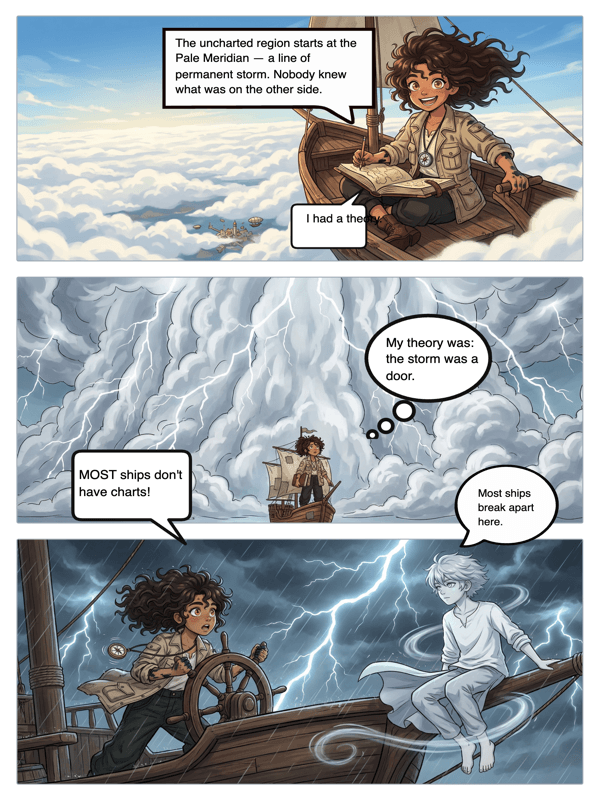
Real output from YarnSaga — characters stay consistent across every panel
How it works
Open your webtoon panel
Use a panel you generated in a webtoon or manhwa style in YarnSaga, or upload your own episode artwork to the canvas editor.
Add a bubble
Pick a bubble style — round speech balloon, spiky shout box, cloud thought bubble, or a caption box — and drop it on the panel.
Type and position
Type the line, drag the bubble into place along the vertical panel, and aim the tail at the speaker. Resize the text to fit. Done.
What you get
Built for vertical scroll
Place bubbles anywhere along the tall webtoon canvas so dialogue flows naturally as readers scroll down.
Every bubble type
Round speech balloons, jagged shout boxes, cloud thought bubbles and caption boxes — all included for episode lettering.
Tail control
Point the tail at whoever is talking, move it, flip it, or hide it entirely for narration.
Readable lettering
Comic-style fonts sized for legibility, so dialogue reads cleanly on phone-sized webtoon panels.
Layered and editable
Bubbles sit on their own layer over the art — reposition or rewrite them anytime without touching the panel.
Export ready
Bubbles bake into the exported image and the published episode — no separate file to merge.
Who uses this
Webtoon and manhwa authors
Letter your episodes in the same place you make the panels — no round trip to a design app.
Indie serial creators
Ship dialogue-lettered episodes fast and publish each one with a shareable link.
Fan and doujin creators
Add balloons to vertical fan panels for a quick, shareable webtoon edit.
Common questions
Does the bubble editor work on vertical webtoon panels?
Yes. You can place speech balloons, thought bubbles and captions anywhere along the tall vertical canvas, so dialogue flows naturally as readers scroll down the episode.
What kinds of bubbles can I add?
YarnSaga includes round speech balloons for dialogue, spiky "shout" boxes for action, cloud thought bubbles for inner monologue, and rectangular caption boxes for narration. You pick the type, drop it on the panel, and type your text.
Can I point the tail at a specific character?
Yes. Each speech balloon has a tail you can drag and aim at whoever is speaking. You can reposition or hide it — for example, removing the tail on a narration caption.
Can I add bubbles to my own webtoon art?
Yes. Upload your own episode artwork to the canvas and add bubbles to it, exactly the way you would on an AI-generated panel.
Is the webtoon speech bubble tool free?
Yes. Adding speech bubbles is part of the free plan — no watermark and no separate lettering tool to buy.
Can I publish the finished episode?
Yes. Every story you publish gets a shareable link. For uploading to LINE Webtoon Canvas or Tapas, export the lettered pages and upload them manually.
Ready to make your comic?
Free to start. No drawing skills needed. Your characters stay consistent — automatically.
Start free