Thought Bubble Generator
Add a thought bubble to any panel — type your character's inner voice
A free thought bubble generator built into the canvas. Drop a cloud-shaped thought bubble with its trail of dots onto any panel, type your character's inner monologue, and point the trail at whoever is thinking. Add speech balloons and captions too. No Photoshop, no separate lettering app, no exporting. Works on comic, manga and cartoon panels — and any image you upload.
- Cloud-shaped thought bubbles with a trailing-dots pointer for inner monologue
- Drag to position, resize the text, and aim the dot trail at the thinker
- Works on AI-generated panels or your own uploaded comic, cartoon or photo
Made with YarnSaga
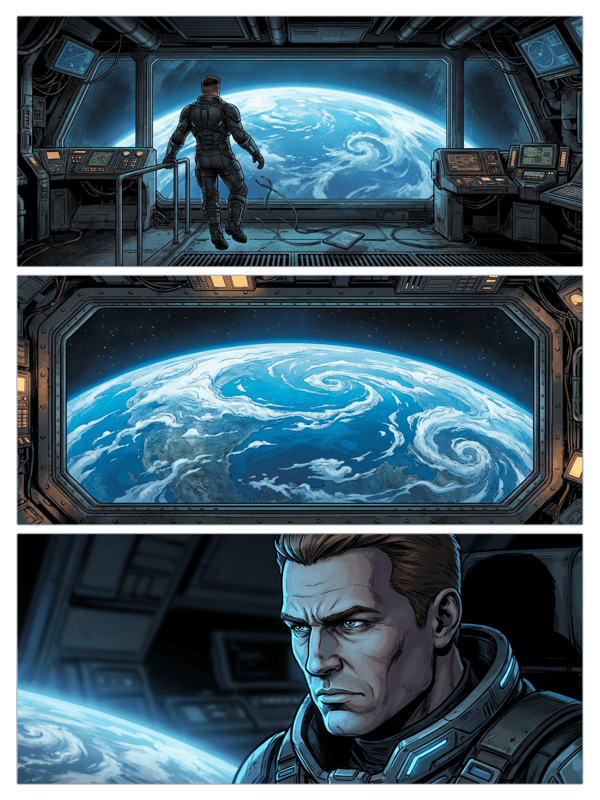
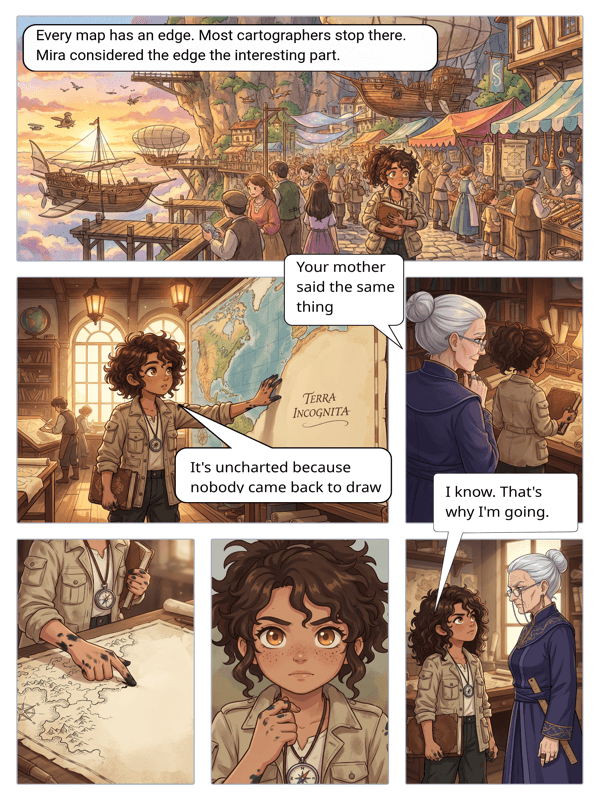
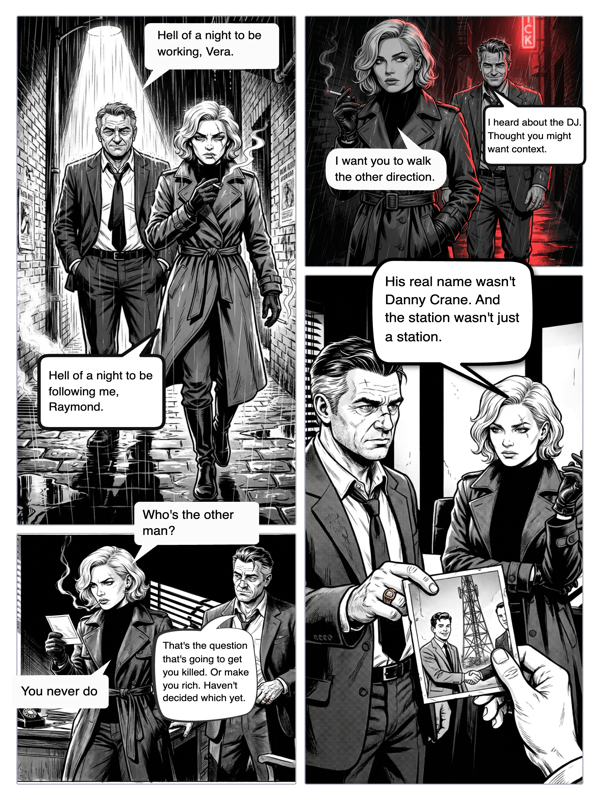
Real output from YarnSaga — characters stay consistent across every panel
How it works
Open your panel
Use a panel you generated in YarnSaga, or upload your own comic, cartoon or photo to the canvas editor.
Add a thought bubble
Drop a cloud-shaped thought bubble on the panel. Speech balloons, shout boxes and captions are one click away too.
Type and position
Type the inner-voice line, drag the bubble into place, and aim the trail of dots at whoever is thinking. Resize the text to fit. Done.
What you get
Cloud thought bubbles
The classic puffy thought cloud with a trail of shrinking dots that points from the thought back to the character.
Trail control
Aim the dot trail at whoever is thinking, move it, or reposition the bubble anywhere on the panel.
Speech and captions too
Mix thought bubbles with round speech balloons, shout boxes and narration captions — one editor for all lettering.
Readable lettering
Comic-style fonts sized for legibility, so inner-voice lines read cleanly at any panel size.
Layered and editable
Bubbles sit on their own layer over the art — reposition or rewrite them anytime without touching the panel.
Export ready
Bubbles bake into the exported image and the published comic — no separate file to merge.
Who uses this
Comic and manga makers
Show a character's inner voice the classic way — a thought cloud — without leaving the editor.
Meme and social creators
Add a thought bubble to any image for a quick, relatable "what they're really thinking" gag.
Educators
Reveal a character's reasoning or feelings inside a thought bubble to make illustrated stories clearer.
Common questions
What is a thought bubble?
A thought bubble is a cloud-shaped balloon with a trail of shrinking dots instead of a pointed tail. It shows what a character is thinking rather than saying, so readers know the line is inner monologue, not spoken dialogue.
How is a thought bubble different from a speech balloon?
A speech balloon is a rounded shape with a pointed tail aimed at a speaker, used for spoken words. A thought bubble is a puffy cloud with a trail of dots, used for unspoken thoughts. YarnSaga includes both, plus shout boxes and caption boxes.
Can I aim the dot trail at a specific character?
Yes. The trail of dots works like a tail — drag it to point from the thought bubble back to whoever is thinking, then reposition the bubble anywhere on the panel.
Can I add thought bubbles to my own images?
Yes. Upload any comic, cartoon or photo to the canvas and drop a thought bubble on it, exactly the way you would on an AI-generated panel.
Do the bubbles stay editable?
Yes. Each bubble lives on its own layer over the art, so you can rewrite the text, resize the lettering, or move it at any time without affecting the panel underneath.
Is the thought bubble tool free?
Yes. Adding thought bubbles is part of the free plan — no watermark and no separate lettering tool to buy.
Ready to make your comic?
Free to start. No drawing skills needed. Your characters stay consistent — automatically.
Start free