The Best AI D&D Character Portrait Generators in 2026 (Tested and Ranked)
April 22, 2026 · 8 min read
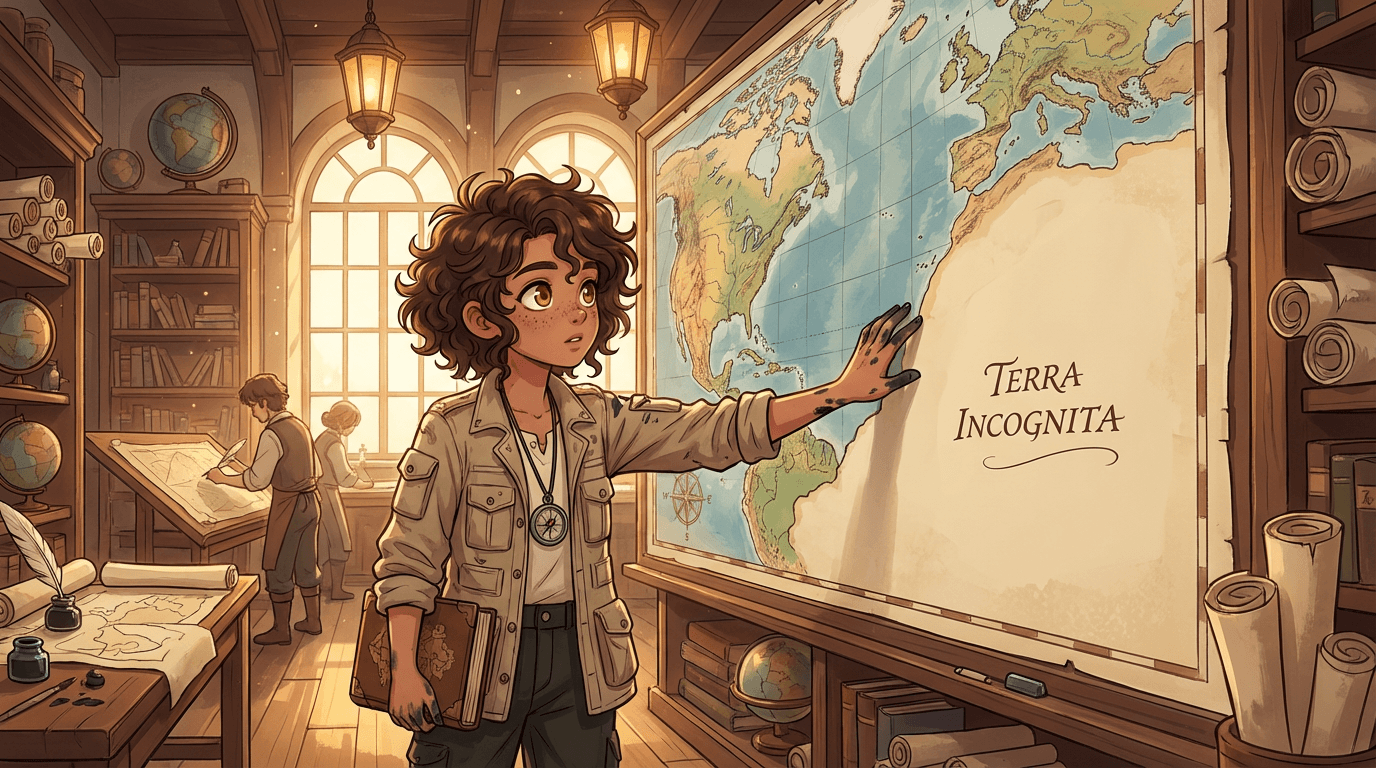
You've spent three hours building your character. Half-elf ranger, Outlander background, dark chestnut hair with a streak of silver from the curse she survived at age twelve. A bow she carved from a tree that was struck by lightning. Eyes that are slightly too amber to be natural.
You know exactly what she looks like. The problem is getting that image out of your head and onto the table.
AI character portrait generators have gotten genuinely good. Here's a breakdown of the best options for D&D and TTRPG character portraits in 2026 — what to use, what to avoid, and how to get a portrait that actually looks like the character you built.
What Makes a Good D&D Character Portrait
Before getting into tools, it helps to know what you're actually evaluating. A D&D character portrait isn't just a pretty illustration — it has a specific job to do at the table.
- It needs to be recognizable at a glance — DMs and other players should be able to look at the portrait and immediately know which character they're looking at
- It needs to capture distinctive features faithfully — the specific eye color, the scar, the unusual hair, the signature piece of equipment. These are the details that make your character yours rather than "generic fantasy elf #4"
- The art style should match the campaign tone — a grimdark political intrigue campaign calls for a different visual register than a swashbuckling adventure or a horror one-shot
- It should hold up across multiple uses — if you need a full-body portrait and a headshot, or portraits in different situations, they should look like the same character
The Best AI Portrait Generators for D&D Characters
1. YarnSaga — Best for Full Character Sheets and Scene Portraits
YarnSaga's primary use case is graphic novel creation, but its character system makes it particularly powerful for D&D portraits — especially if you want more than a single headshot.
When you create a character in YarnSaga, the system generates a full character sheet: front view, three-quarter view, and side view, all in the art style you choose. For a D&D character, that means you get a complete visual reference — not just one portrait angle. You can then generate scene-based illustrations of your character using those reference sheets as anchors, and the character will look the same in every generation.
The photo-to-character feature is genuinely useful here: upload a reference photo (a celebrity who has a similar look, or a face that inspired the character) and YarnSaga's AI analyzes it and pre-fills a character description. You adjust the description for the fantasy elements — the pointed ears, the scar, the unusual eye color — and generate from there.
For art style, the Game Concept Art style (AAA game cinematic illustration) works well for realistic D&D portraits. Manga / Anime suits anime-adjacent campaigns. Watercolor Children's Book hits the right note for lighter, more whimsical settings. And Gothic Horror is exactly what it sounds like for darker campaigns.
Best for: Players and DMs who want character sheets, scene portraits, and consistent character visuals across a campaign.
Price: Pay-as-you-go credits from $6, no subscription.
2. Midjourney — Best for Raw Portrait Quality
For single-image portrait quality, Midjourney still produces the best results of any AI tool. The level of detail, lighting nuance, and artistic sophistication in a well-prompted Midjourney portrait is unmatched. If you need one stunning portrait and you're comfortable with prompt engineering, this is the ceiling.
The significant drawbacks for D&D use: Midjourney still requires a Discord account and operates through Discord commands, which many users find cumbersome. More importantly, generating the same character twice is extremely difficult — there's no character memory, so producing a matching full-body portrait after you've generated a headshot requires significant prompt work and still usually drifts. For a single portrait, excellent. For a full visual character profile, frustrating.
Best for: Players who want one high-quality portrait and are comfortable with Midjourney's prompt system.
Price: $10–$120/month subscription.
3. Leonardo AI — Best for Volume and Variety
Leonardo AI offers a character reference feature that gives you more control over consistency than Midjourney. Upload a reference image of your character, and Leonardo uses it to guide subsequent generations — useful for getting variations (combat pose, tavern scene, close-up) that feel like the same person.
The consistency isn't locked the way a character sheet system locks it — you'll still see drift across many generations — but for generating four or five portraits of the same character in different situations, it's more reliable than Midjourney. The free tier is also more generous, which makes it a good entry point for players who want multiple portraits without a subscription commitment.
Best for: Players who want multiple portrait variations and a more generous free tier.
Price: Free tier available / paid from $12/month.
4. DALL-E / ChatGPT — Best for Beginners
The most accessible starting point — no new account, no learning curve, you just describe your character in the ChatGPT interface you probably already use. The output quality has improved significantly and can produce a reasonable D&D portrait from a detailed description.
The consistent limitation is character consistency across multiple images. Each generation is fresh, so getting a "same character, different pose" portrait requires careful prompting and usually produces results that are noticeably different. Good for a quick one-off portrait. Not suitable for building a full visual character profile.
Best for: Players who want something fast and already use ChatGPT.
Price: Free / Plus $20/month.
5. Stable Diffusion (with Character LoRA) — Best for Technical Users
If you're comfortable with the technical setup, Stable Diffusion with a character-specific LoRA (a fine-tuned model trained on your character's reference images) produces the most consistent character portraits of any method. The same character, across any pose, any scene, any context — genuinely locked.
The barrier is real: you need a GPU (or cloud credits), you need to understand ComfyUI or Automatic1111, and training a LoRA requires multiple reference images of your character. It's the professional solution, not the accessible one. But if consistency is non-negotiable and you're technically inclined, this is the most reliable approach.
Best for: Technical users who need maximum consistency and are comfortable with local AI tools.
Price: Free (self-hosted) / cloud credits vary.
Tips for Writing Character Descriptions That Actually Work
Regardless of which tool you use, the quality of your character description determines the quality of your portrait. A few things that make descriptions more generatable:
- Lead with species and age — "A half-elf woman in her mid-thirties" gives the AI crucial visual context before you add any details
- Be specific about distinguishing features — "amber eyes" is weaker than "eyes that are an unsettling amber-gold, slightly too bright to look natural." Specificity anchors the generation.
- Describe the silhouette — height, build, and posture are as important as facial features for making a character visually distinctive in a group portrait
- Name the visual tone you want — "painted in the style of a classic D&D sourcebook illustration" or "cinematic fantasy portrait with dramatic rim lighting" orients the whole generation toward the feel you're after
- Mention the dominant color palette — if your character wears forest green and brown leather, say that explicitly. Color is one of the easiest things for an AI to get wrong if you don't anchor it.
For DMs: Full Campaign Visual Assets
If you're a DM building visual handouts, NPC portraits, location illustrations, or custom encounter maps, the calculus changes slightly. You need consistent NPCs across multiple sessions — the crime boss your players keep meeting should look the same in session three and session twelve.
For this use case, a character sheet system is almost essential. Creating reference sheets for your key NPCs before you need them in play means you can generate "Mira, the fence, looking nervous in a crowded market stall" and "Mira, the fence, in a tense confrontation in an alleyway" and have both look like the same person.
YarnSaga's props system is also worth mentioning here: you can create visual reference sheets for recurring objects and locations — the cursed sword your players have been chasing, the sigil of the villain's organization, the inside of the tavern they keep returning to. These become anchors for scene illustrations that stay visually consistent across sessions.
The Bottom Line
For a single high-quality portrait: Midjourney if you're comfortable with the tool, DALL-E if you want the fastest path.
For a full character visual profile — headshot, full body, action pose, all looking like the same person: YarnSaga's character sheet system is the most accessible solution that doesn't require a GPU and a LoRA training workflow.
For maximum technical consistency at any cost: Stable Diffusion with a trained LoRA.
Build your character's full visual profile — character sheet included, credit packs from $6. Create your character sheet on YarnSaga →
Front view, three-quarter, side — in whatever art style fits your campaign.
Create your first story — no drawing skills needed
Characters stay consistent across every panel, automatically.
Request Early Access →More Articles
Explore YarnSaga