How to Create a Graphic Novel with AI (No Drawing Skills Required)
April 1, 2026 · 9 min read
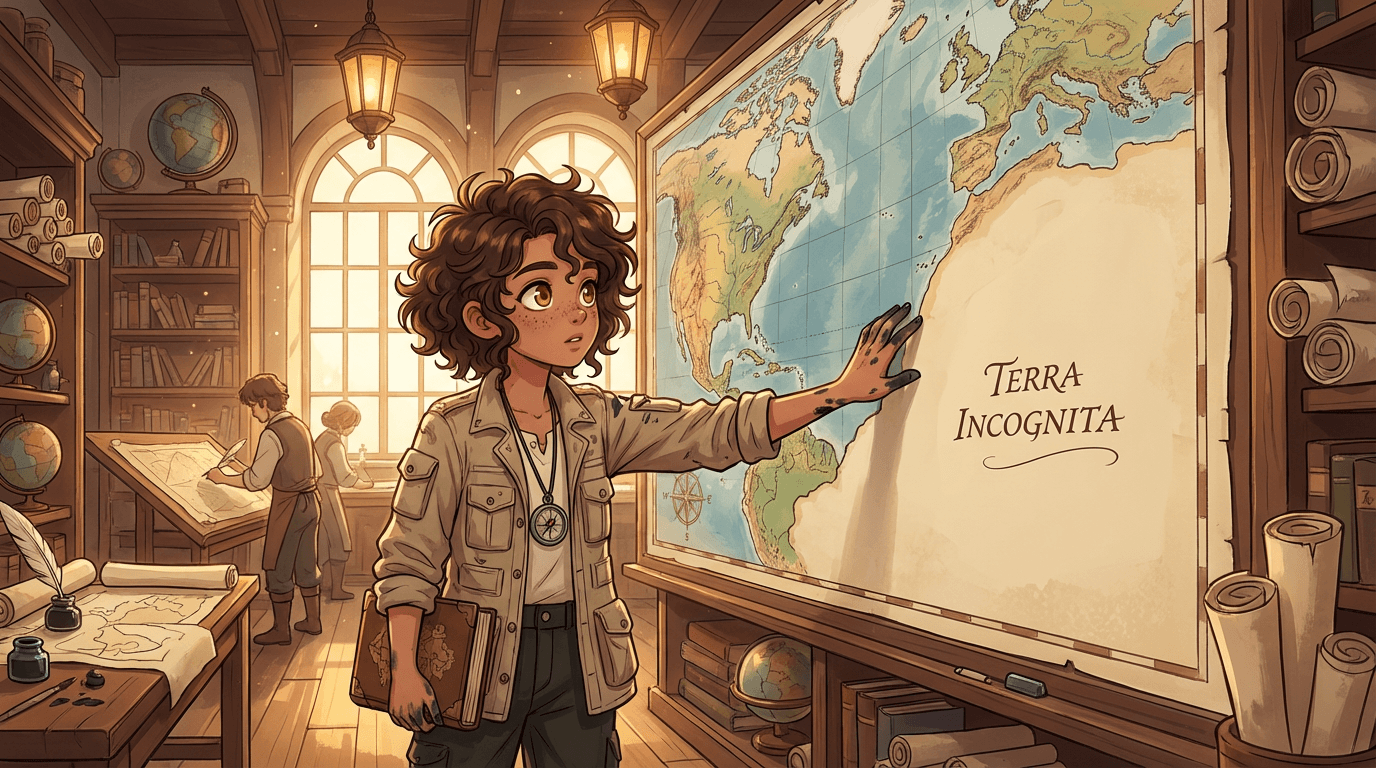
You have a story. You know the characters, the world, the scenes that would make readers stop breathing for a second. The only problem: you can't draw. And hiring an illustrator at $50–200 per page isn't a real option for most people.
Here's the thing — you don't need to draw anymore. You don't need an illustrator either. AI has changed what's possible for storytellers, and if you know the right steps, you can create a graphic novel with AI that looks genuinely professional. Not "AI slop." Not generic clip art. A real illustrated story with consistent characters, your chosen art style, and panels that actually tell your story.
This guide walks you through the full process — from blank page to published comic. Let's get into it.
Why Most People Give Up Before They Start
The frustrating reality is that most tools weren't built for storytellers. General-purpose AI image generators like Midjourney, DALL-E, and Stable Diffusion are incredible for single illustrations — but the moment you try to build a sequential story, you hit the same wall everyone hits: character inconsistency.
You generate panel one. Your protagonist looks perfect — exactly how you imagined. Then you generate panel two, same description, different scene — and suddenly she has different hair. Panel three, the face is subtly wrong. By panel ten you have ten slightly different people who are all supposed to be the same character.
This is the problem that stops most people. Not skill. Not creativity. Just a tool problem. The good news: it's completely solvable if you use the right approach.
What You Need Before You Generate Anything
Before touching any AI tool, get clear on three things:
- Your story arc — even a rough one. What happens in the beginning, middle, and end? You don't need a full screenplay. A one-paragraph summary works.
- Your main characters — who are they, what do they look like? Be specific. "Brown hair" generates differently than "dark chestnut hair cut to the jaw, always slightly messy." The more distinct the detail, the more consistently the AI renders it.
- Your visual tone — what should this feel like? Dark and cinematic? Bright and manga-style? Quirky and cartoonish? This determines your art style choice, which shapes everything else.
A good AI graphic novel creator will ask you for exactly these things. If you walk in with clear answers, the process moves fast.
Step 1: Choose Your Art Style First
Art style is the single biggest decision you make. It sets the tone for your entire story and affects how every panel reads emotionally.
Here's a quick guide to matching style to genre:
- Manga / Anime — action, romance, fantasy, shonen, shojo
- Noir / Sin City — crime, mystery, psychological thriller
- Superhero — action, origin stories, ensemble casts
- Bande Dessinée / Ligne Claire — adventure, literary fiction, historical
- Watercolor / Children's Book — younger audiences, warm emotional stories
- Gothic Horror — horror, supernatural, dark fantasy
- Studio Ghibli — coming-of-age, nature, quiet emotional journeys
Pick one style and commit to it for your whole story. Mixing styles mid-story breaks visual cohesion and confuses readers. Consistency is what makes a comic feel like a real published work. Browse all 20 art styles →
Step 2: Create Your Characters Before Any Story Panels
This is the most important step most people skip — and it's why their comics end up with character drift.
Before you generate a single story panel, create a character sheet for each main character. A character sheet shows your character from multiple angles — front, three-quarter, side — in your chosen art style. These reference images become the visual anchor for every panel you generate. Learn why character drift happens and how to stop it →
When an AI comic generator has access to your character sheet images, it's not working from a text description anymore — it's matching against actual visual references. That's the difference between "similar-looking" characters and genuinely consistent ones.
A few things that make characters more consistent across panels:
- One visually distinct signature feature — something unmistakable at any angle. A red mechanical arm. Silver-white hair against dark skin. A permanent half-mask. Pick something extreme enough that the AI can't silently ignore it.
- A consistent costume — clothing your character wears in every scene unless you intentionally change it
- A distinctive silhouette — your character should be identifiable from shape alone in a crowd scene
Step 3: Write Your Scenes in Plain English
Here's where people over-engineer things. You don't need to write complex prompts. You need to describe what's happening in the panel like you're describing it to a friend.
Bad scene description: "ultra-detailed cinematic 8K illustration hyperrealistic dramatic lighting volumetric fog character running fast"
Good scene description: "Elena sprints through a narrow alleyway at night, rain hammering down, glancing over her shoulder in fear"
The second description tells a story. It gives the AI what it actually needs: subject, action, environment, and emotion. The first is a list of style words that fight each other and produce generic results.
For each panel, ask yourself: what is happening, where, and how does the character feel? That's your scene description.
Step 4: Build Your Page Layouts
How you arrange panels on a page controls the pacing of your story. Comics aren't just a sequence of images — the layout tells readers how fast to move.
- Large single panel — slows the reader down; use for dramatic reveals or establishing shots
- Equal-size grid — steady, even pace; good for dialogue-heavy scenes
- Wide horizontal panels — cinematic; great for landscape shots or action sequences
- Tall vertical panels — creates tension or focus on a single character
- Mixed sizes on one page — guides the eye and creates visual rhythm
A good AI comic creator lets you choose panel layouts before generating, so you know exactly what shape and proportion each scene needs to fill.
Step 5: Add Dialogue and Publish
Speech bubbles are what transform illustrated panels into a real comic. The position of a bubble, its shape, and where the tail points all carry meaning — anger, whisper, thought, narration each have their own visual vocabulary.
A few principles:
- Bubbles should be read left to right, top to bottom — just like text on a page
- The tail should point to the speaker's mouth area, not their body
- Keep dialogue short — long paragraphs in speech bubbles break comic pacing
- Use caption boxes (rectangular, usually at the top or bottom of a panel) for narration and internal thoughts in a different style
Once your pages are complete, publish. A published link you can share with readers — that's the finish line.
The One Thing Most AI Comic Generators Get Wrong
Character consistency in AI comics isn't a nice-to-have. It's the foundation. Without it, readers can't follow your story. They can't build emotional investment in a character they can't visually track.
Most general-purpose AI image tools generate characters from text prompts alone — which means every generation is a fresh interpretation, and drift is inevitable. The tools that solve this are purpose-built for sequential storytelling: they store your character definition, generate multi-angle character sheets, and use those images as locked references for every panel.
If you're evaluating AI comic generators, character consistency across panels is the one test that matters. Generate the same character in five different scenes and see if they look like the same person. Most tools fail this test. Choose the one that doesn't. See how 7 AI comic generators compare →
How YarnSaga Handles This End-to-End
YarnSaga was built specifically as an AI graphic novel creator — not a general image generator with comic templates bolted on. Every part of the workflow is designed for sequential storytelling.
You define your character once. YarnSaga generates a full character sheet — front, side, and three-quarter views — in your chosen art style. That sheet becomes the locked visual reference for every panel you create. Describe a scene in plain English. The AI generates it in seconds, with your character looking exactly the same as they did in panel one.
The full workflow — characters, scene generation, page layout, speech bubbles, publishing — lives in one tool. You don't need Photoshop, a separate publishing platform, or any technical knowledge. Just your story.
20 art styles. Cents per panel versus $50–200 with an illustrator. Credit packs from $6.
Ready to make your first comic? Create your first scene on YarnSaga →
No drawing skills. No subscription. No prompt engineering.
Create your first story — no drawing skills needed
Characters stay consistent across every panel, automatically.
Request Early Access →More Articles
Explore YarnSaga