Introducing the 3D Animated Movie Style — Pixar-Style Comics, No Studio Required
June 23, 2026 · 5 min read
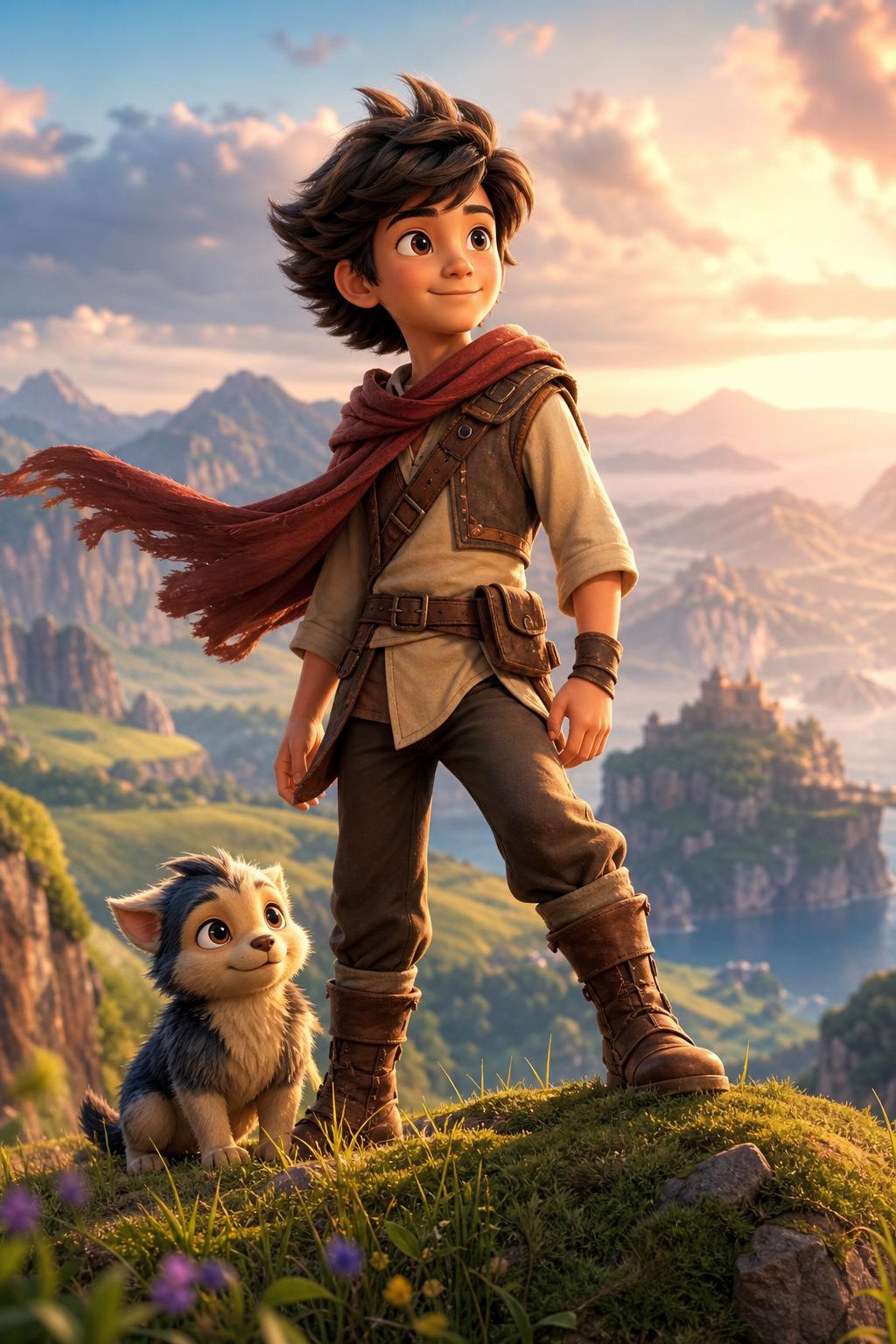
We just added a new art style to YarnSaga — and it's one we've wanted for a long time. Meet 3D Animated Movie: the glossy, heart-warming look of modern CGI features like Pixar and DreamWorks, now available for your own comics and graphic novels. Fully rendered three-dimensional characters, soft cinematic lighting, and richly detailed worlds — the kind of frame that looks like a still from a big-studio film.
Best of all, it's built on a new, higher-quality image engine, so you get that polished feature-film finish while your characters stay recognizably the same from panel to panel.
A panel in the new 3D Animated Movie style.
What is the 3D Animated Movie style?
It's a fully three-dimensional, CGI-rendered look — the visual language that has defined family blockbusters since Toy Story launched it back in 1995. Characters have soft, believable skin, expressive faces built around large warm eyes, and that appealing rounded design that makes them likable on sight. Lighting is cinematic — gentle rim light, soft global illumination, a shallow depth of field with creamy background blur. The palette is bright and inviting. In short: it looks like a movie.
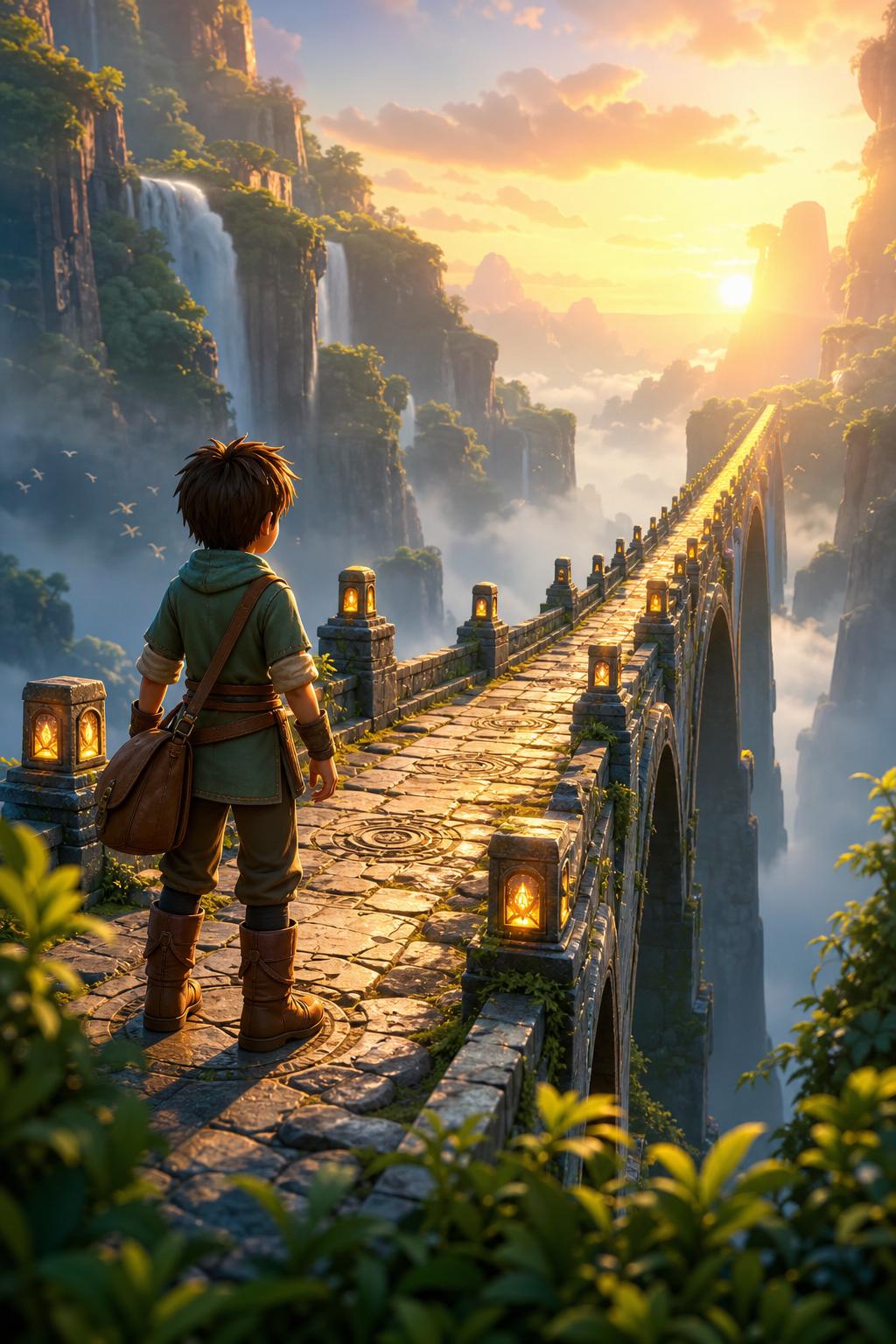
Epic environments render with real depth and scale.
What it's great for
Reach for this style whenever you want your story to feel like a feature film — warm, cinematic, and broadly appealing to readers of any age:
- Family adventures — sweeping quests, plucky heroes, and worlds kids and adults both want to visit.
- Heart-warming, character-driven stories — the expressive faces carry real emotion, so quiet moments land as hard as the big ones.
- Comedy — exaggerated, appealing character design makes visual gags read instantly. (A chubby cat and an over-excited puppy have never looked better.)
- All-ages fantasy — dragons, creatures, and magic with that polished, crowd-pleasing finish.
Not sure a 3D look fits your story? Our guide on how to choose the right art style for your comic walks through matching style to tone and genre.
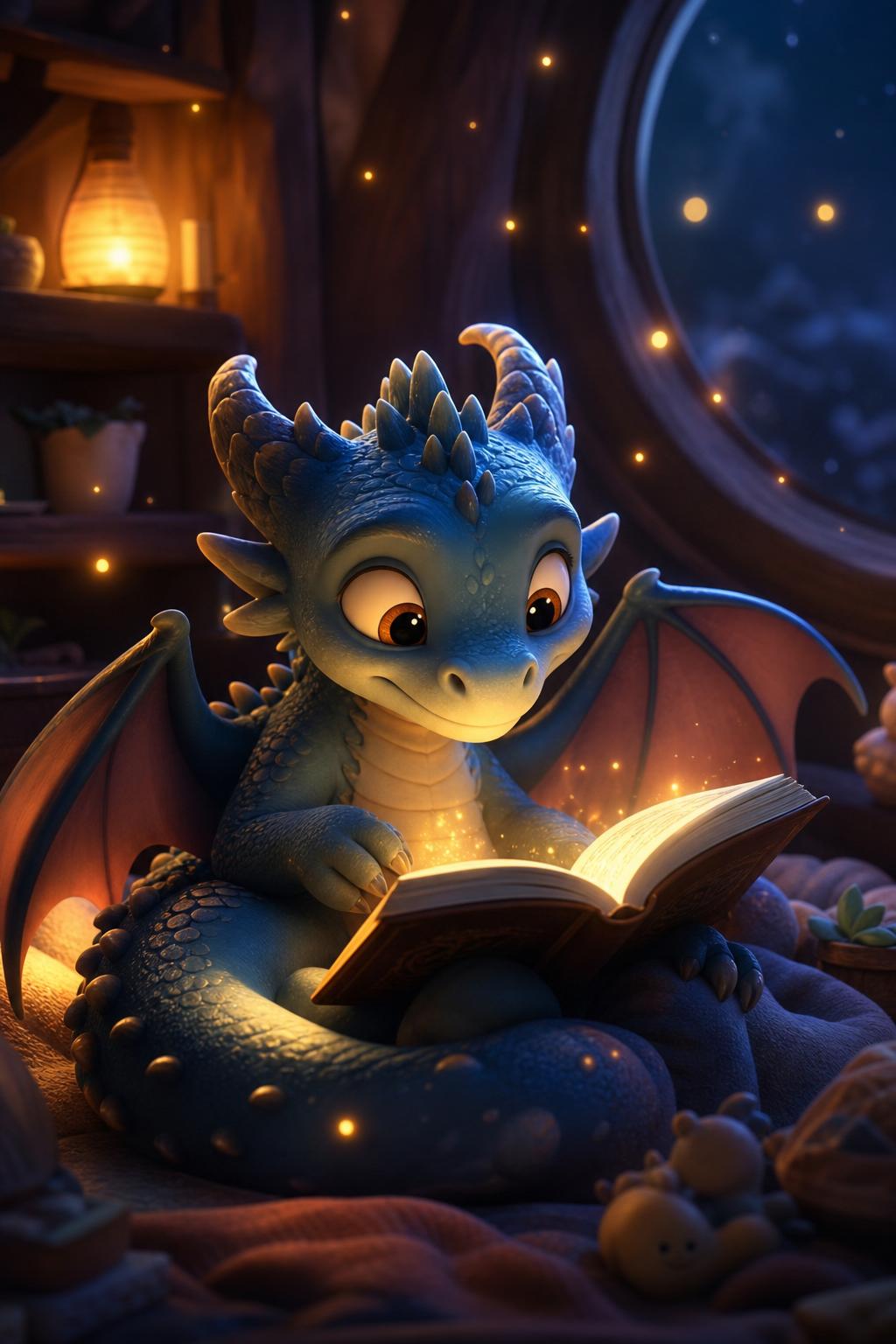
Soft, magical lighting is where this style shines.
Consistent characters, every panel
A great look is only half the battle — a comic falls apart the moment your hero stops looking like your hero. The 3D Animated Movie style runs through the same character-consistency pipeline as the rest of YarnSaga: design your character once, and every panel you generate uses that character sheet as a visual anchor. The same face, the same build, scene after scene. If you're new to this, start with how to keep your AI comic characters consistent across every panel.
How to use it
It's live right now. When you create a new story, pick 3D Animated Movie from the art style list — it's right at the top. Generate your characters, write your scenes, and you'll get feature-film-quality panels out of the box. Brand new to YarnSaga? Our full guide to creating a graphic novel with AI takes you from blank page to finished story.
Want to see more examples first? Browse the 3D Animated Movie style page, or explore the whole art style library.
This is just the start
3D Animated Movie is the first style on our new image engine — and not the last. We're bringing it to more styles and building new ones designed specifically for it, so you'll keep getting better-looking panels across more of the library. Got a style you'd love to see next? Email me — a real person reads every message.
Open the app and start a story in 3D Animated Movie today.
Create your first story — no drawing skills needed
Characters stay consistent across every panel, automatically.
Request Early Access →More Articles
Explore YarnSaga