Your Whole Story as One PDF — and One Engine Behind Every Style
September 19, 2026 · 4 min read
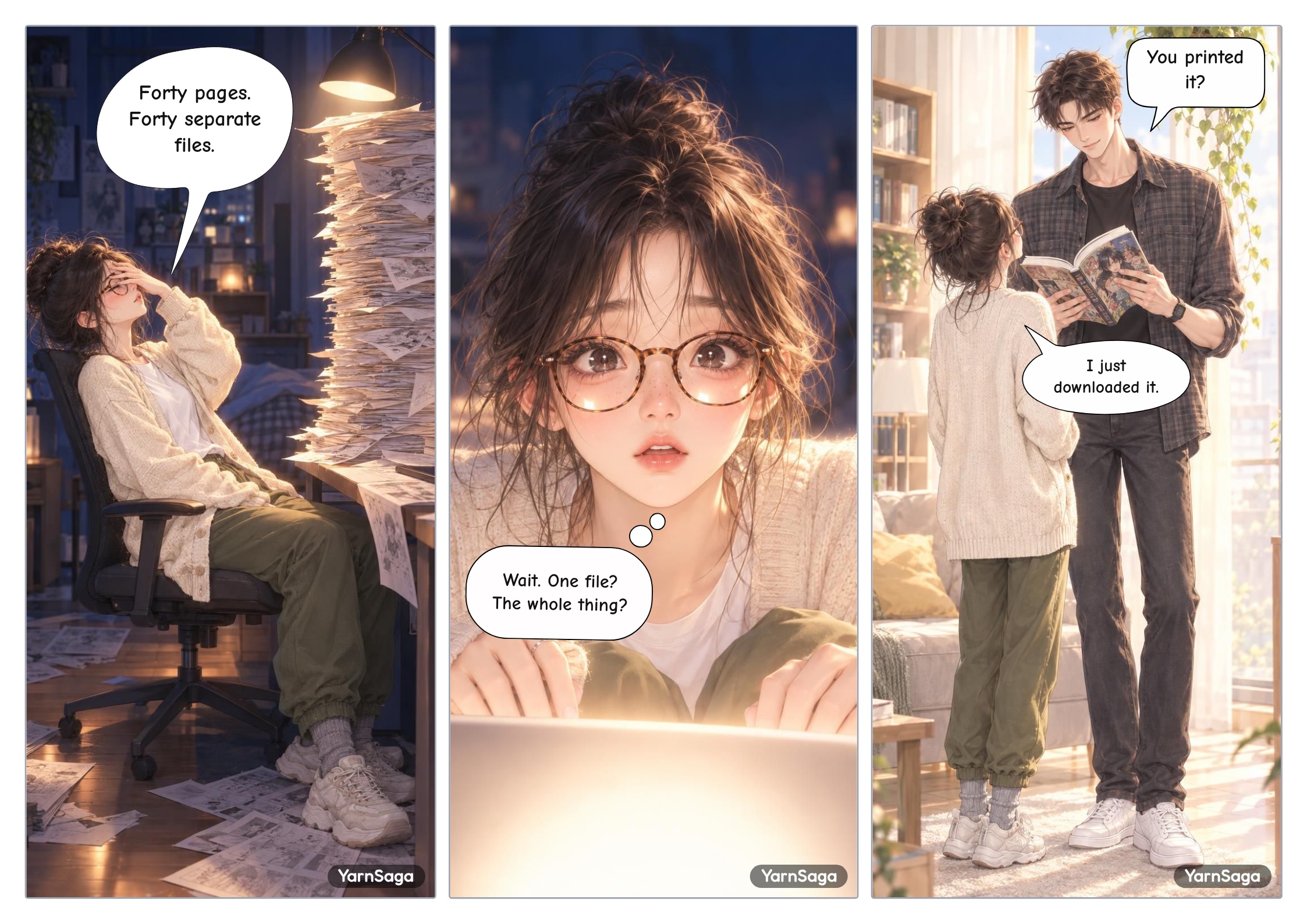
Two things shipped this week, and they point at the same thing: what you get at the end of a story. You can now download your entire story as a single PDF instead of one page at a time — and every art style on YarnSaga now draws on the same image engine, so the book you download holds one look from the cover to the last panel.
Made in YarnSaga, exported as one file.
Download your whole story as one PDF
Until now, export was per page. If you'd made a forty-page graphic novel and wanted to send it to someone, you downloaded forty files and then went looking for something to staple them together with. That was a silly place to leave people after the hard part was done.
Open any story in the editor, hit Export, and the popup now has two halves. This page is what you already know — PDF, PNG or JPG of the page you're looking at. Whole story is the new one: Download book (PDF), which renders your cover and every page into a single file, in order.
- It's free. Building the book doesn't cost credits. It never will — you already paid to generate the art.
- Your cover leads the book, exactly as it looks in the editor.
- Empty pages are skipped. If a page has no art on it at all, it doesn't pad out your book — and we tell you how many pages went in.
- Mixed orientations are fine. A portrait cover on a landscape book stays a portrait sheet; nothing gets stretched to match.
- You can watch it work. Long books take a few minutes, so the editor counts them off — "rendering page 12 of 40" — instead of leaving you staring at a spinner.
Two honest notes. First, a book is a big file: every page is rendered at print resolution, so a long story can run to tens of megabytes. That's the trade for pages you can actually print rather than only post. Second, the book follows the same watermark rule as every other export — if you've removed the watermark on that story, the PDF comes out clean; if you haven't, it carries the same mark your page exports do.
One exception: Quick Story is a single page by design, so there's no book to build — the existing page export already gives you the whole thing.
One engine behind every art style
The second change is underneath the art, and it's the one you'll feel across a long story.
Until now, depending on which style you picked, your panels could be drawn by one of two different image engines. Both are good. They don't draw with the same hand. On a single page that's invisible; across forty pages it's the low hum of wrongness that makes a book feel assembled rather than drawn. Every style now runs on the same, newer engine — which also means faster panels.
Alongside it, a subtler fix. A style used to be able to show the model a few finished illustrations of itself as examples. The trouble is that a finished illustration has its own people, objects and framing baked into it, and pieces of those were quietly turning up in panels where they had no business being. Every style now describes itself in words instead. The clearest case was Retro Comic, which kept printing a papery cream border into the artwork — a second frame sitting inside the one your page already had. That's gone.
If you want to see what each style actually looks like now, they're all on the styles page.
Why these two belong in the same post
Because a book is the thing that exposes inconsistency. A panel can carry a small wobble and nobody notices. Put two hundred panels in one file, hand it to somebody, and watch them turn the pages — that's where a face that drifts, or a border that appears on page nine and nowhere else, stops being a detail and starts being the reason they put it down.
Making the output a single book and making the rendering hold one line are the same job approached from both ends.
Pages you've already generated are untouched. Nothing was reprocessed or overwritten behind your back — the engine change applies to art you make from here on, and your existing stories export into a book exactly as they already look.
Try it on something you've already finished
That's the fastest way to see the point. Open a story you called done weeks ago, hit Export, and pull the whole thing down as one file. It reads differently when it's a book.
If you haven't started one yet, open the editor — and the pricing page has the credit packs, no subscription.
Create your first story — no drawing skills needed
Characters stay consistent across every panel, automatically.
Request Early Access →More Articles
Explore YarnSaga