Panels That Hold Together: A Consistency Update
September 3, 2026 · 4 min read
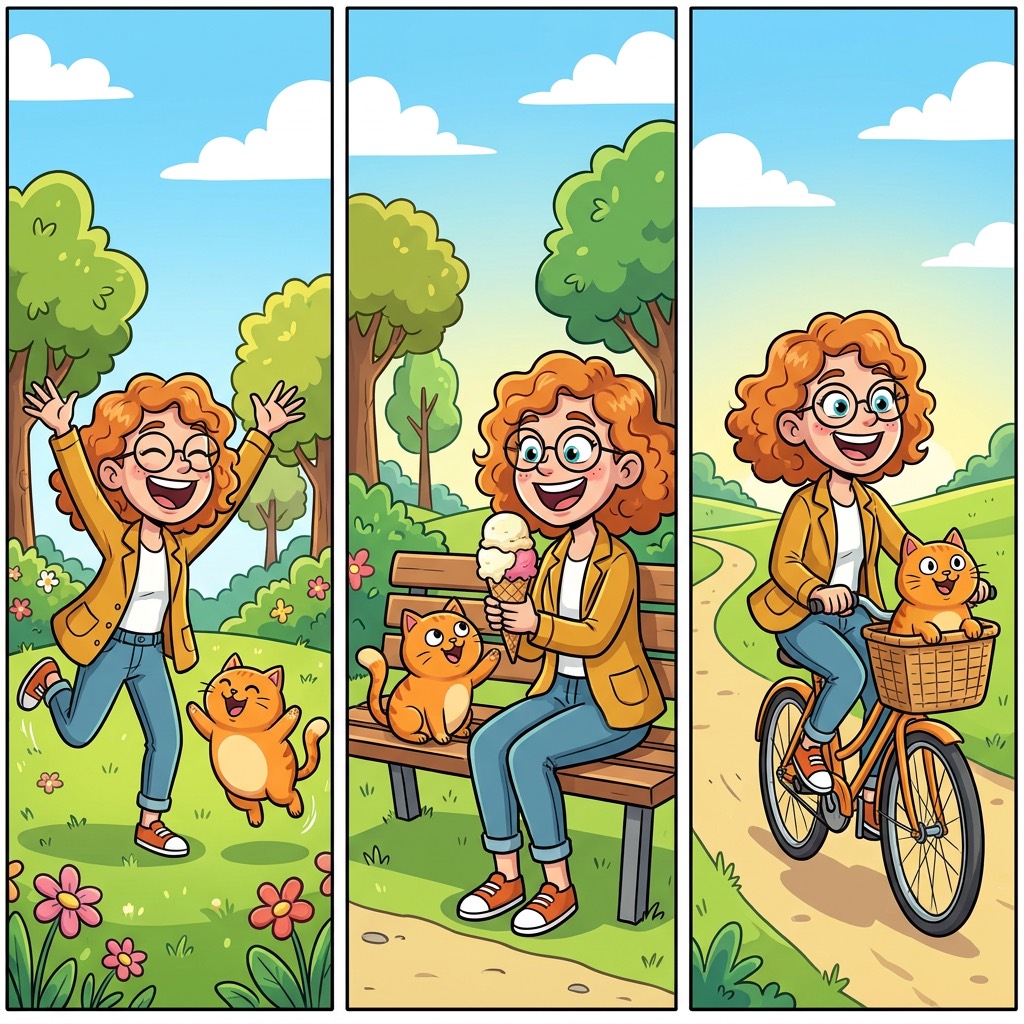
There's an update live in YarnSaga right now, and you don't have to switch anything on to get it. It's already running for every story, every art style, and every page you generate from here on.
The short version: your pages hold together better than they did last week.
Why we spent the week on this
A comic isn't a collection of pictures. It's one world, seen from different angles, page after page. The moment a reader has to stop and ask "wait, is that the same person? the same room? the same book?", the story stops working — not because any single panel was bad, but because the panels stopped agreeing with each other.
That agreement is the thing we care most about, and it's the part of AI art that's genuinely hard. This update is a straight push on it.
Your cast, your things, your world
Characters have always been the headline problem, and we've chipped away at them for months — richer character sheets were a big step, and the workflow for pinning a character to a scene was another.
But a story is more than its people. It's a cat with a particular face. A car. A locket. A coffee shop you'll come back to in chapter four. When you take the trouble to define one of those, it should turn up looking like itself every time it appears — not like a fresh guess at your description.
That's a good part of what changed. The things you define now carry more of their own identity from panel to panel, the same way your characters do.
The quiet panels count too
Every book has them: the establishing shot of the city. The close-up on a phone screen. An empty room, a wall, a hand-written note. Nobody in frame, but they carry the pacing — and if they don't look like they came out of the same book as everything else, the reader feels it even if they can't name it.
Those panels got noticeably steadier in this update. A page with nobody in it now sits in the same visual world as the pages with your cast in them. Whichever style you've chosen — Modern Cinematic, Manga, Noir or any of the others — it should now stay put across the whole book instead of loosening its grip whenever a panel goes quiet.
What this means in practice
Fewer regenerations. That's the honest measure of a change like this, and it's the one worth watching for yourself: how many times you hit generate before a panel is good enough to keep. If we did this right, that number goes down — most visibly on the panels that used to be the most frustrating ones.
For anyone working on something long — an indie book, a novel you're adapting — that compounds. Consistency isn't only about how a single page looks. It's about whether page 40 still belongs to the same book as page 4.
What to do now
Nothing to install and nothing to enable. But there is one thing worth doing: go back to the panels that annoyed you. The one you gave up on. The object that never came out right. Regenerate a few of them and see what you get now.
And then tell us. Honestly — better, worse, or no different. We read everything, and specific reports from people making real books are worth more to us than any amount of internal testing. Every improvement we've shipped this year started with someone taking the time to say exactly what was wrong.
Open the app and try a page. And if something still isn't holding together, email me — a real person reads every message.
Create your first story — no drawing skills needed
Characters stay consistent across every panel, automatically.
Request Early Access →More Articles
Explore YarnSaga